
 English
  Français
 Español
Industry News
MENU

Content
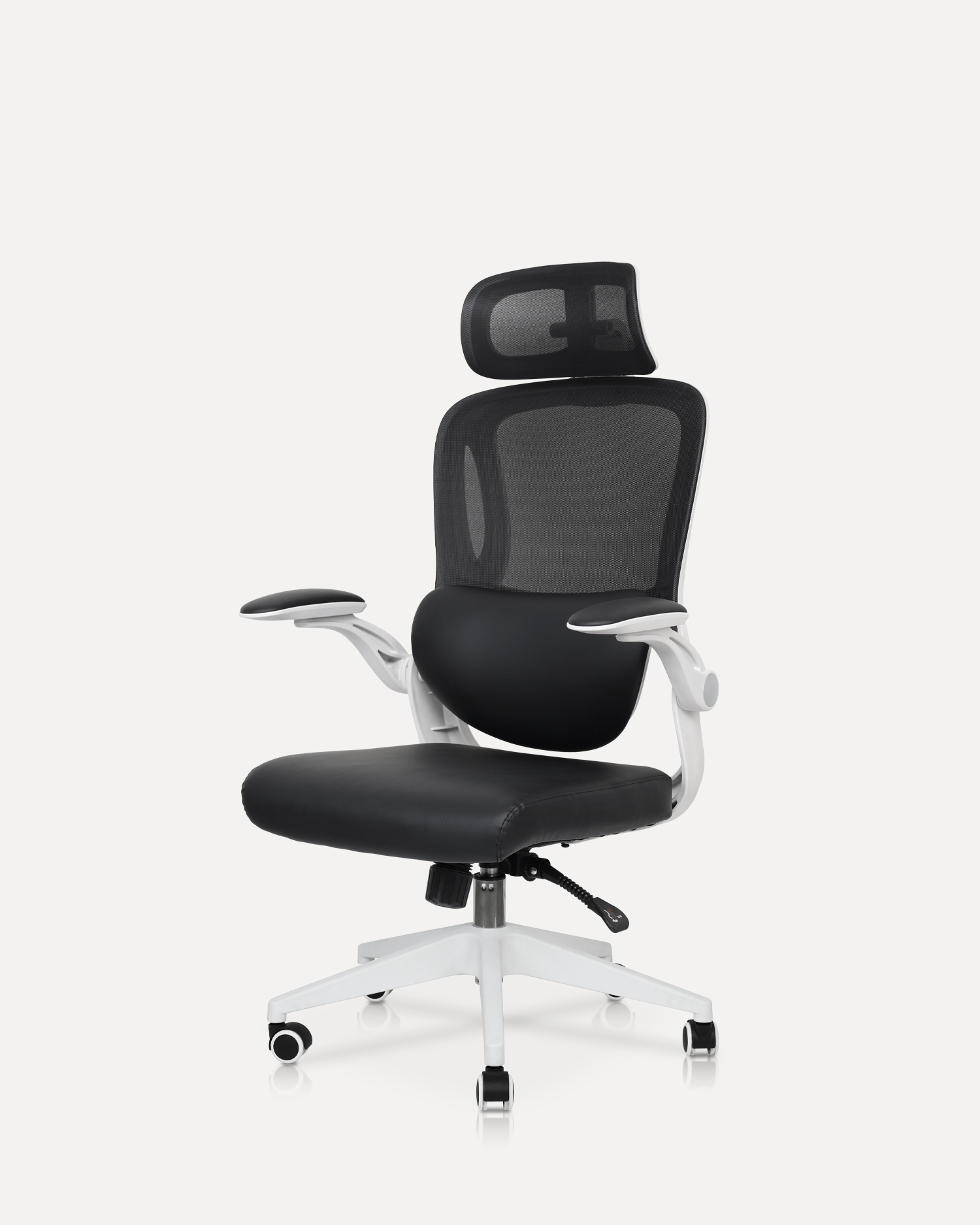
An ergonomic computer chair is more than just a comfortable place to sit; it is a critical tool designed to support the body in a neutral, stable, and healthy posture during prolonged periods of sitting. The fundamental goal of ergonomic design is to minimize stress on the spine, joints, and muscles, thereby reducing the risk of musculoskeletal disorders like carpal tunnel syndrome, chronic back pain, and neck strain. A truly ergonomic chair is highly adjustable, allowing it to be customized to the unique anthropometrics of the user, ensuring the body's natural curves are supported and circulation remains unimpeded. Ignoring proper seating can lead to long-term health issues that severely impact productivity and quality of life.
The ability to fine-tune a chair's settings is what separates a standard office chair from a genuinely ergonomic one. These adjustments are essential for achieving the recommended 90-100 degree angle at the hips and knees, and ensuring the feet are flat on the floor or a footrest. [Image of proper ergonomic seating posture] The following features are non-negotiable for maximizing comfort and minimizing strain.
The seat height should be easily adjustable to allow the user's feet to rest flat on the floor, keeping the thighs parallel to the ground. Crucially, a good chair must also offer seat depth adjustment, often called a sliding seat pan. This feature ensures there are approximately 2-4 fingers-width of space between the back of the knees and the edge of the seat. This gap is vital for preventing pressure on the veins and nerves behind the knees, which can restrict blood flow and cause discomfort or swelling.
The lower back, or lumbar region, naturally curves inward. When sitting, this curve tends to flatten, putting undue pressure on the spine's discs. Effective lumbar support fills this natural curve, maintaining the spine's 'S' shape. The best ergonomic chairs offer dynamic, multi-dimensional lumbar support that can be adjusted vertically (up and down) to fit the user's specific curve location and horizontally (in and out) to control the depth of the support.
While often overlooked, the design and adjustability of the armrests and headrest play a crucial role in preventing strain in the upper body and neck. Proper support in these areas can significantly mitigate common issues associated with desk work.
Armrests should be adjustable in at least four directions (often called 4D): height, width, depth, and pivot angle. The ideal setting is one that allows the user's elbows to rest at a 90-degree angle with the shoulders relaxed and the forearms parallel to the floor, level with the desk surface. Armrests should allow the user to pull the chair close to the desk, ensuring the keyboard and mouse are within easy reach without having to lean forward or strain the shoulders. Using armrests correctly reduces the load on the neck and shoulder muscles by up to 10%.
A good headrest is beneficial, particularly for users who frequently recline or take phone calls. It should support the base of the skull and be adjustable for both height and angle. The upper back of the chair should be high enough to support the entire back up to the shoulders. Most quality ergonomic chairs include a tilt or recline mechanism with a tension control knob, allowing the user to rock back securely while maintaining full spinal support. This feature encourages movement and helps shift posture, a key component of dynamic sitting.
The materials used in an ergonomic chair contribute significantly to both comfort and durability. Making a thoughtful choice here ensures the investment lasts for years and supports healthy working habits.
Modern ergonomic chairs commonly feature either high-density foam with fabric or leather upholstery, or a breathable, suspended mesh material. Mesh seating is highly favored for long hours of use as it promotes excellent airflow, preventing heat and moisture buildup—a phenomenon often referred to as 'perineal sweating' or discomfort. High-quality mesh also conforms well to the body, providing more generalized support. Conversely, if foam is chosen, it must be high-density, molded foam to ensure it doesn't compress and lose its supportive properties within a short period.
When evaluating a potential ergonomic chair, check for these critical elements to ensure you are selecting a high-value product:
This table summarizes the main difference between a standard office chair and a truly ergonomic computer chair, highlighting why the investment is worthwhile for long-term health.
| Feature | Standard Office Chair | Ergonomic Computer Chair |
| Lumbar Support | Fixed or none, often a slight curve in the backrest. | Adjustable height and depth for precise support of the natural spine curve. |
| Armrests | Fixed height and width, often too high or too low. | Multi-directional (4D) adjustable height, width, depth, and pivot. |
| Seat Depth | Fixed, often leading to improper knee clearance or insufficient thigh support. | Adjustable slide mechanism to accommodate different leg lengths. |
| Seating Material | Low-density foam that quickly compresses and retains heat. | High-density molded foam or highly breathable, supportive mesh. |
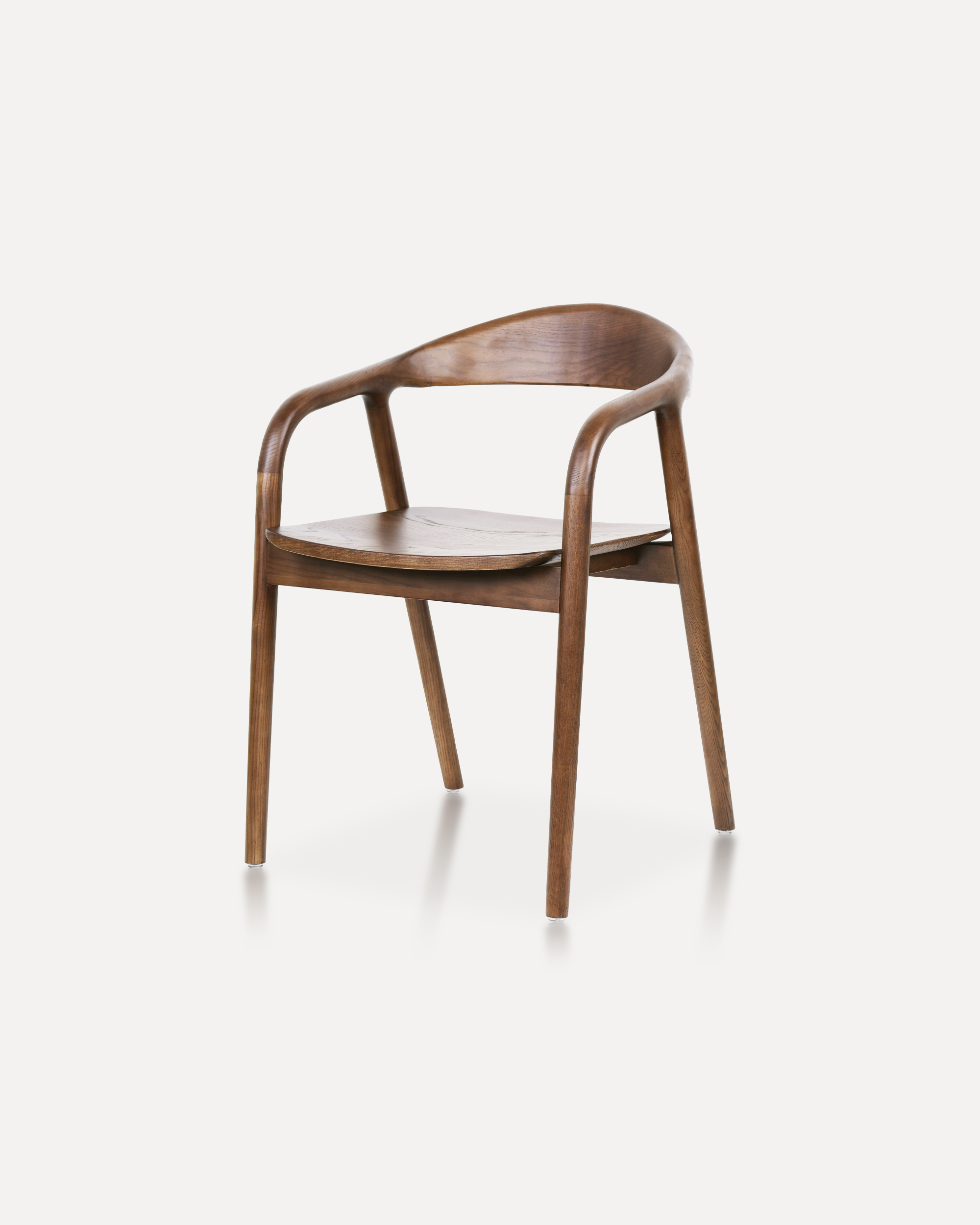
Crafted entirely from solid ash wood, this chair embodies a refined balance of ...
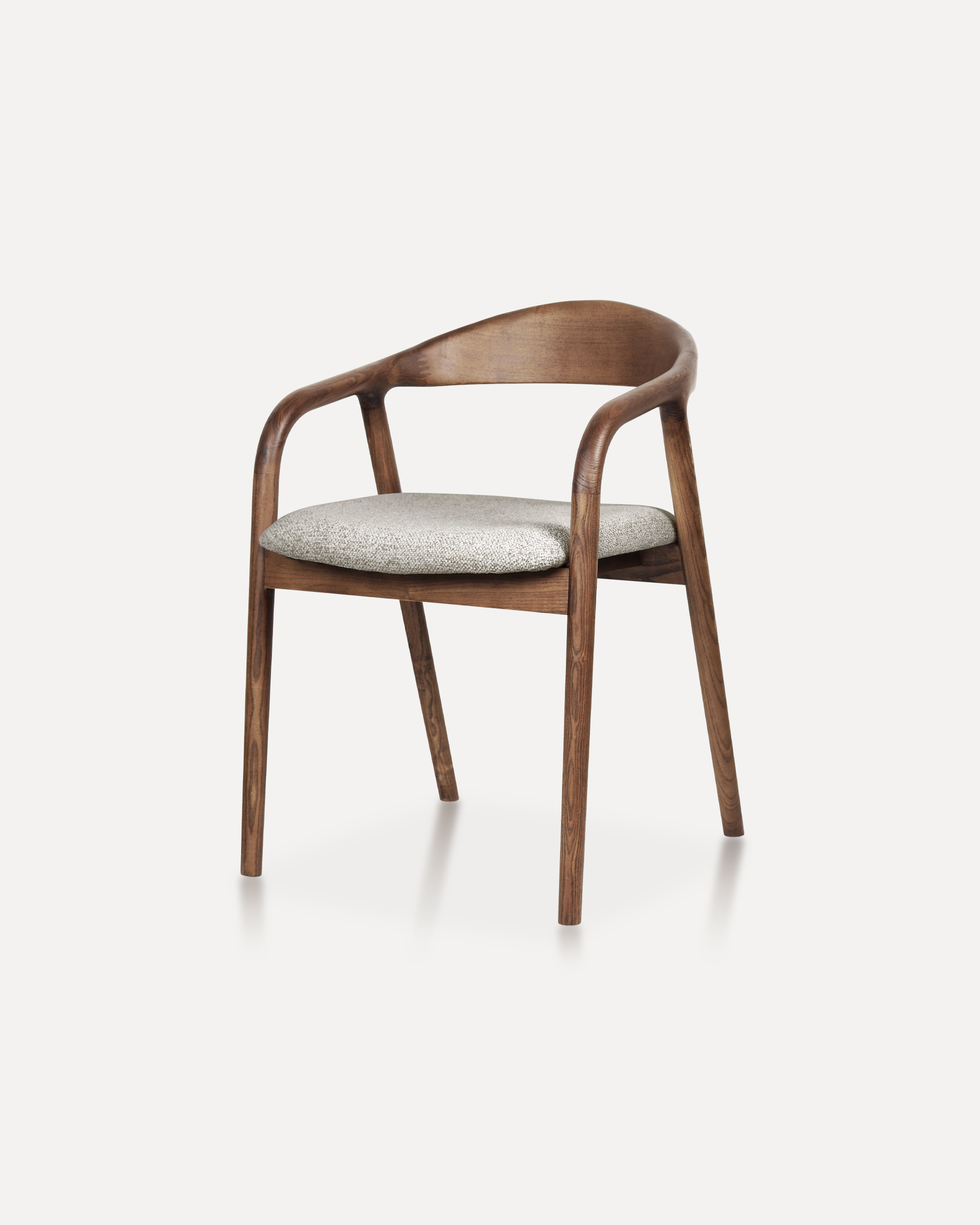
Showcases a refined silhouette with smooth, curved armrests and a gently rounde...
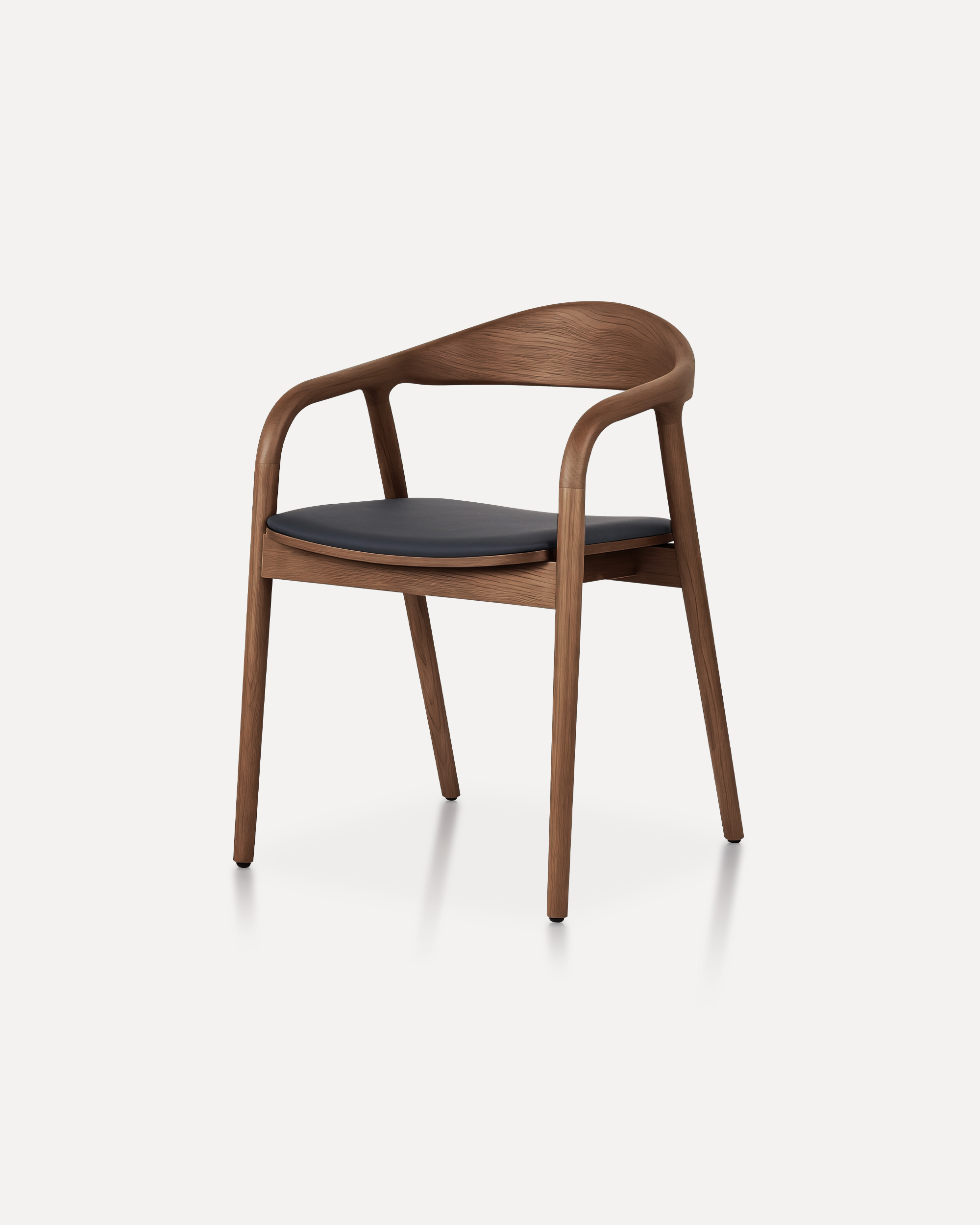
A masterclass in refined joinery and organic geometry, the Arc Chair features a...
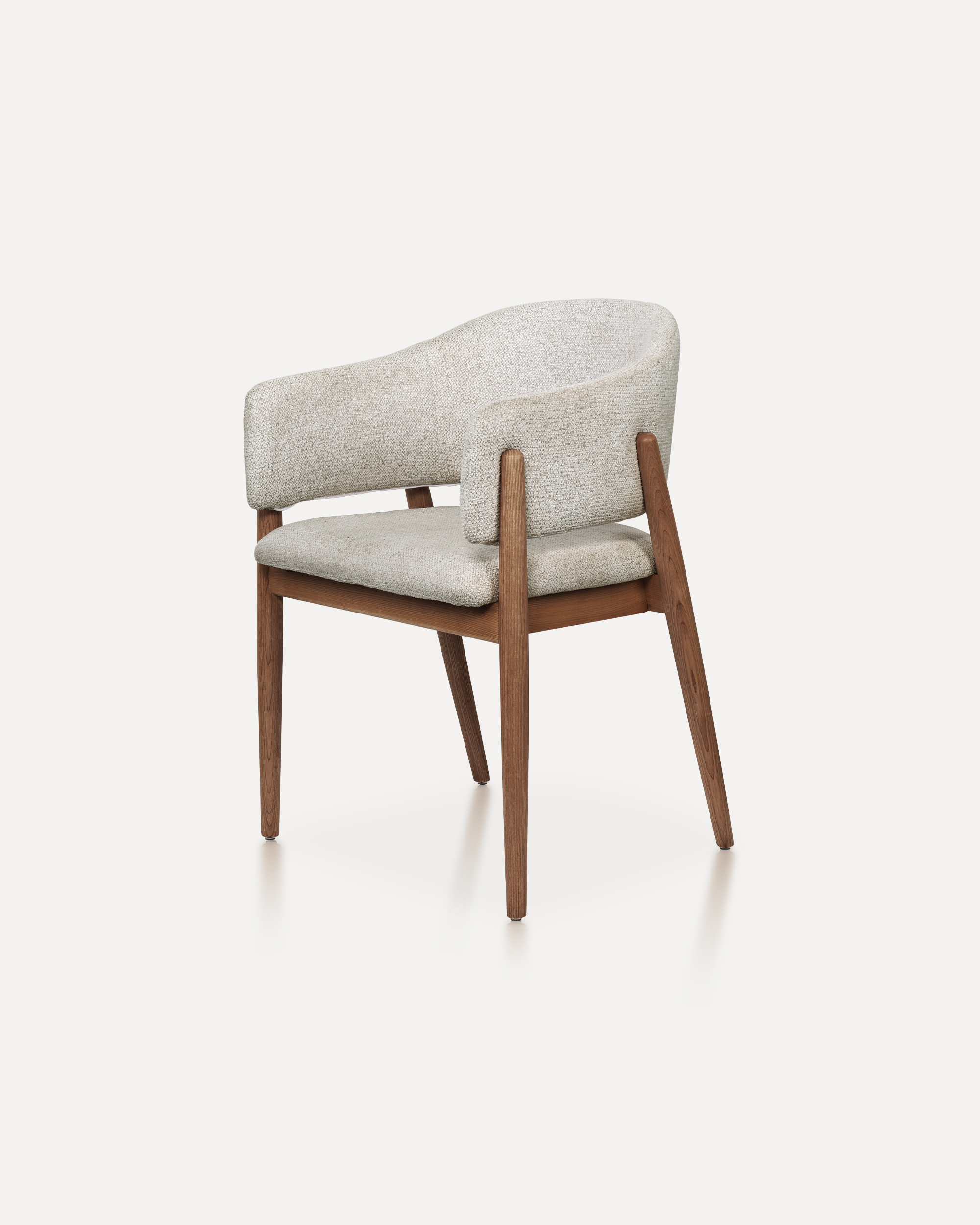
With its refined proportions and welcoming form, this chair brings quiet sophis...
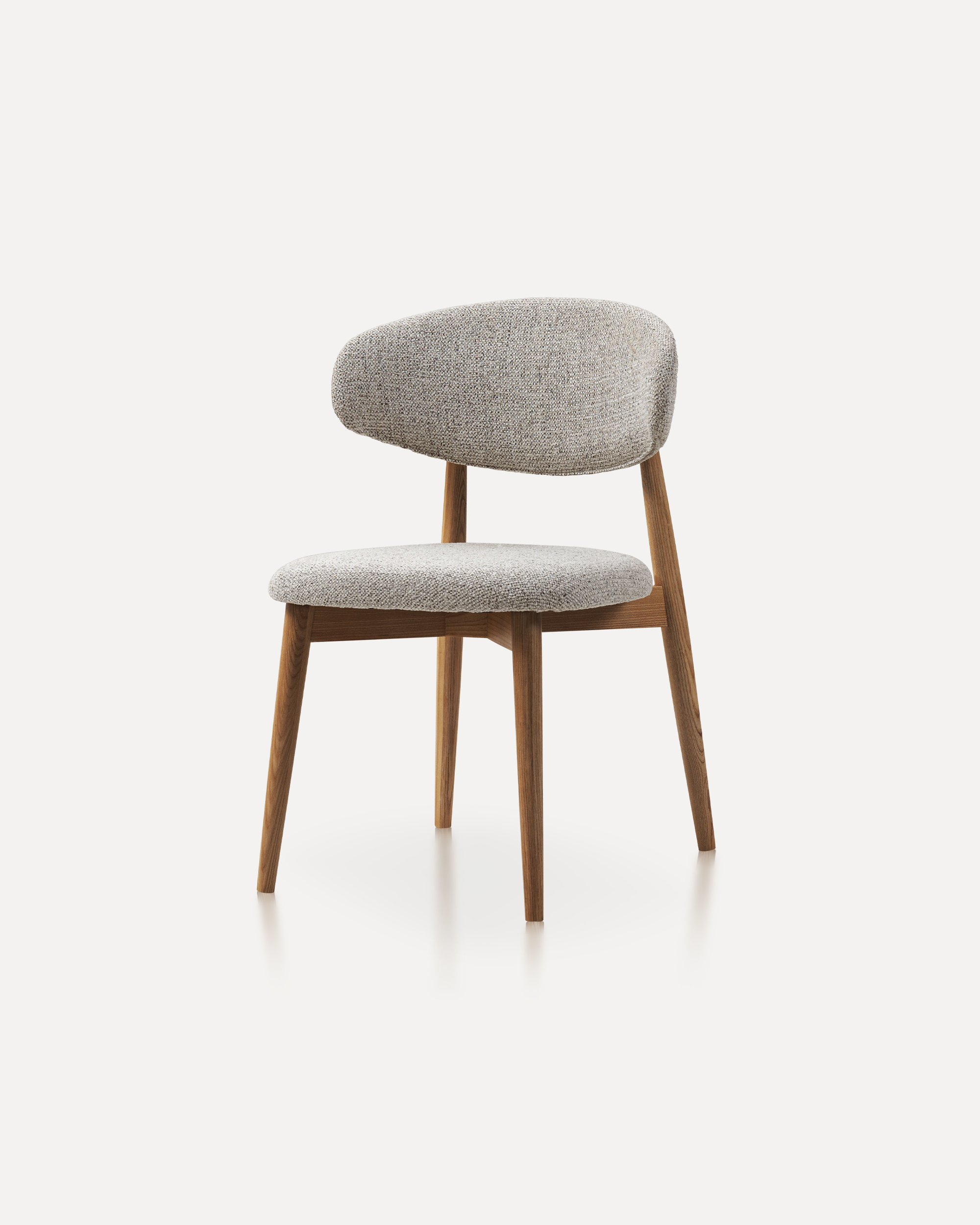
This wooden chair is a classic furniture piece that exudes warmth, durability, ...
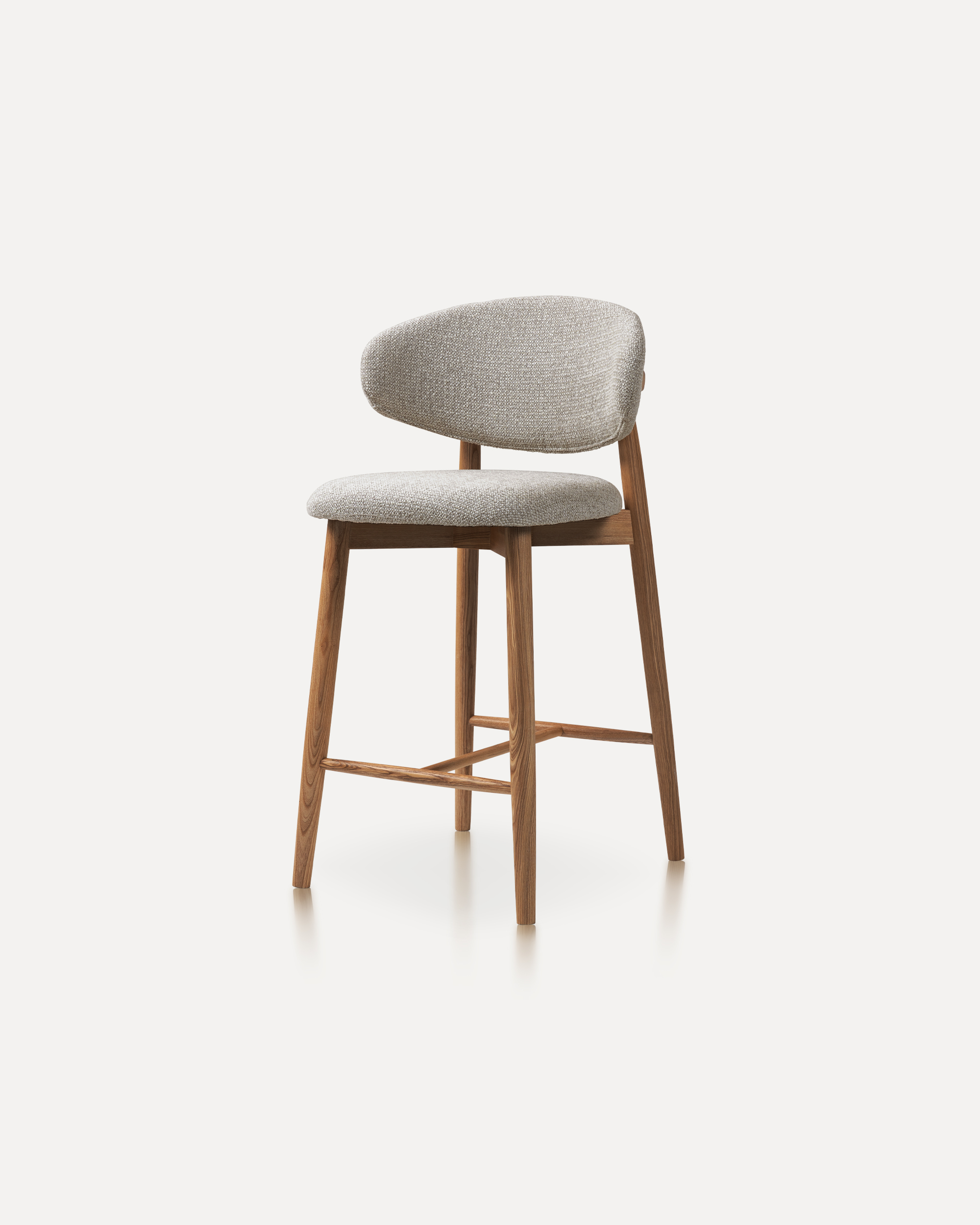
Our Wood Bar Stools are the perfect addition to any high-top table or bar setti...
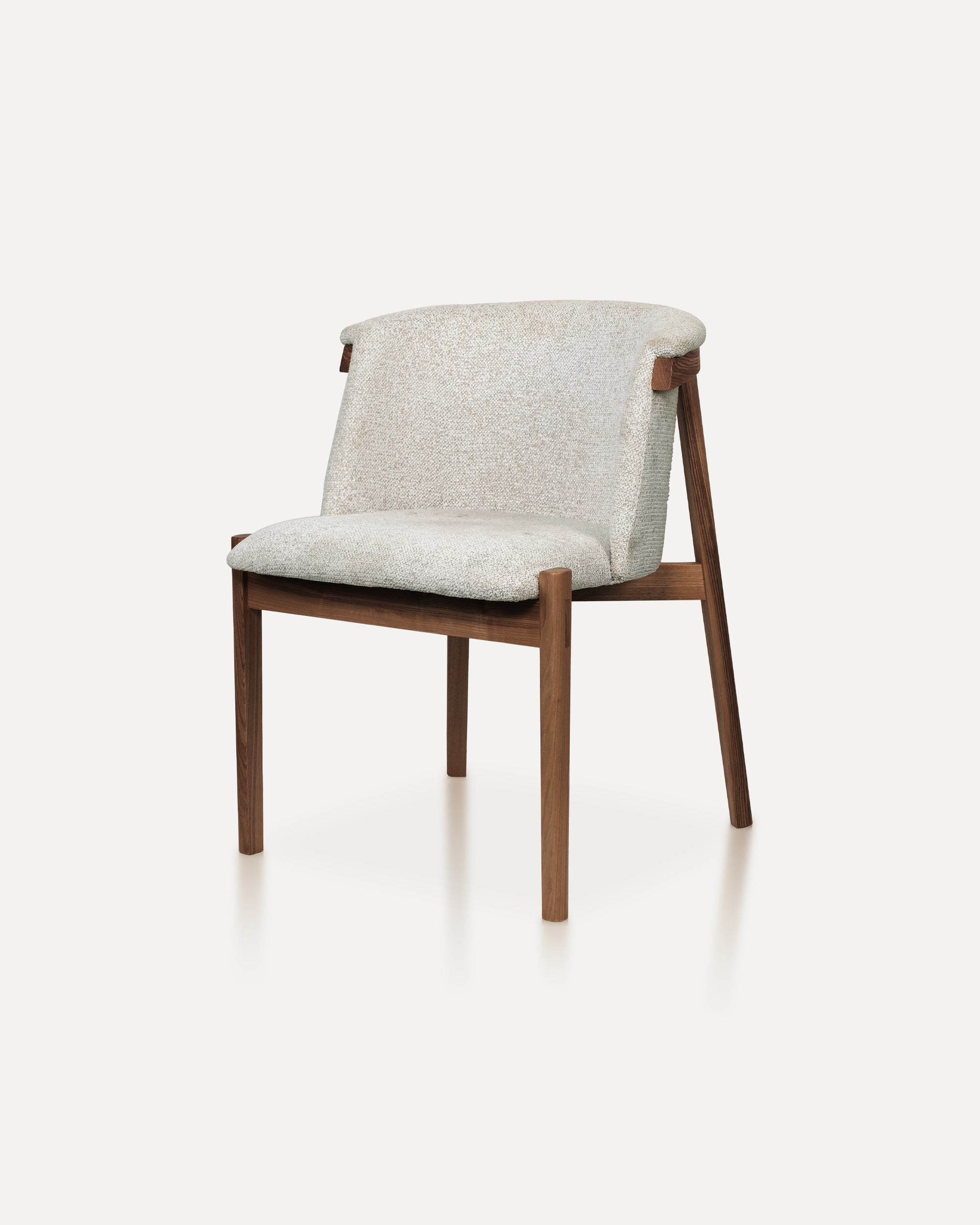
Bring natural elegance into your home with this finely crafted chair. The desig...
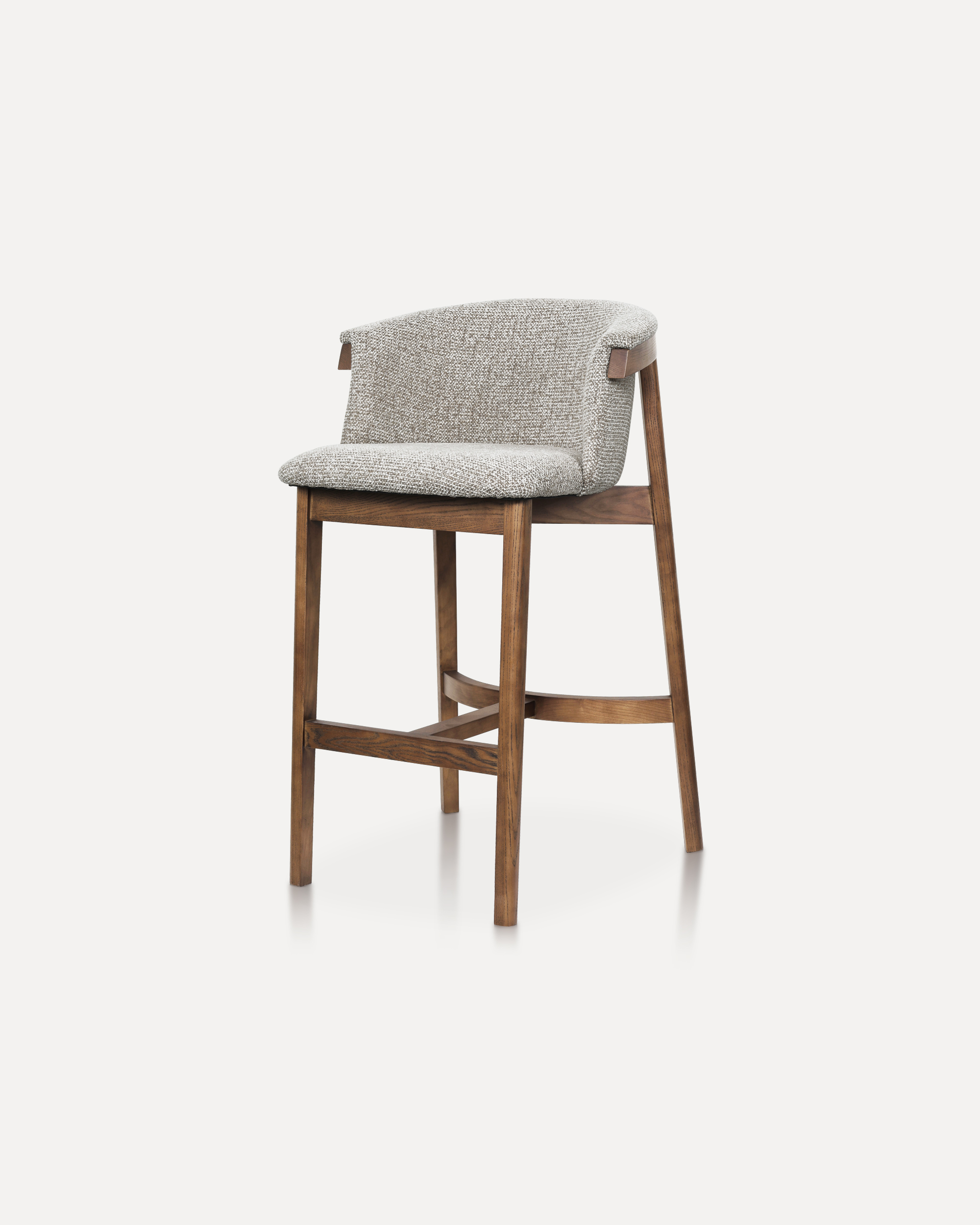
This sophisticated bar chair elevates any counter or high-top setting with its ...
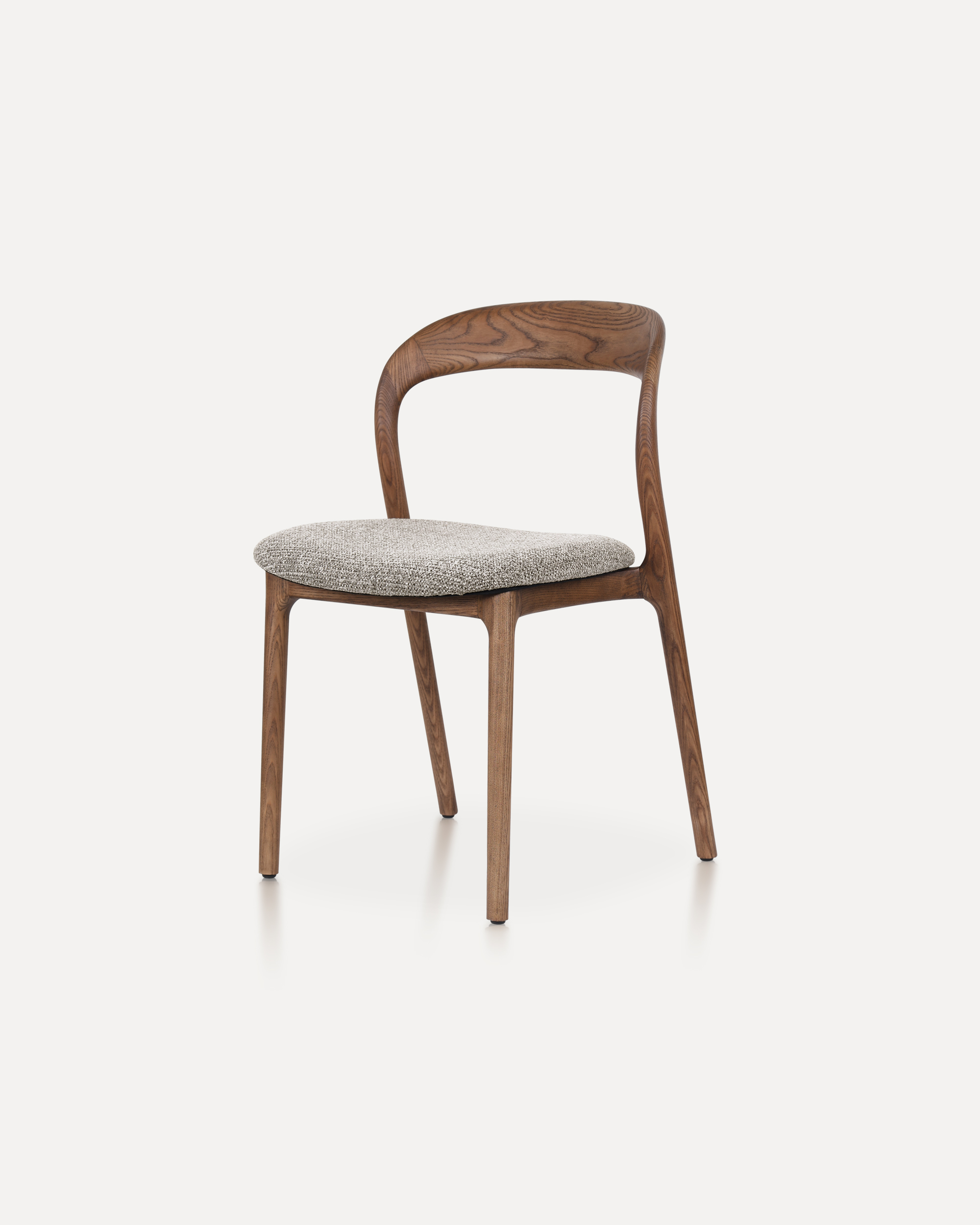
The Echo Chair is crafted from solid ashwood, featuring a unified back-and-arm ...
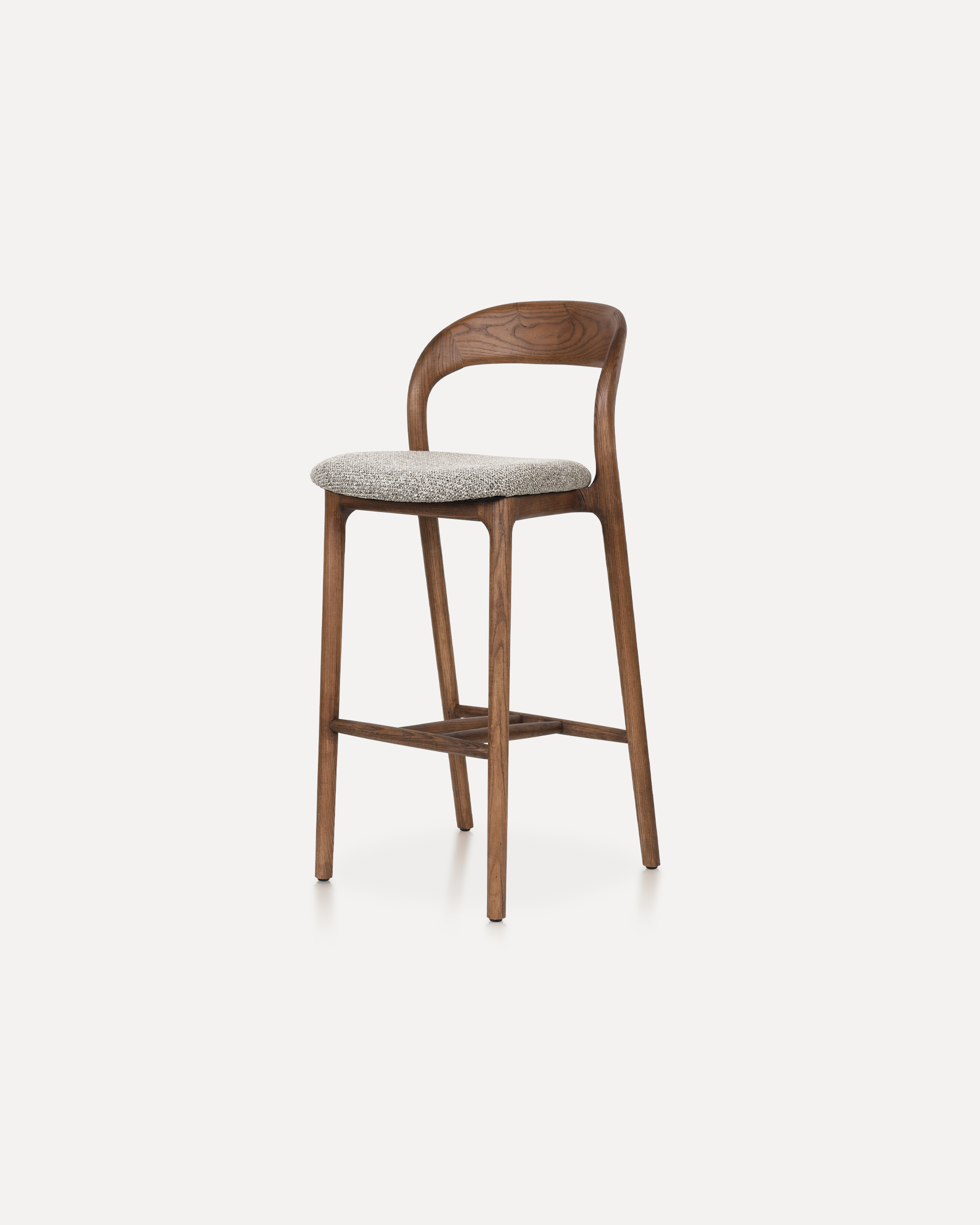
This Bar Chair is a counter-height seating solution crafted from solid ashwood ...
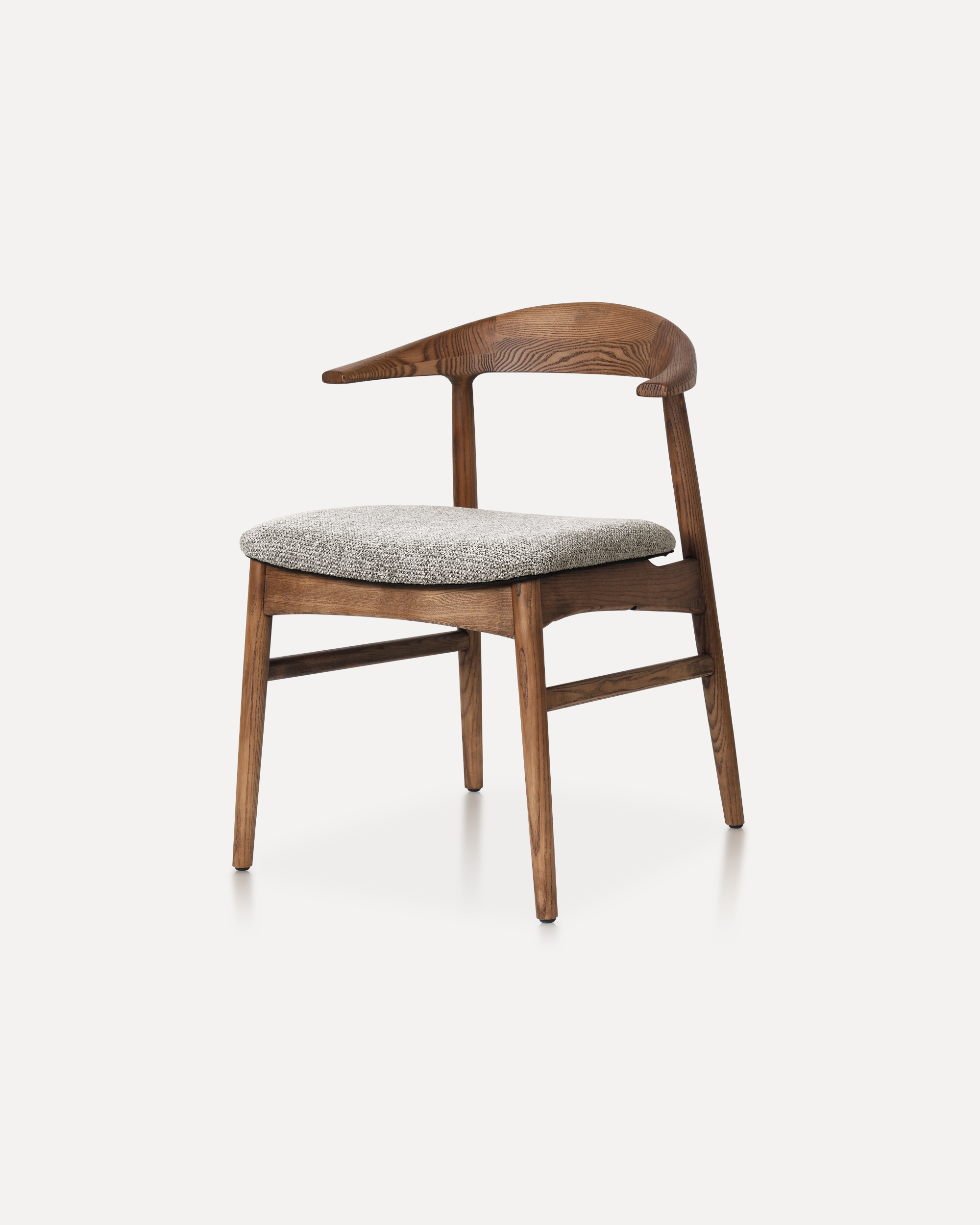
The Horizon Chair reinterprets mid-century warmth for today’s refined interiors...
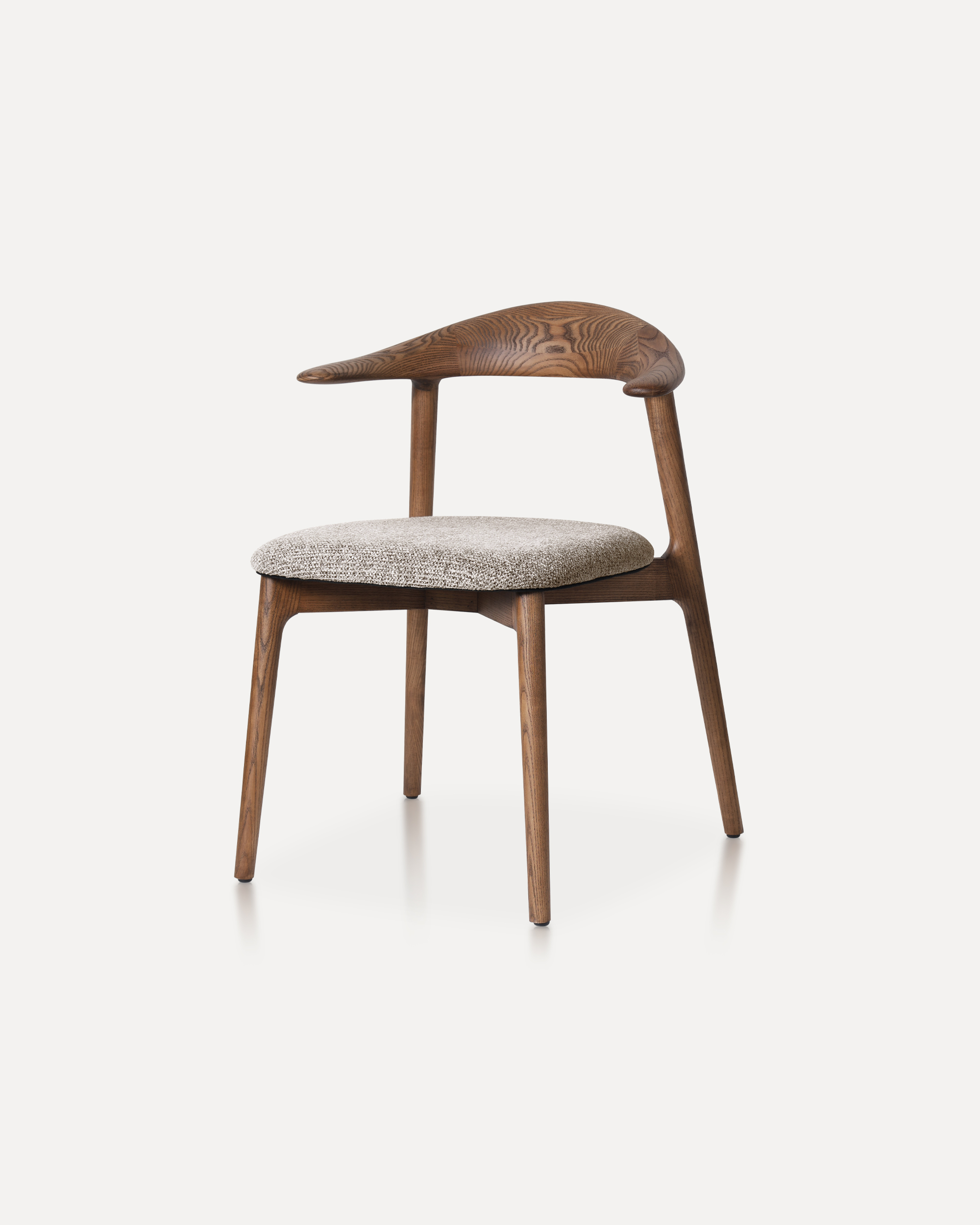
This classic features a striking, organic backrest carved from a single slab of...