
 English
  Français
 Español
Industry News
MENU

Content
If you spend more than six hours a day sitting at a desk, your chair is doing more work than almost any other piece of furniture you own. A comfortable ergonomic chair isn't a luxury item — it's a tool that protects your spine, keeps your circulation healthy, and helps you stay focused instead of shifting around trying to find a bearable position. Cheap, flat chairs might feel fine for the first hour, but by the afternoon your lower back starts to ache, your shoulders round forward, and your legs go numb. A well-designed ergonomic chair is built to prevent exactly that, distributing your body weight evenly and supporting the natural curve of your spine so you can sit for hours without paying for it later.
The good news is that finding a comfortable ergonomic chair doesn't require guesswork once you know what to look for. Below, we break down the features that actually matter, how to adjust a chair correctly, and the common mistakes people make when shopping for one.
Not every chair labeled "ergonomic" actually delivers on comfort. Manufacturers slap the word on packaging because it sells, but true ergonomic design depends on a handful of specific, adjustable features. Here's what separates a genuinely comfortable ergonomic chair from a chair that just looks the part.
Your lower spine curves inward naturally, and a chair without proper lumbar support forces that curve to flatten, straining the muscles around it. Look for a chair where the lumbar support can move up, down, or in depth so it matches your exact spine curve rather than a generic average.
A seat that's too deep presses into the back of your knees, cutting off circulation, while a seat that's too shallow leaves your thighs unsupported. The best comfortable ergonomic chairs let you slide the seat pan forward or backward and raise or lower the height so your feet rest flat on the floor with knees at roughly a 90-degree angle.
Mesh backs are popular for a reason — they allow airflow and prevent the sweaty-back feeling that comes from sitting on foam or leather for hours. Some people prefer cushioned foam for a plusher feel, but mesh tends to win out for long workdays in warmer climates.
Armrests that adjust in height, width, and pivot angle let your shoulders relax instead of hunching up or spreading out. This small detail has a big impact on neck and shoulder tension by the end of the day.
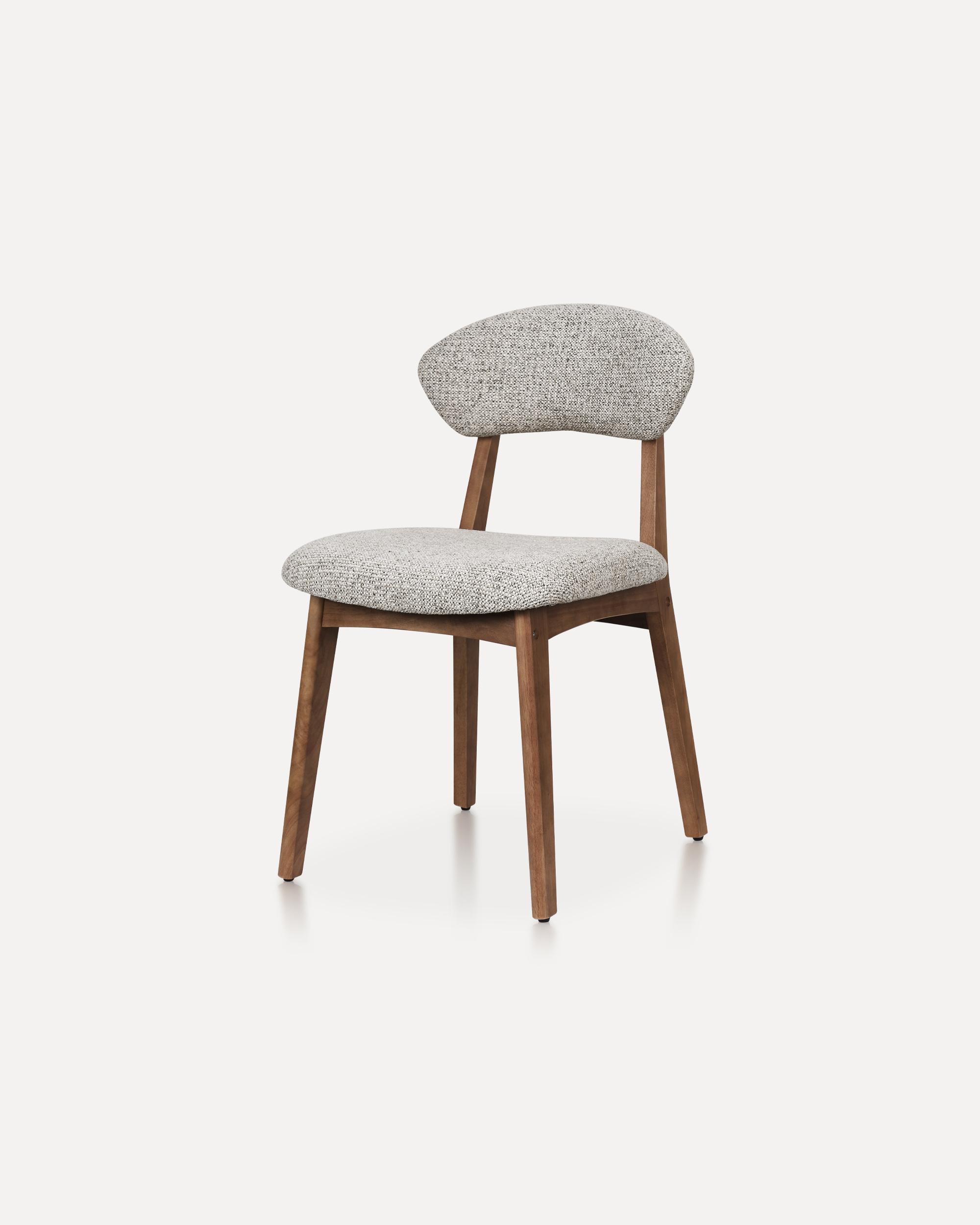
Not all ergonomic chairs are built the same way, and the right choice often depends on your body type, work style, and budget. The table below compares four common categories to help you narrow down your options.
| Chair Type | Best For | Price Range | Key Strength |
| Mesh-Back Task Chair | Warm climates, long hours | $150–$400 | Breathability |
| High-End Executive Chair | Premium comfort seekers | $500–$1,500 | Deep cushioning, full adjustability |
| Kneeling Chair | Posture-focused users | $100–$300 | Encourages spine alignment |
| Budget Ergonomic Chair | Students, home offices | $80–$180 | Affordable basic support |
Buying a great chair is only half the job — most people never adjust it properly, which means they miss out on the comfort they paid for. Follow these steps to set up your chair correctly.
Even a high-quality comfortable ergonomic chair can feel wrong if it's set up poorly or paired with bad habits. Here are the mistakes that undo all that ergonomic engineering.
A sleek chair that looks great in photos won't help if it doesn't match your height or weight range. Always check the manufacturer's recommended user height and weight before buying.
Many people leave their chair on factory settings for years. Revisit your adjustments every few months, especially after weight changes or switching desks.
Even the most comfortable ergonomic chair can't fully offset hours of complete stillness. Stand up, stretch, or walk for a few minutes every 45 to 60 minutes to keep blood flowing and muscles loose.
Chairs wear out even when they don't look broken. Watch for these warning signs that your current chair is no longer doing its job.
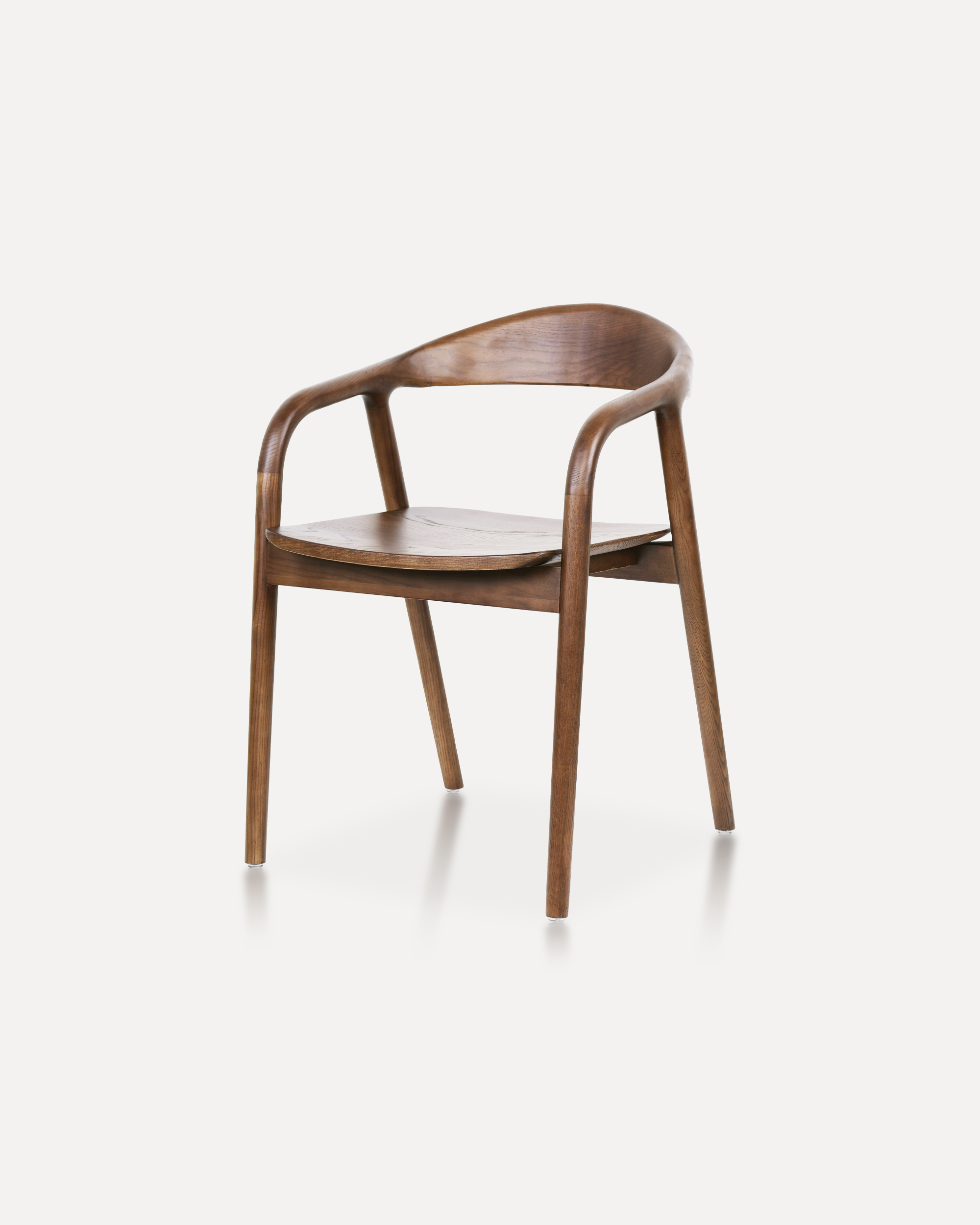
Crafted entirely from solid ash wood, this chair embodies a refined balance of ...
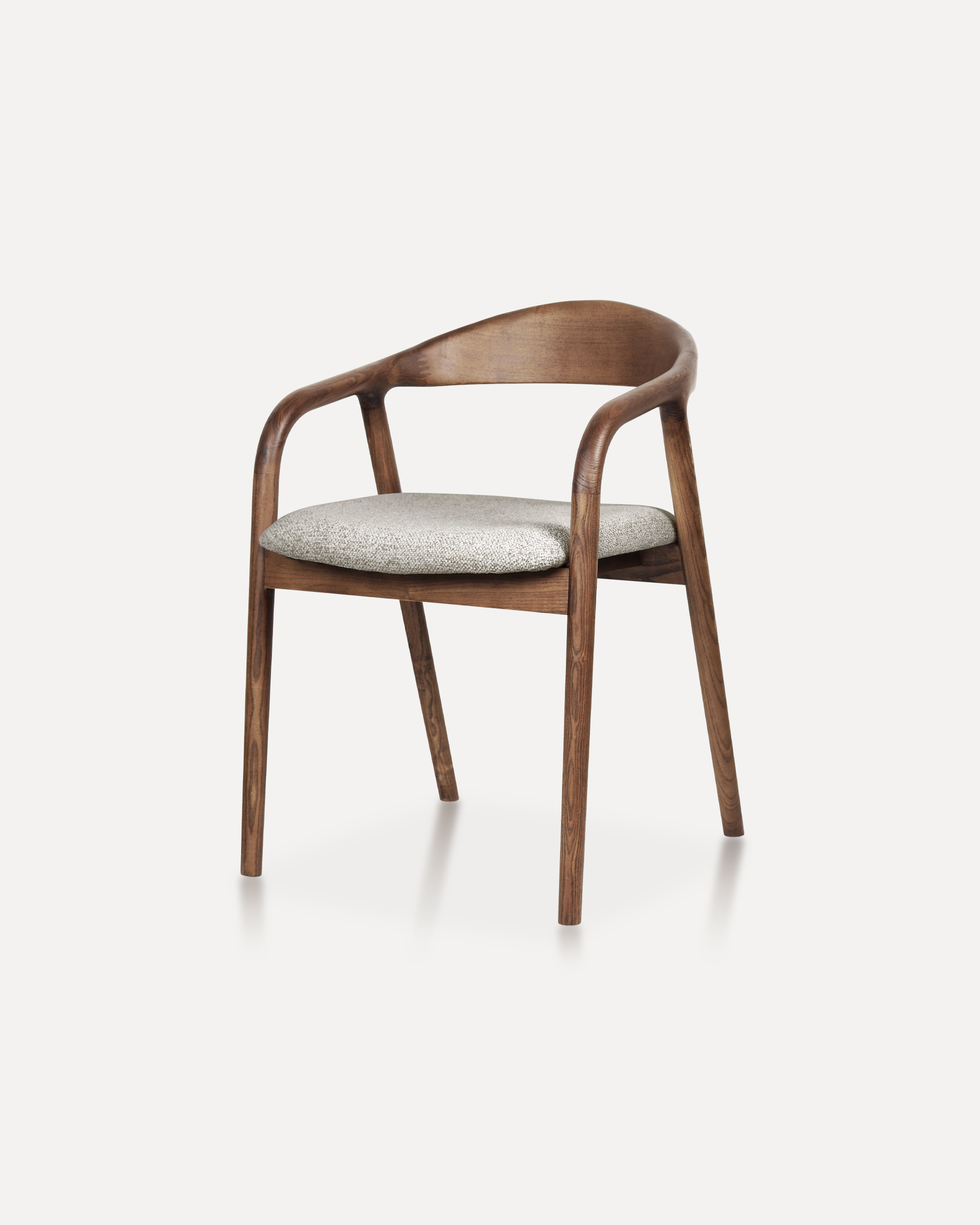
Showcases a refined silhouette with smooth, curved armrests and a gently rounde...
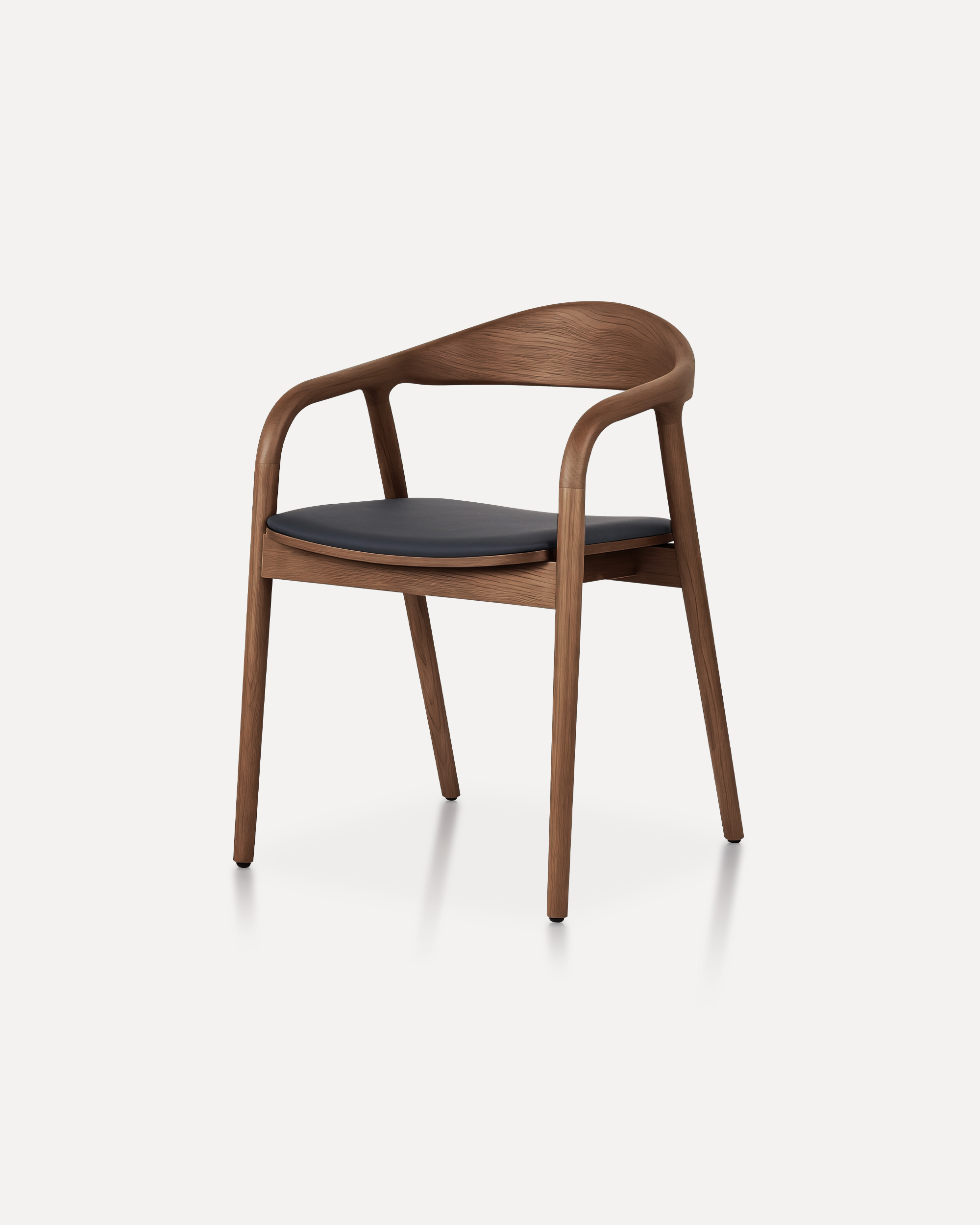
A masterclass in refined joinery and organic geometry, the Arc Chair features a...
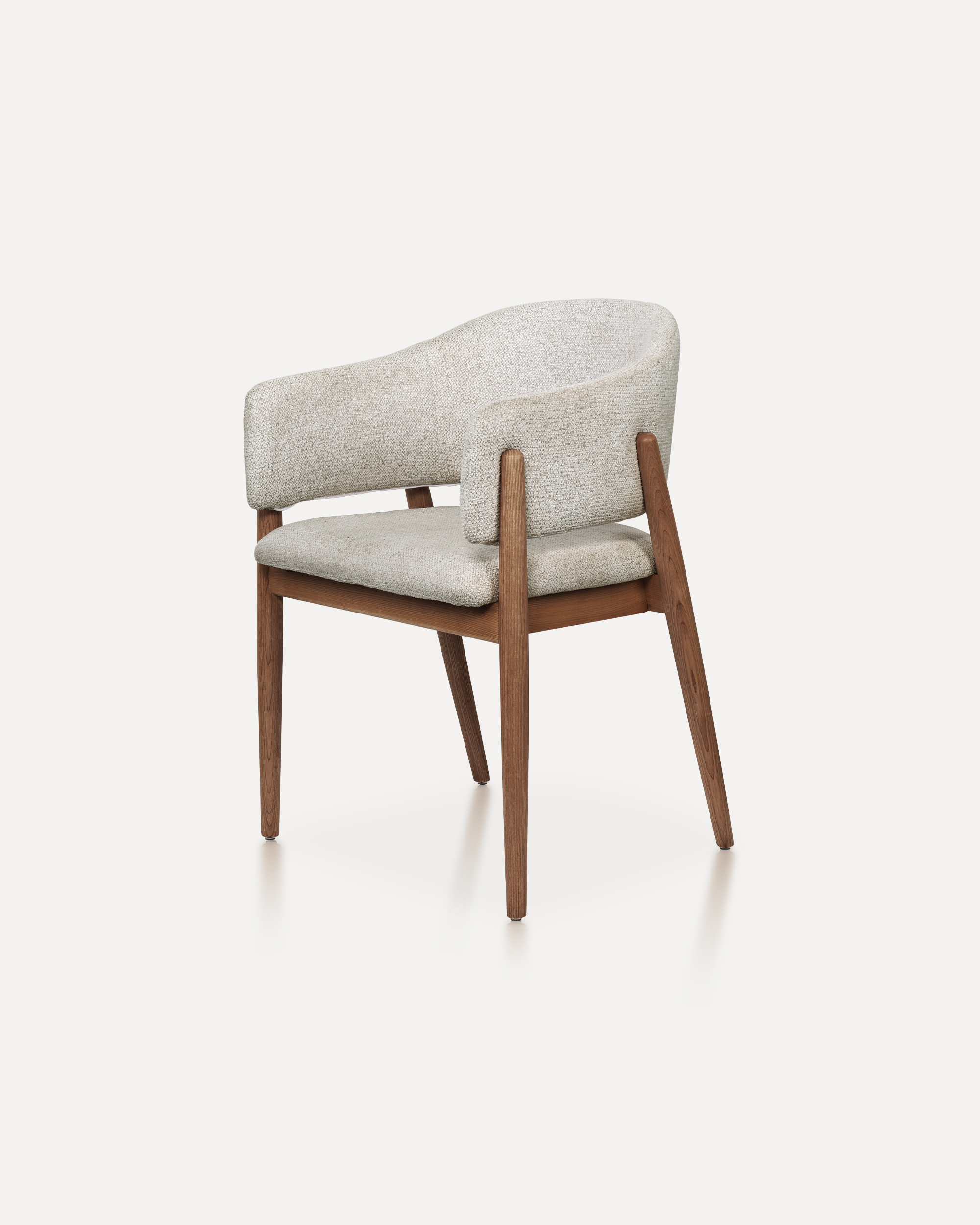
With its refined proportions and welcoming form, this chair brings quiet sophis...
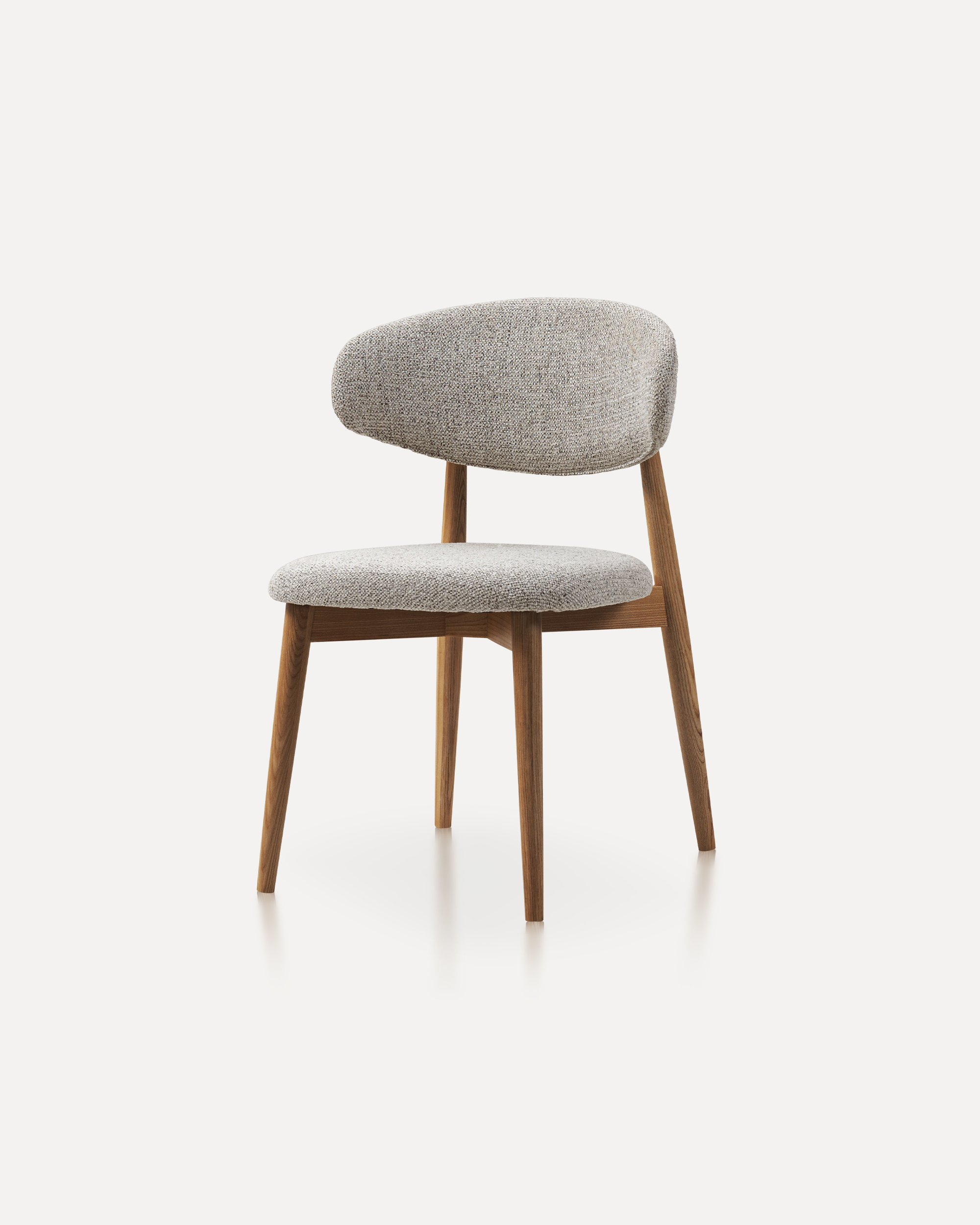
This wooden chair is a classic furniture piece that exudes warmth, durability, ...
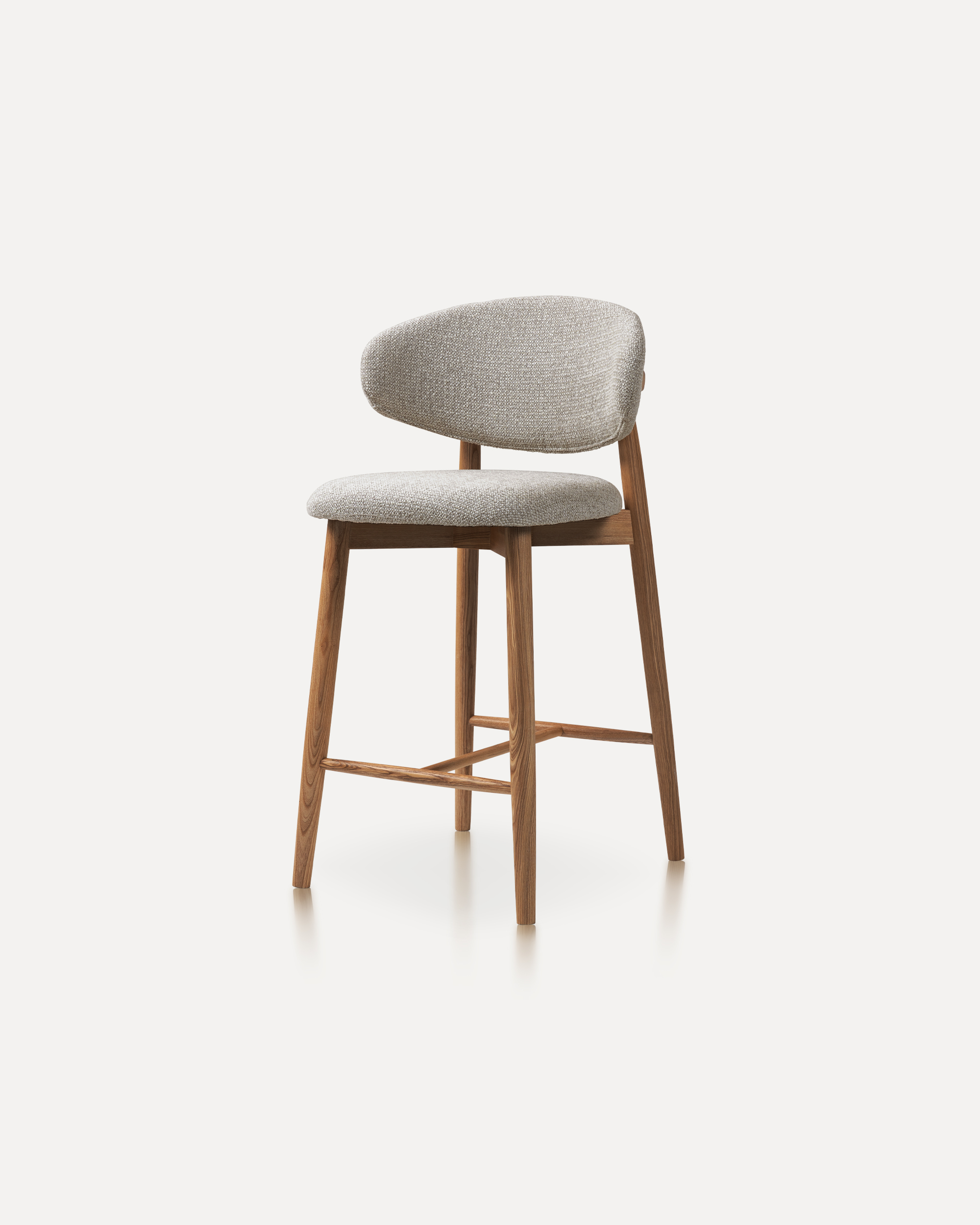
Our Wood Bar Stools are the perfect addition to any high-top table or bar setti...
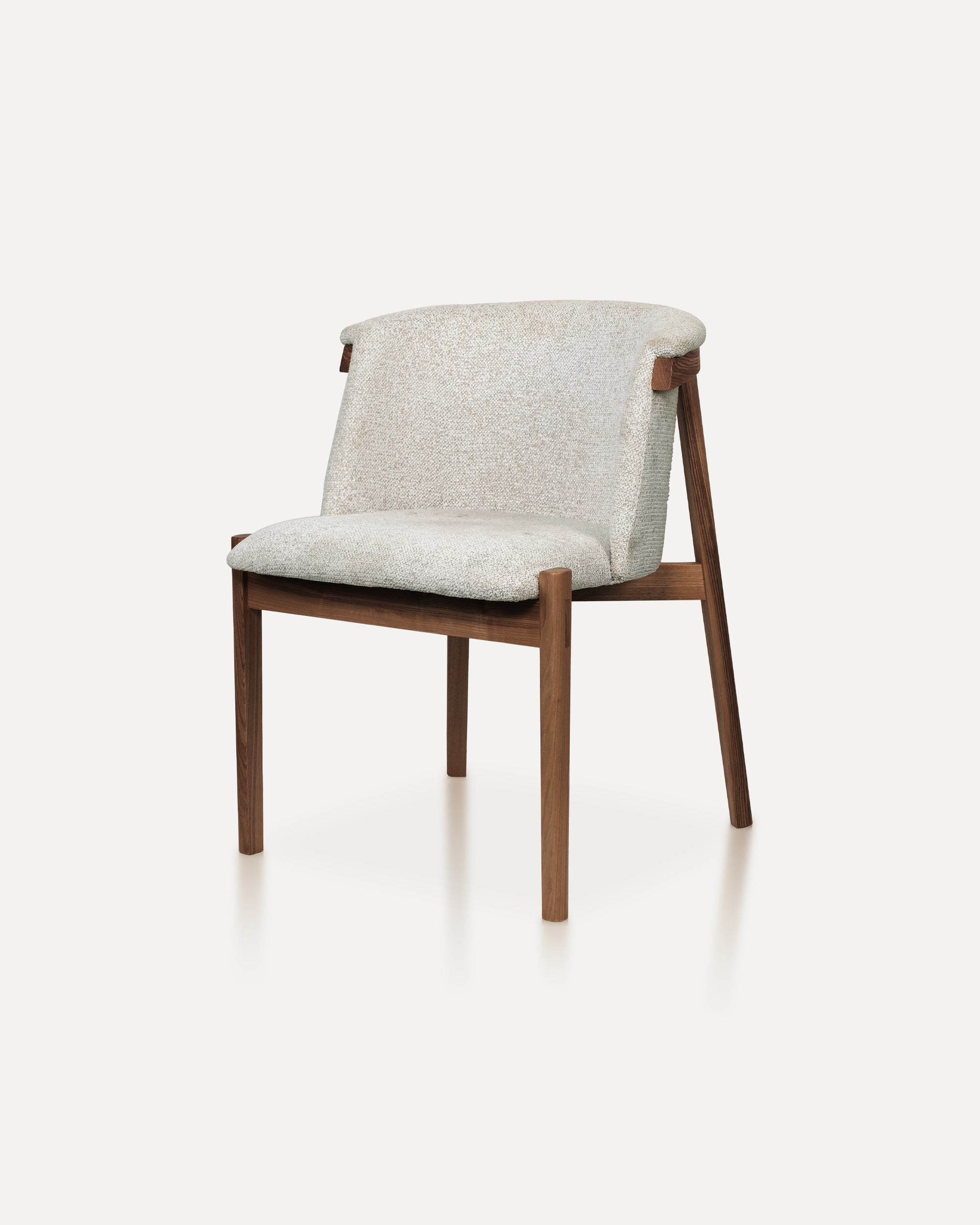
Bring natural elegance into your home with this finely crafted chair. The desig...
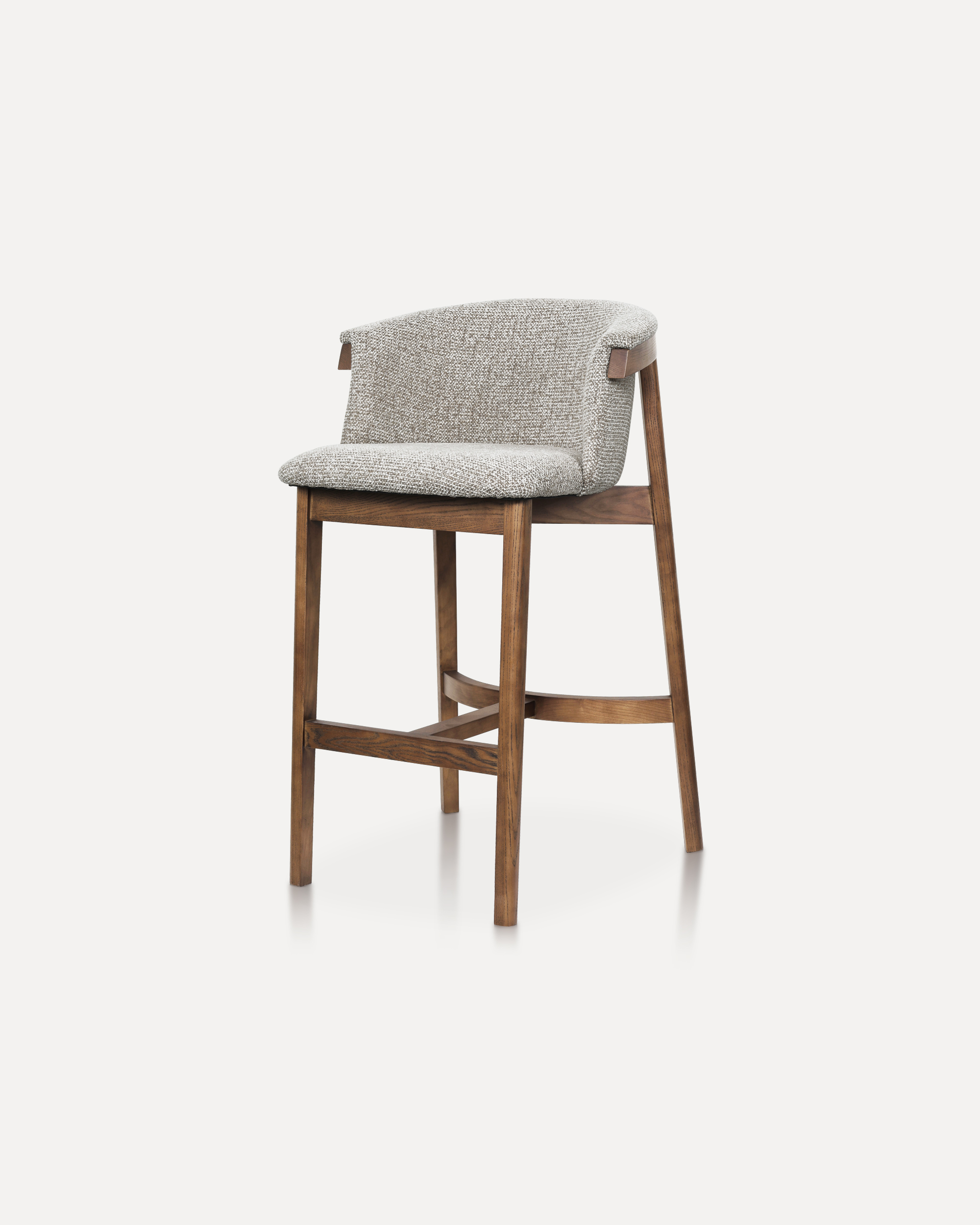
This sophisticated bar chair elevates any counter or high-top setting with its ...
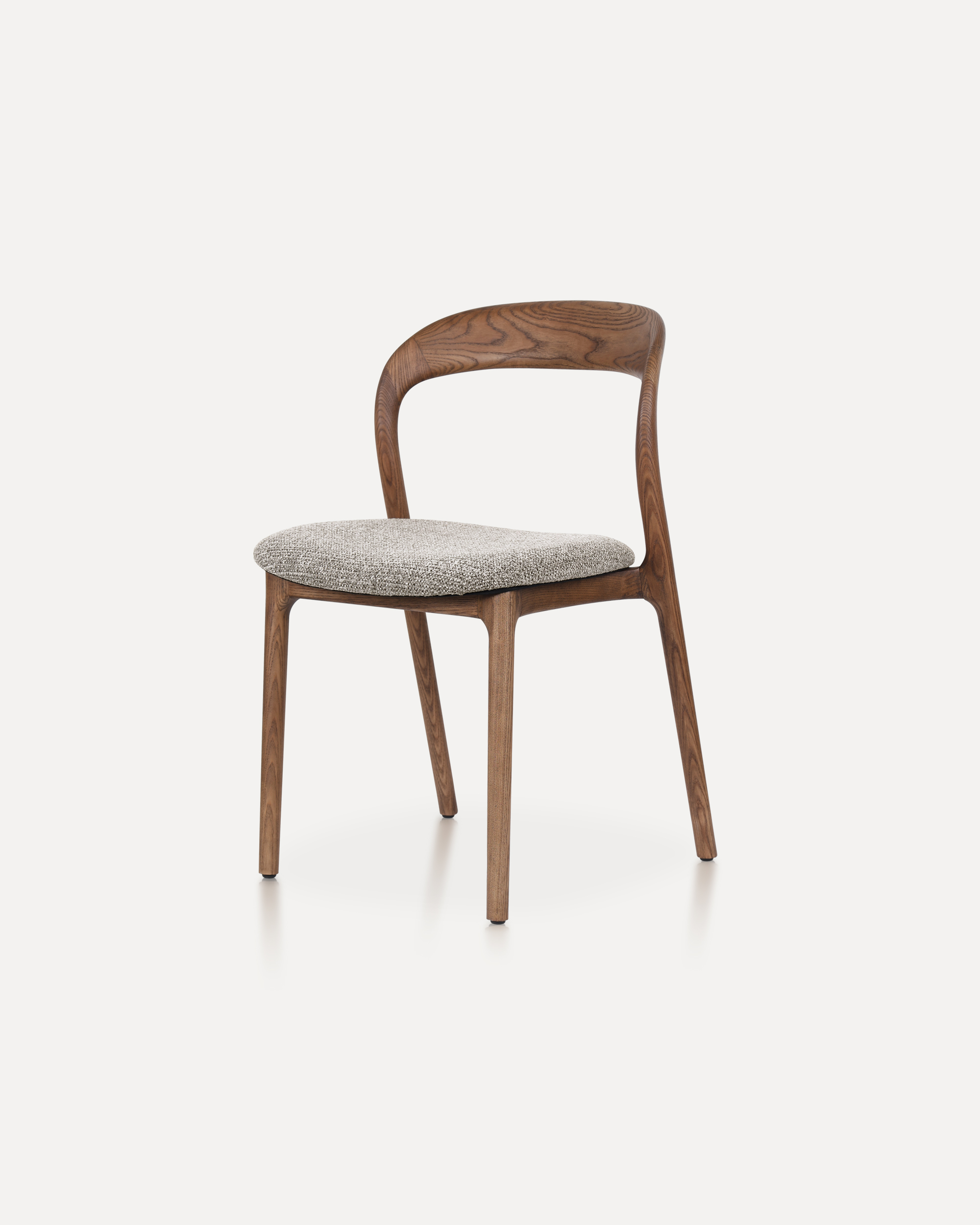
The Echo Chair is crafted from solid ashwood, featuring a unified back-and-arm ...
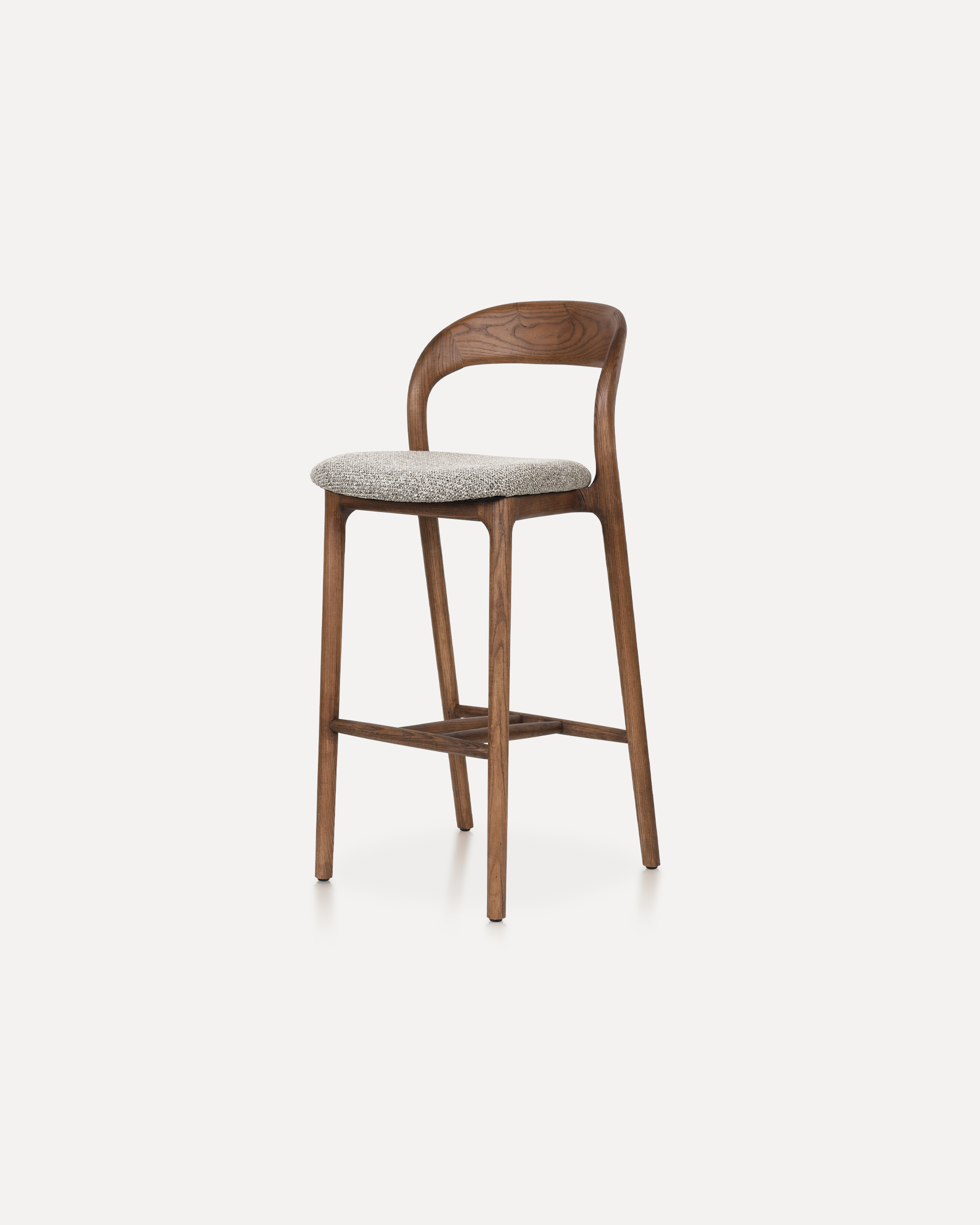
This Bar Chair is a counter-height seating solution crafted from solid ashwood ...
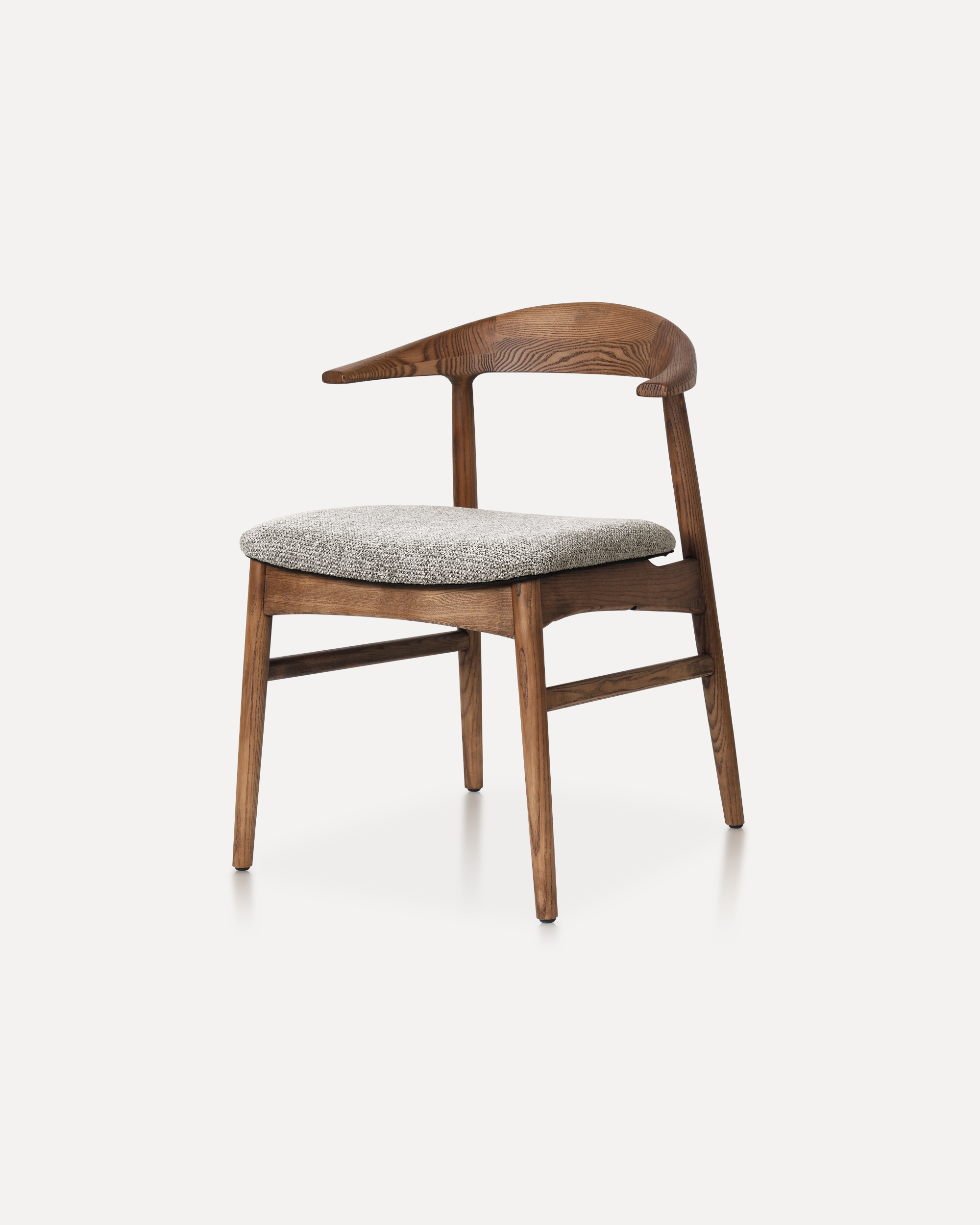
The Horizon Chair reinterprets mid-century warmth for today’s refined interiors...
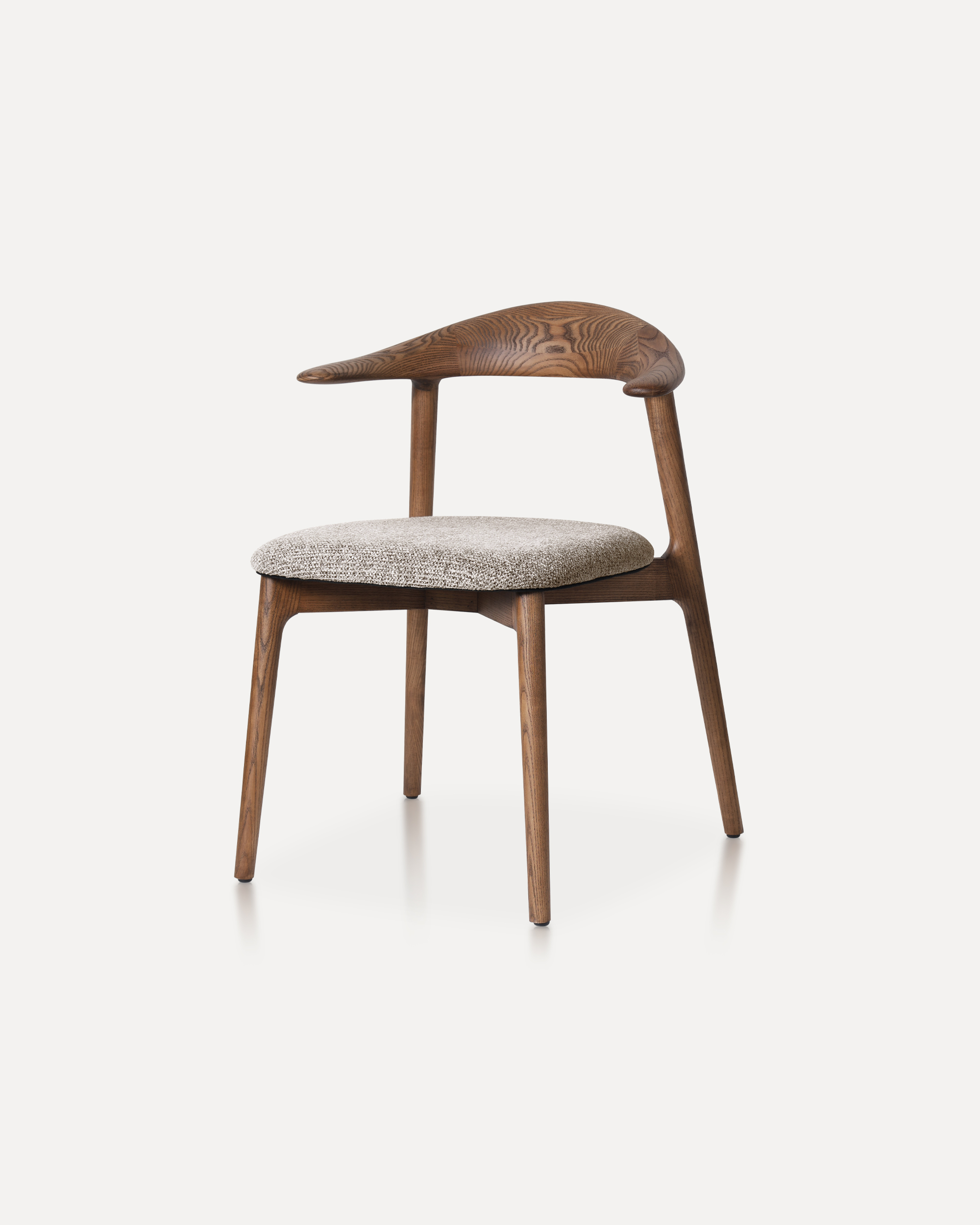
This classic features a striking, organic backrest carved from a single slab of...