
 English
  Français
 Español
Industry News
MENU

Content
Most people spend somewhere between six and ten hours a day sitting at a desk. That's more time than most of us spend sleeping. Yet the average office chair gets almost no attention until the back pain kicks in. A comfortable ergonomic chair isn't a luxury — it's a health decision that affects your posture, your energy level, your focus, and your long-term spinal health. Investing in proper ergonomic seating pays back in fewer sick days, less discomfort, and noticeably better productivity every single workday.
Ergonomic chairs are specifically engineered to support the natural curvature of your spine, reduce pressure on your hips and tailbone, and keep your body in a neutral position that doesn't fight against your muscles all day. Unlike a standard desk chair that forces you into a fixed posture, a well-designed ergonomic chair adapts to you — not the other way around.
The word "ergonomic" gets slapped onto a lot of chairs that don't really earn the title. Genuine ergonomic design goes far beyond a curved backrest or a mesh seat. Here's what to actually look for when you're evaluating any ergonomic seating option:
Lumbar support targets the lower back — the area most vulnerable to compression and strain during prolonged sitting. The best chairs let you adjust both the height and the depth of this support so it fits exactly into your natural lumbar curve. A support that sits too high or too low is worse than no support at all, because it pushes your spine into an unnatural shape.
Your feet should rest flat on the floor with your knees at roughly a 90-degree angle. Seat depth — the front-to-back measurement of the seat pan — matters just as much. If the seat is too deep, it puts pressure on the backs of your knees and forces you to slouch to reach the backrest. Look for chairs with a sliding seat pan so you can dial this in precisely.
Armrests should support your forearms without shrugging your shoulders or dropping them unnaturally. The best ergonomic chairs offer 4D armrests — adjustable in height, width, depth, and pivot angle. This matters especially if you switch between typing, writing by hand, and video calls throughout the day.
Dynamic sitting — shifting between slightly forward-leaning and slightly reclined positions — is far healthier than staying rigidly upright all day. A good ergonomic chair has a recline function with adjustable tension so you can lean back comfortably without the chair snapping you forward or dumping you backward.
A headrest is particularly useful if you frequently recline or if you're taller than average. It should support the base of the skull without pushing your head forward. Not every ergonomic chair includes one, and not every sitter needs one — but when you're on long calls or taking a mental break, it makes a real difference.
Seat and backrest material isn't just about looks — it directly affects how comfortable you are after hour three, five, and eight. Here's a practical breakdown:
| Material | Breathability | Cushioning | Durability | Best For |
| Mesh | Excellent | Moderate | High | Warm climates, long sessions |
| Memory Foam | Poor | Excellent | Moderate | Pressure relief, cooler rooms |
| Fabric Upholstery | Good | Good | Moderate | Comfort-focused home offices |
| Leather / PU Leather | Poor | Good | Very High | Executive settings, easy cleaning |
For most people who work in a standard indoor office environment, a high-quality mesh backrest with a well-padded foam seat hits the sweet spot — you get airflow behind you where heat builds up most, and real cushioning beneath you where pressure concentrates.
Buying a great ergonomic chair is only half the equation. An incorrectly adjusted ergonomic chair can be just as damaging as a bad one. Follow these steps every time you sit down in a new chair — or anytime you share a workstation:
There's no single best ergonomic chair for everyone, because bodies genuinely differ. Here's how to match chair features to your specific situation:
Look for chairs with a minimum seat height below 16 inches, a shorter seat depth option, and armrests that adjust low enough not to force your shoulders up. Many standard ergonomic chairs are sized for average to tall frames, so petite users need to specifically check the minimum measurements rather than assuming "adjustable" means it adjusts down far enough.
Taller users need chairs with a maximum seat height above 21 inches, a deep seat pan, and a tall backrest that reaches at least to the upper shoulder blades. A chair that's too short will create a forward hunch no amount of lumbar adjustment can fix.
If you're dealing with chronic lower back pain, sciatica, or a herniated disc, prioritize chairs with highly adjustable lumbar support and a pronounced recline function. Sitting at a slight recline of 100–110 degrees actually reduces disc pressure more than sitting bolt upright at 90 degrees — a fact many people find counterintuitive. Some users also benefit from a seat with a slight forward tilt to reduce posterior pelvic tilt.
Standard ergonomic chairs are typically rated to 250–300 lbs. If you need more capacity, look specifically for chairs rated 400 lbs or higher with a wider and deeper seat pan (at least 20 inches wide). These "big and tall" ergonomic options also tend to have stronger gas cylinders and sturdier base frames.
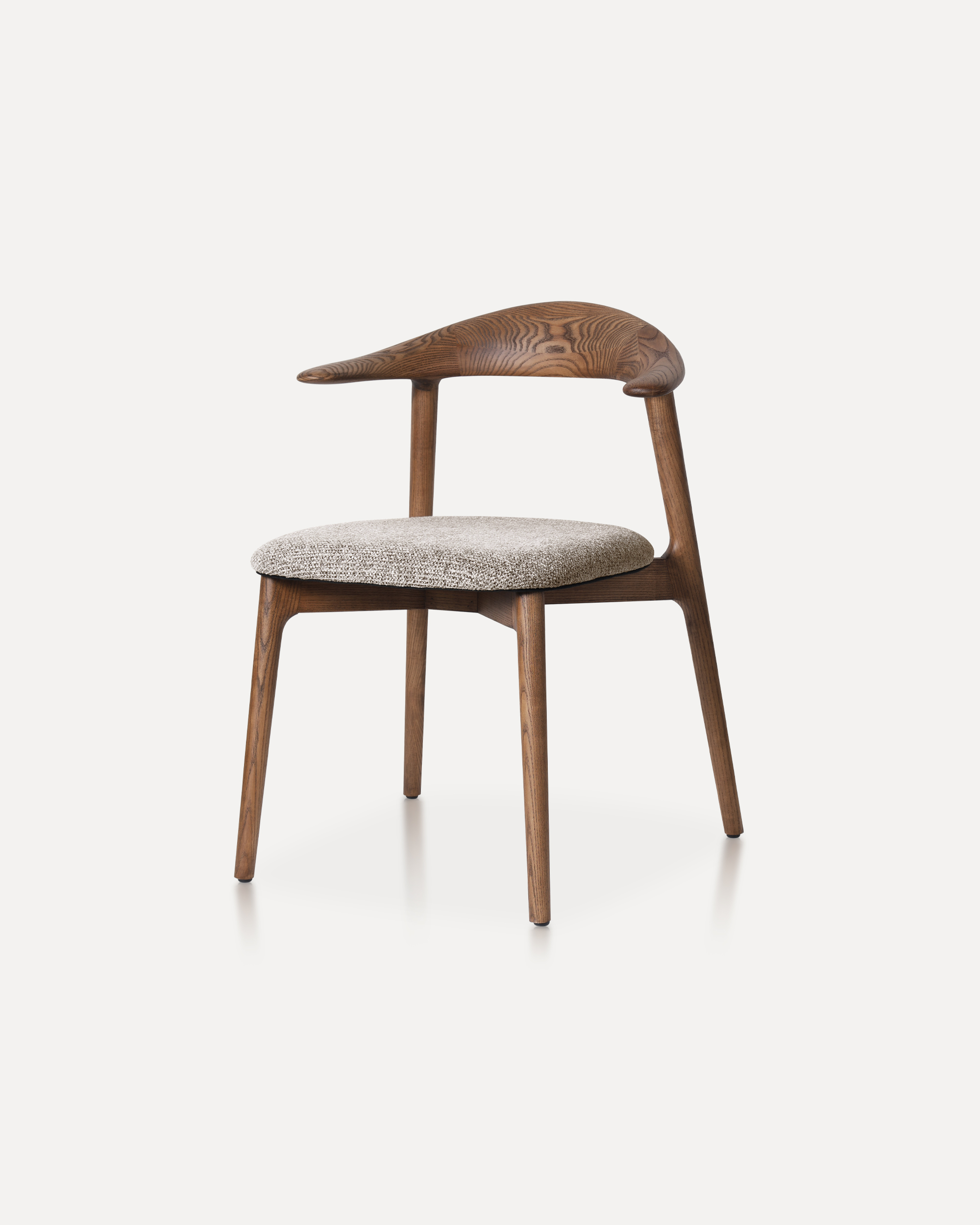
When you're comparing models side by side, it helps to have a concrete checklist rather than relying on marketing copy. Here are the specifications that actually matter:
Ergonomic chairs span an enormous price range — from under $200 to well over $1,500. Here's an honest look at what you're actually getting at each tier:
| Price Range | What to Expect | Typical Shortcomings |
| Under $200 | Basic adjustability, limited lumbar options, shorter lifespan | Poor long-term durability, minimal customization |
| $200–$500 | Solid ergonomic features, decent materials, good value | May lack 4D armrests or advanced lumbar systems |
| $500–$900 | Professional-grade build, comprehensive adjustability, quality materials | Price jump may not always equal proportional comfort gain |
| $900+ | Premium construction, long warranties, best-in-class ergonomics | High upfront cost; diminishing returns past ~$1,200 |
For most home office users, the $300–$600 range hits the sweet spot where you get legitimate ergonomic engineering without paying for brand prestige. If you're outfitting a commercial office, the higher-end investment often makes sense given the increased daily usage and longer lifespan.
Not everyone recognizes that their chair is the source of their problems. Here are the clearest warning signs that your current seating is working against your body:
Even the best comfortable ergonomic chair can't fully offset a completely sedentary workday. Combine good seating with these practical habits and you'll notice a significant difference:
A comfortable ergonomic chair supports good posture, but it works best when you actively use it as intended — reclined slightly, sitting back against the lumbar support, with your feet grounded and your arms resting naturally. Small adjustments made consistently add up to dramatically less pain and fatigue over months and years of daily work.
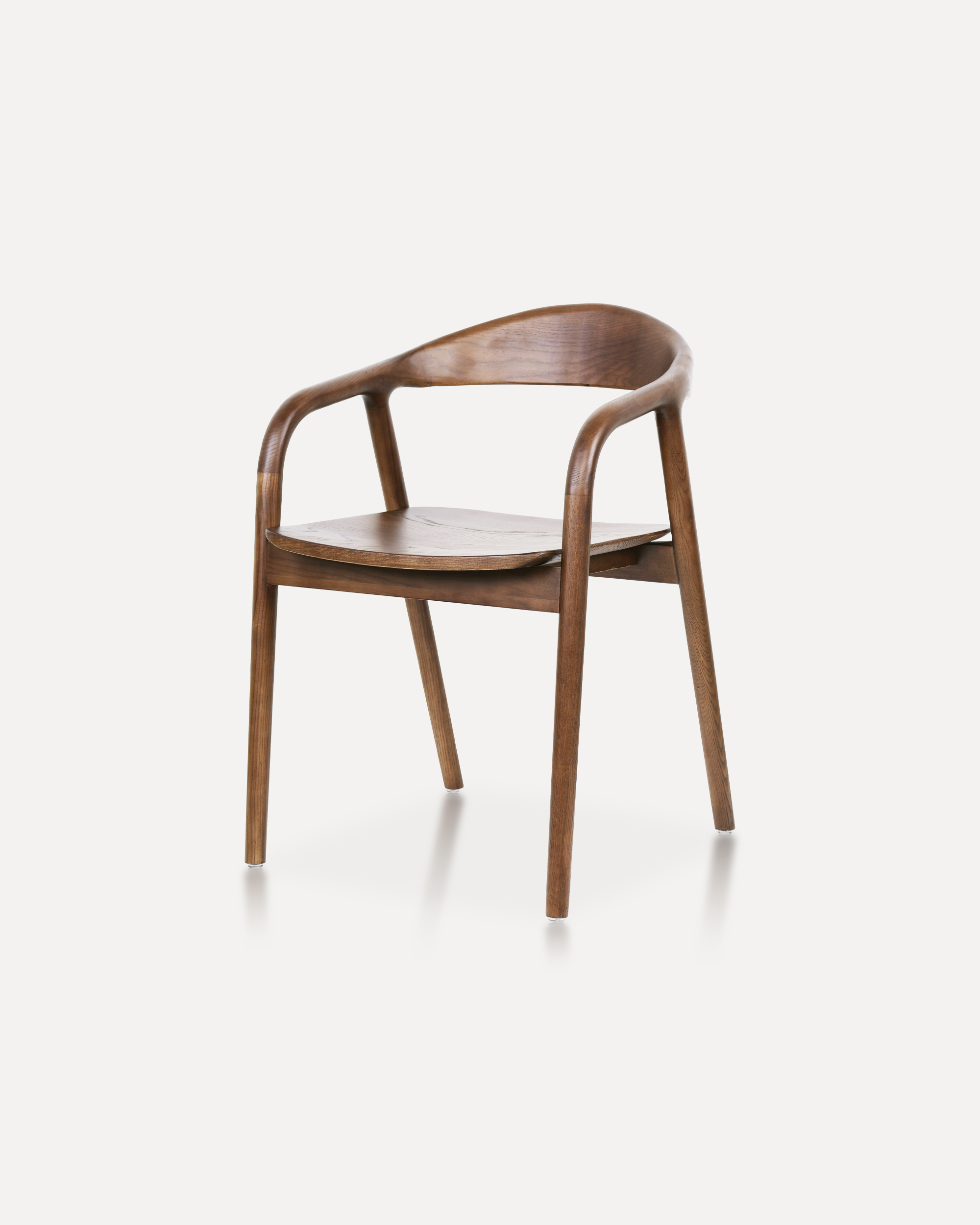
Crafted entirely from solid ash wood, this chair embodies a refined balance of ...
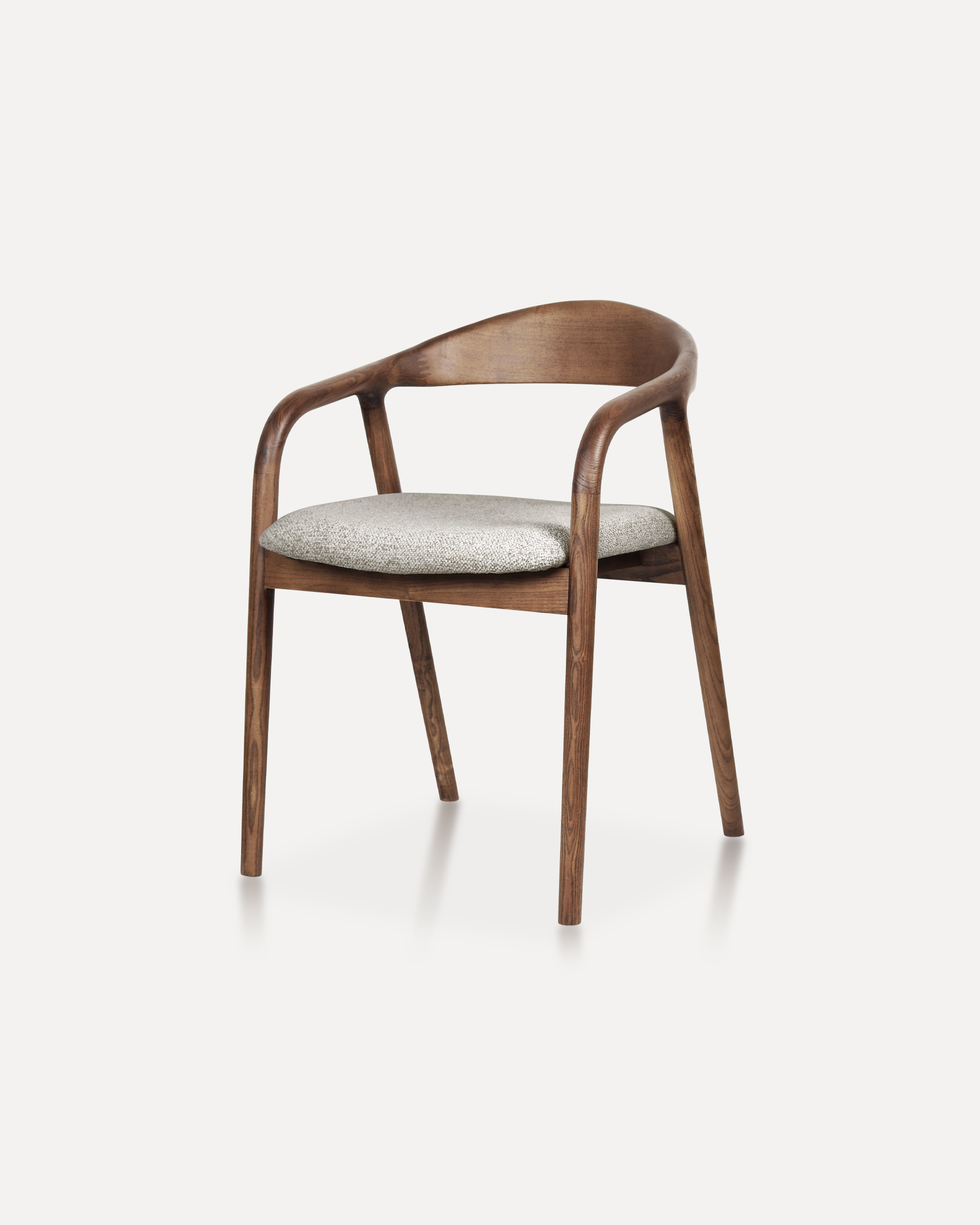
Showcases a refined silhouette with smooth, curved armrests and a gently rounde...
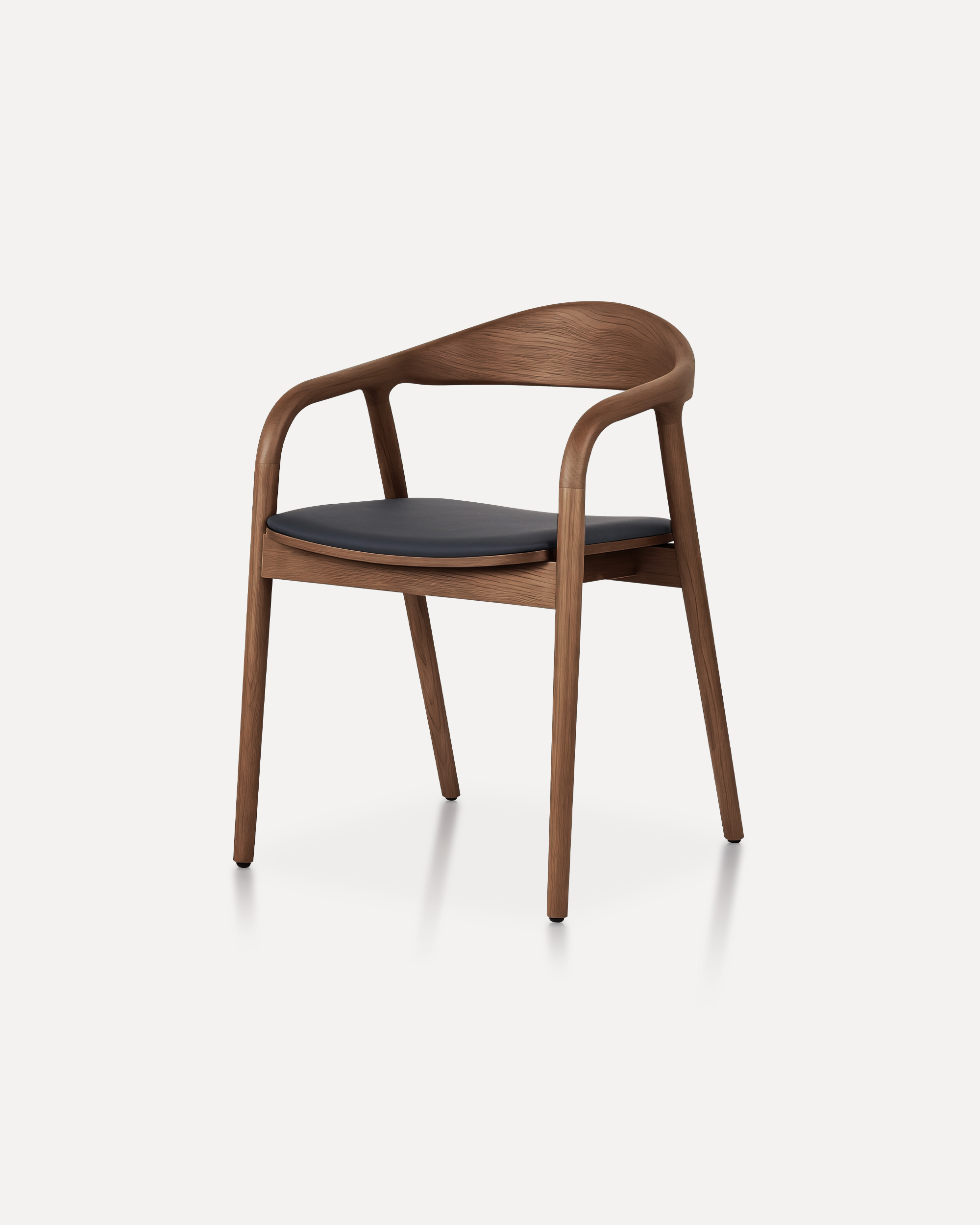
A masterclass in refined joinery and organic geometry, the Arc Chair features a...
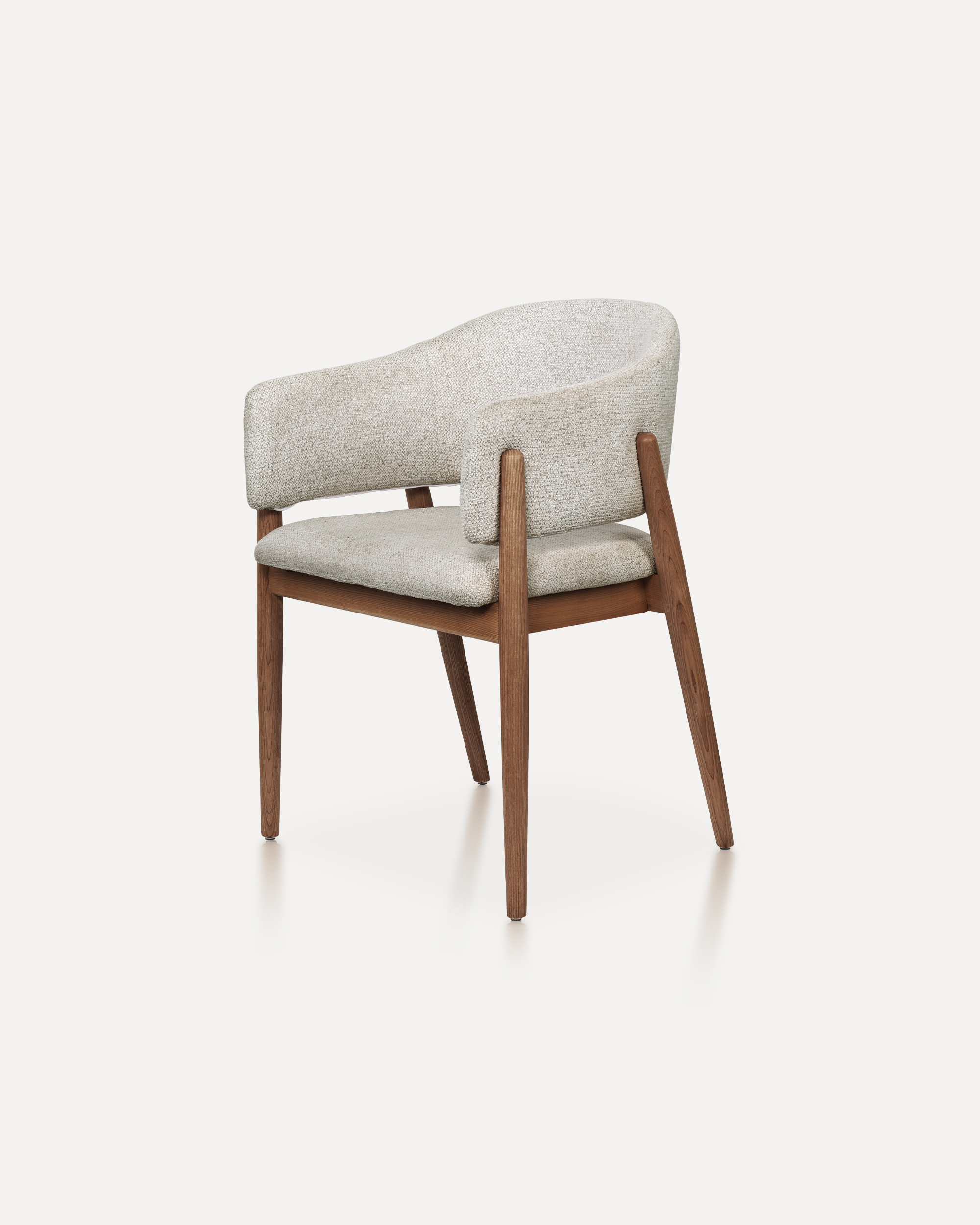
With its refined proportions and welcoming form, this chair brings quiet sophis...
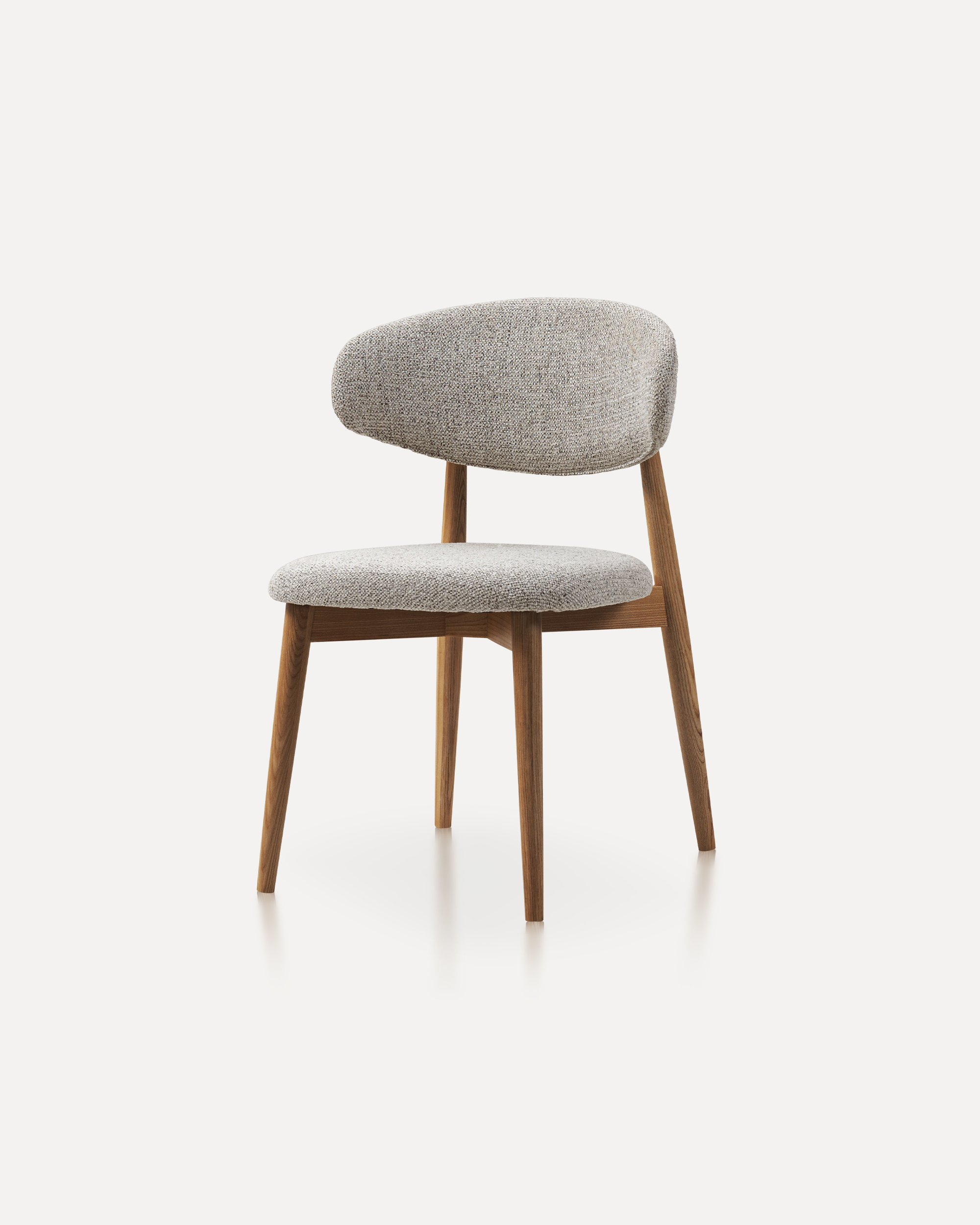
This wooden chair is a classic furniture piece that exudes warmth, durability, ...
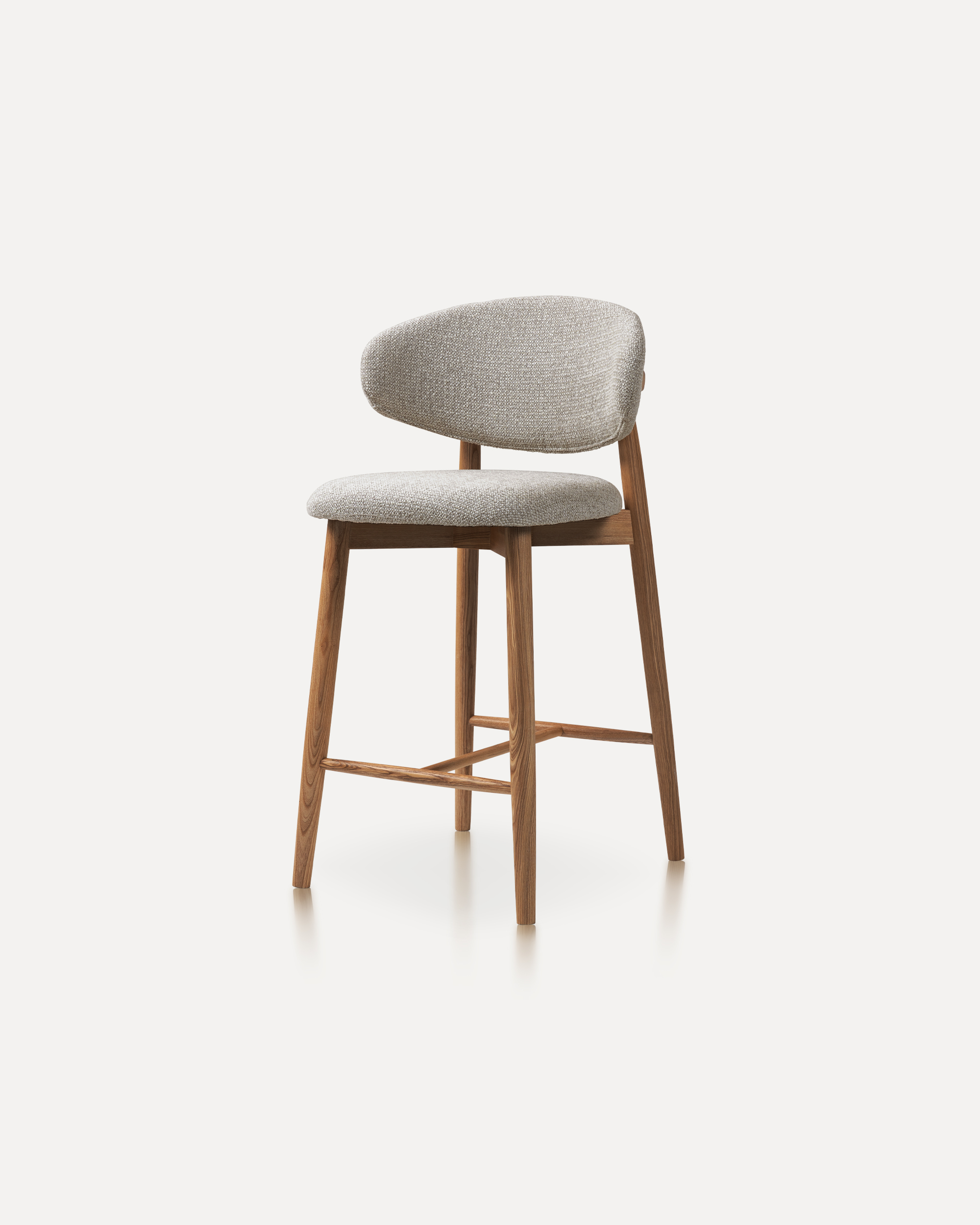
Our Wood Bar Stools are the perfect addition to any high-top table or bar setti...
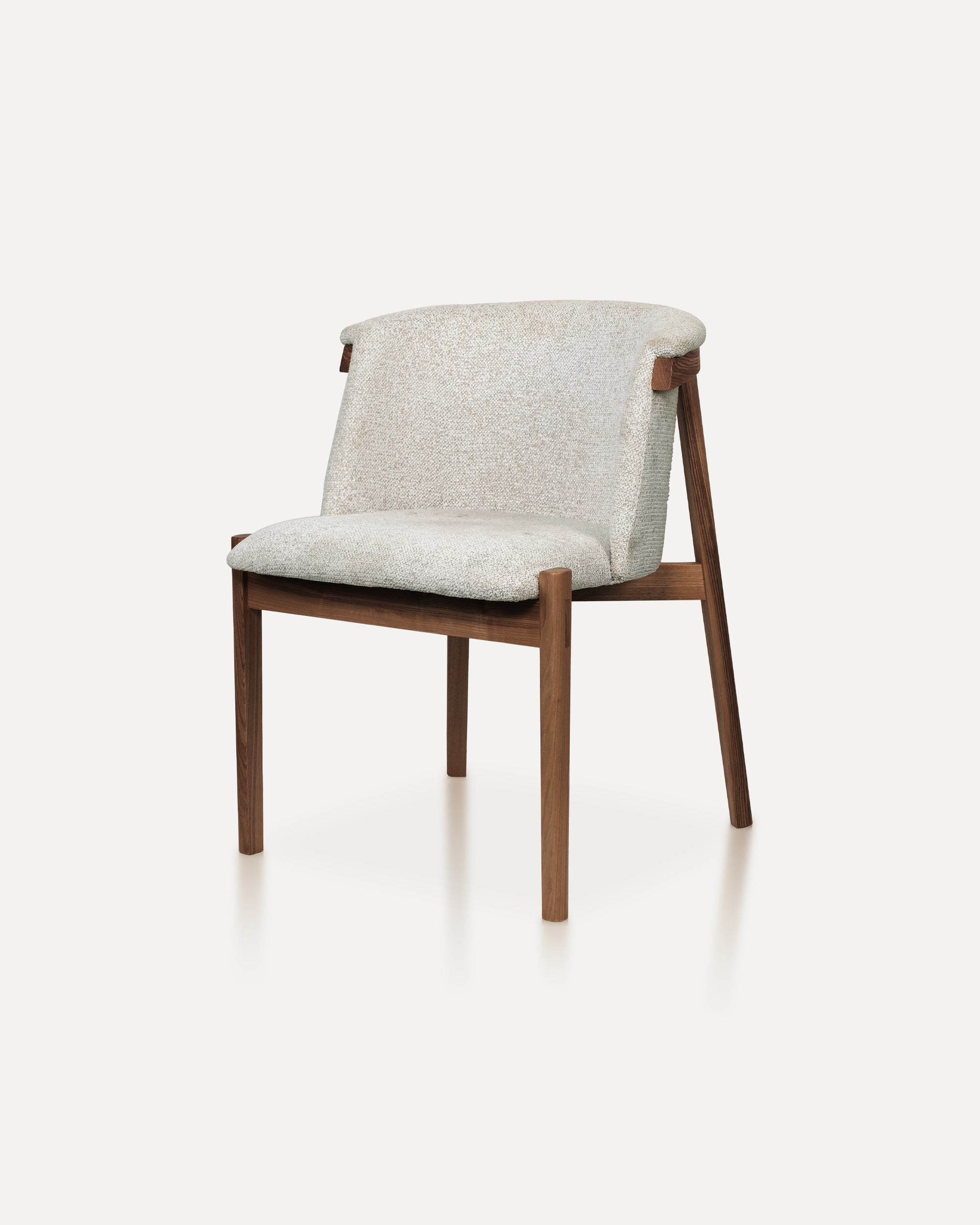
Bring natural elegance into your home with this finely crafted chair. The desig...
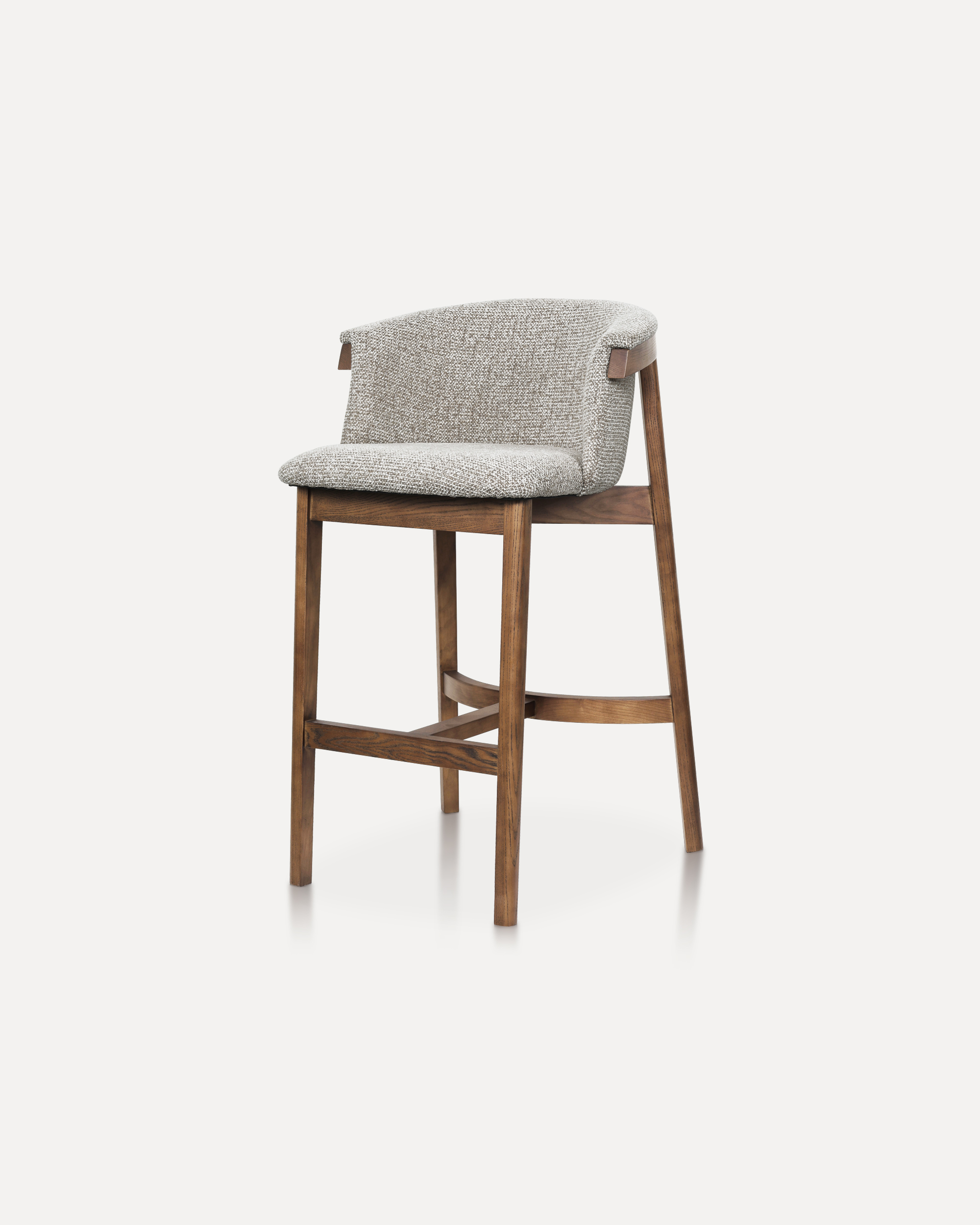
This sophisticated bar chair elevates any counter or high-top setting with its ...
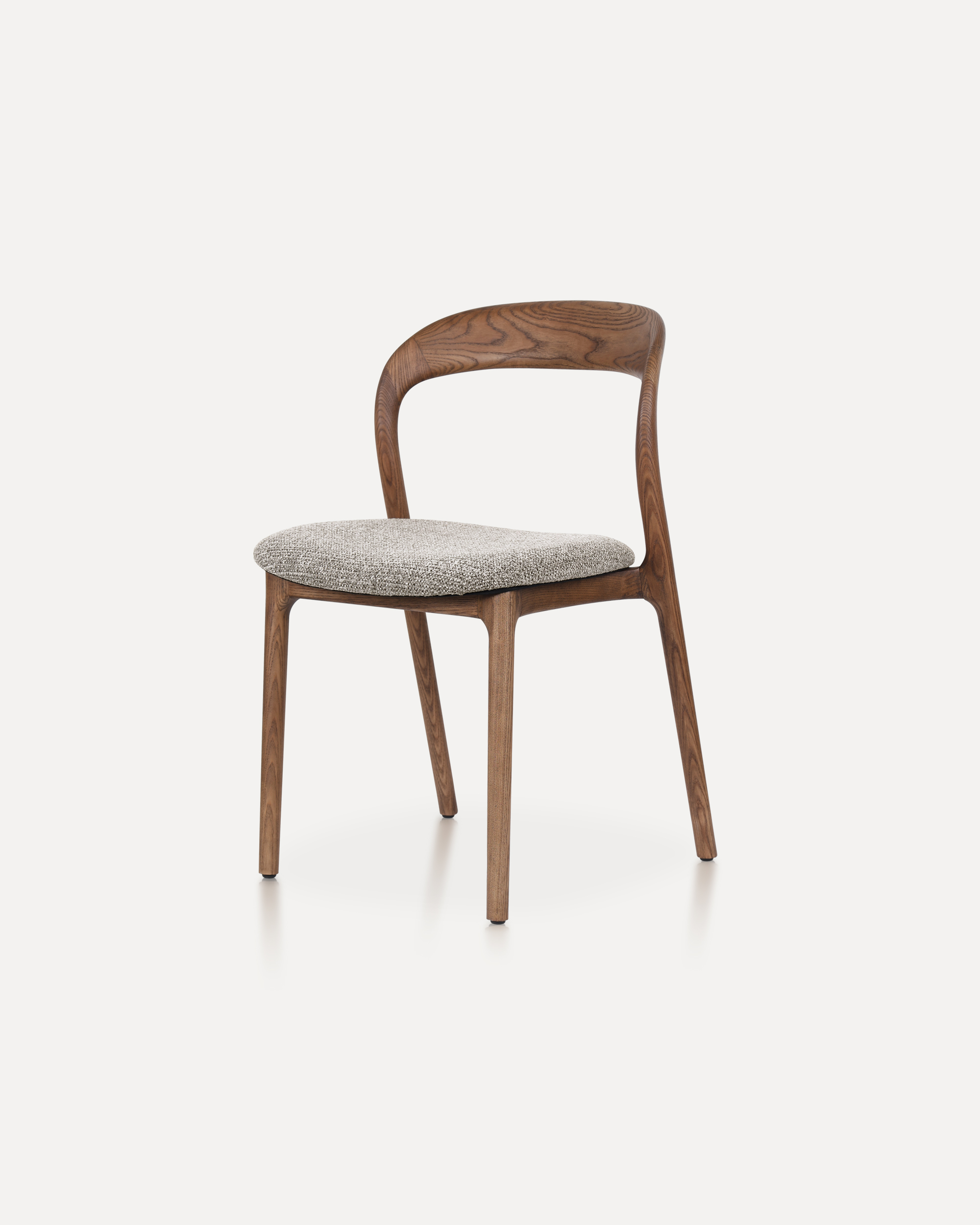
The Echo Chair is crafted from solid ashwood, featuring a unified back-and-arm ...
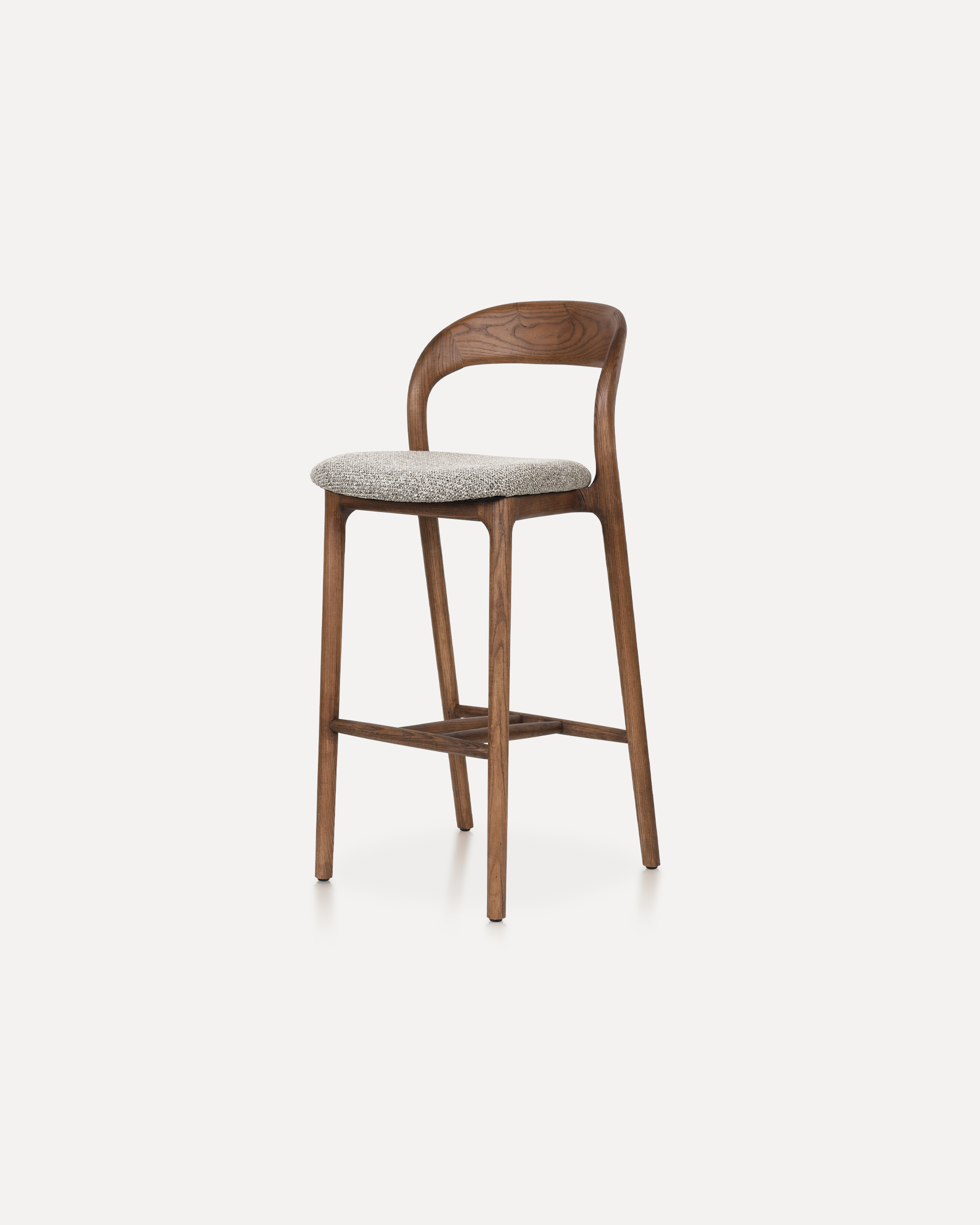
This Bar Chair is a counter-height seating solution crafted from solid ashwood ...
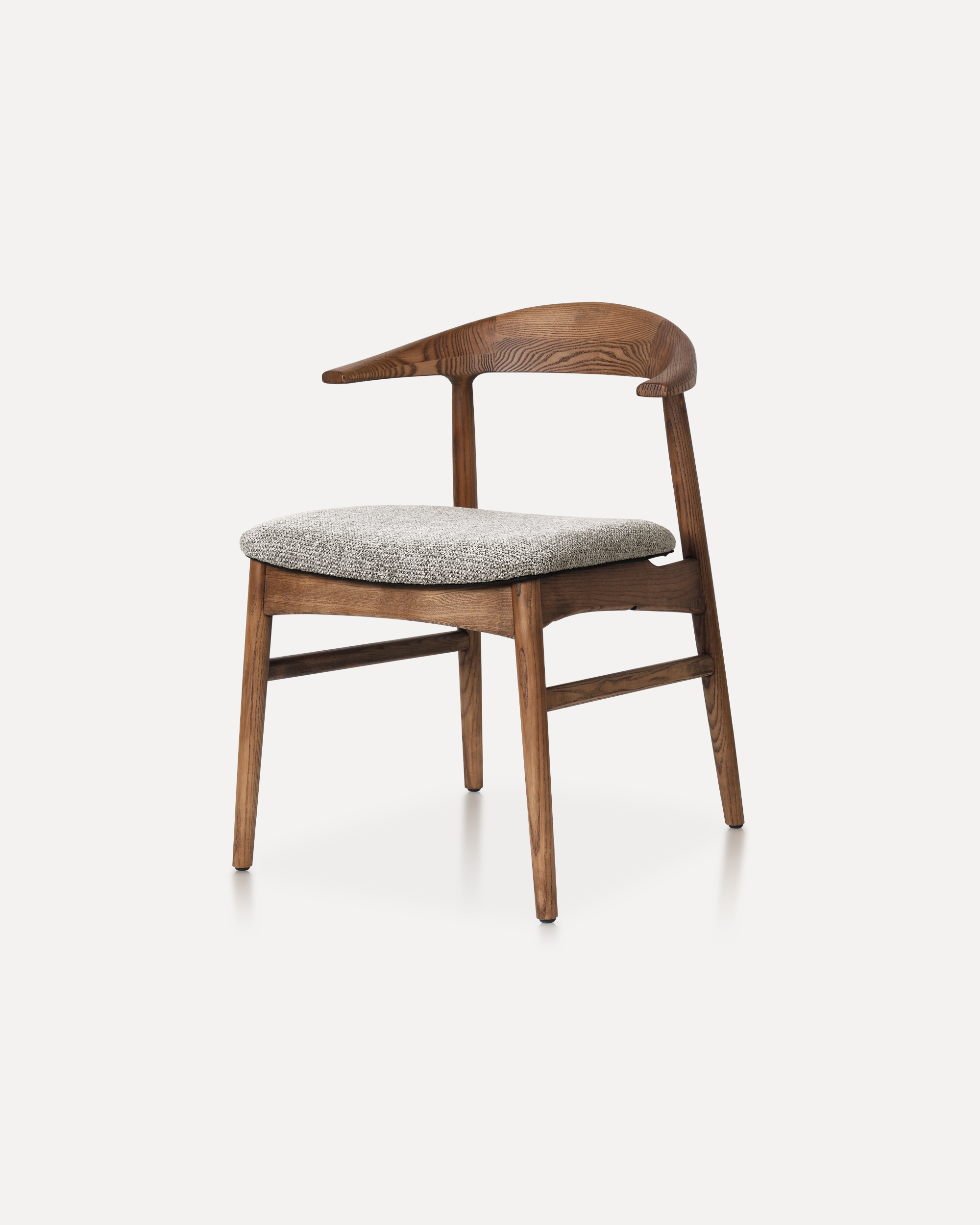
The Horizon Chair reinterprets mid-century warmth for today’s refined interiors...

This classic features a striking, organic backrest carved from a single slab of...