
 English
  Français
 Español
Industry News
MENU

Content
An Ergonomic Chair is designed to support the body's natural posture during long periods of sitting, reducing strain on the spine, neck, hips, and shoulders. The term gets used loosely by furniture marketers, but a genuinely ergonomic chair includes specific adjustable features backed by an understanding of how the human body behaves when seated for extended hours, not just a curved backrest and a comfortable cushion.
The difference between a regular office chair and a true Ergonomic Chair often comes down to adjustability. A chair that can be customized to fit a person's specific height, weight, and posture habits will support the body far better than a one-size-fits-all design, which is why ergonomic models typically include multiple adjustment points rather than a fixed shape.
When shopping for an Ergonomic Chair, it helps to focus on specific adjustable components rather than overall appearance. These features directly determine how well the chair will actually support your body throughout a full workday.
Seat height adjustment allows your feet to rest flat on the floor with knees bent at roughly a 90-degree angle, which reduces pressure on the lower back and improves circulation in the legs. Seat depth adjustment is equally important, since a seat that's too deep can press against the back of the knees, while one that's too shallow won't provide enough thigh support.
Lumbar support is arguably the most important feature in any Ergonomic Chair, since it maintains the natural inward curve of the lower spine. Look for a chair with adjustable lumbar support that can move both up and down and in and out, allowing it to match your specific spine curvature rather than applying generic, fixed pressure to the lower back.
Properly adjusted armrests support the forearms without forcing the shoulders to shrug upward or hunch forward, which over time reduces tension in the neck and upper back. The best Ergonomic Chairs allow armrests to adjust in height, width, and sometimes pivot angle, accommodating different desk heights and typing positions.
Ergonomic Chairs vary widely in price, and understanding what features typically show up at each price point helps set realistic expectations before shopping.
| Price Range | Typical Features |
| Budget | Basic height adjustment, fixed or minimal lumbar support |
| Mid-Range | Adjustable lumbar support, height and width adjustable armrests, tilt tension control |
| Premium | Fully adjustable lumbar, seat depth control, headrest, breathable mesh back, synchronized tilt mechanism |
Mid-range chairs often provide the best balance for most office workers, since they include the core adjustability needed for proper posture support without paying extra for features that only matter for very specific use cases, like specialized headrest angles or advanced recline locking positions.
Buying a high-quality Ergonomic Chair is only half the equation. Without proper setup, even the most advanced chair won't deliver its intended benefits. Following a simple adjustment sequence ensures the chair actually supports your body the way it was designed to.
Many people continue using a poorly fitted chair for years simply because the discomfort develops slowly rather than all at once. Recognizing early warning signs can prevent more serious musculoskeletal issues down the line.
If any of these symptoms sound familiar, it may be worth reassessing both your current chair's adjustability and how it's been set up, since even a quality Ergonomic Chair won't help much if it isn't adjusted correctly for your specific body and desk setup.
An Ergonomic Chair represents a long-term investment in daily comfort, and a few basic maintenance habits help preserve both its support quality and its appearance over years of regular use.
Check the gas lift cylinder periodically, since this component tends to wear out faster than other parts and is responsible for maintaining consistent seat height. Clean mesh or fabric upholstery regularly with a vacuum or soft brush to prevent dust buildup, which can affect breathability over time. Tighten any loose bolts or fittings every few months, especially on armrests and the backrest tilt mechanism, since regular use naturally loosens these connections. Taking care of these small details extends the chair's functional lifespan and keeps it supporting your posture the way it was originally designed to.
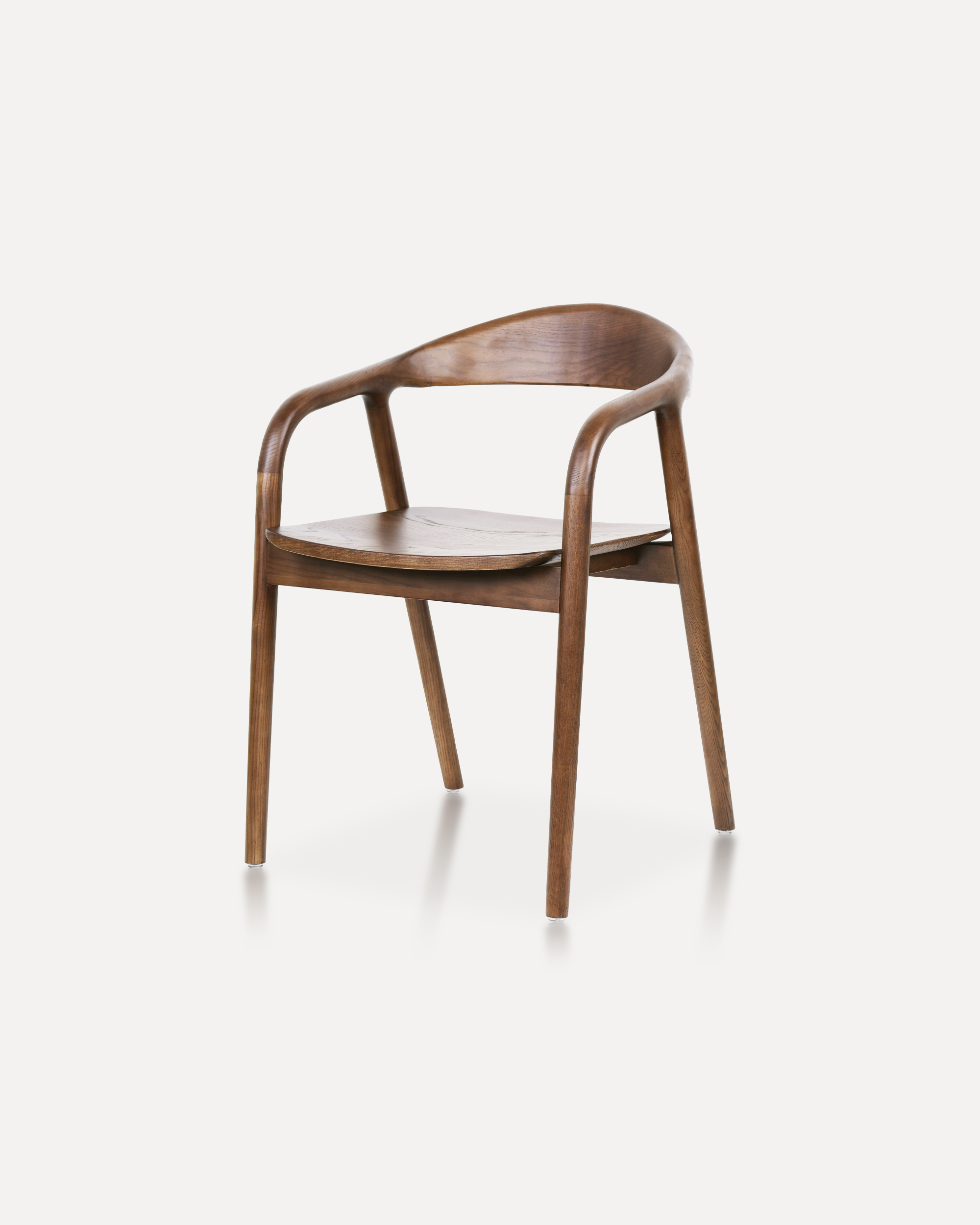
Crafted entirely from solid ash wood, this chair embodies a refined balance of ...
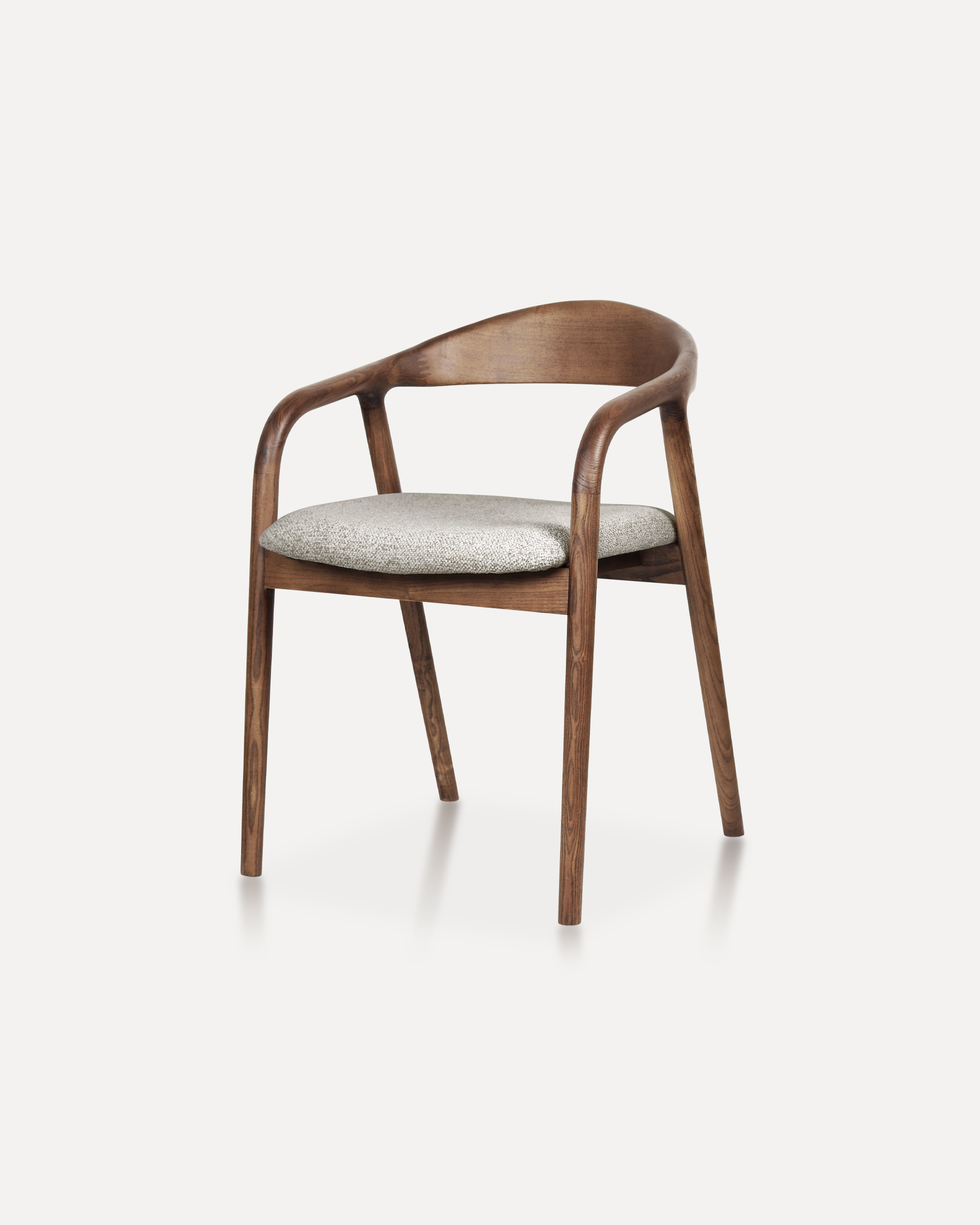
Showcases a refined silhouette with smooth, curved armrests and a gently rounde...
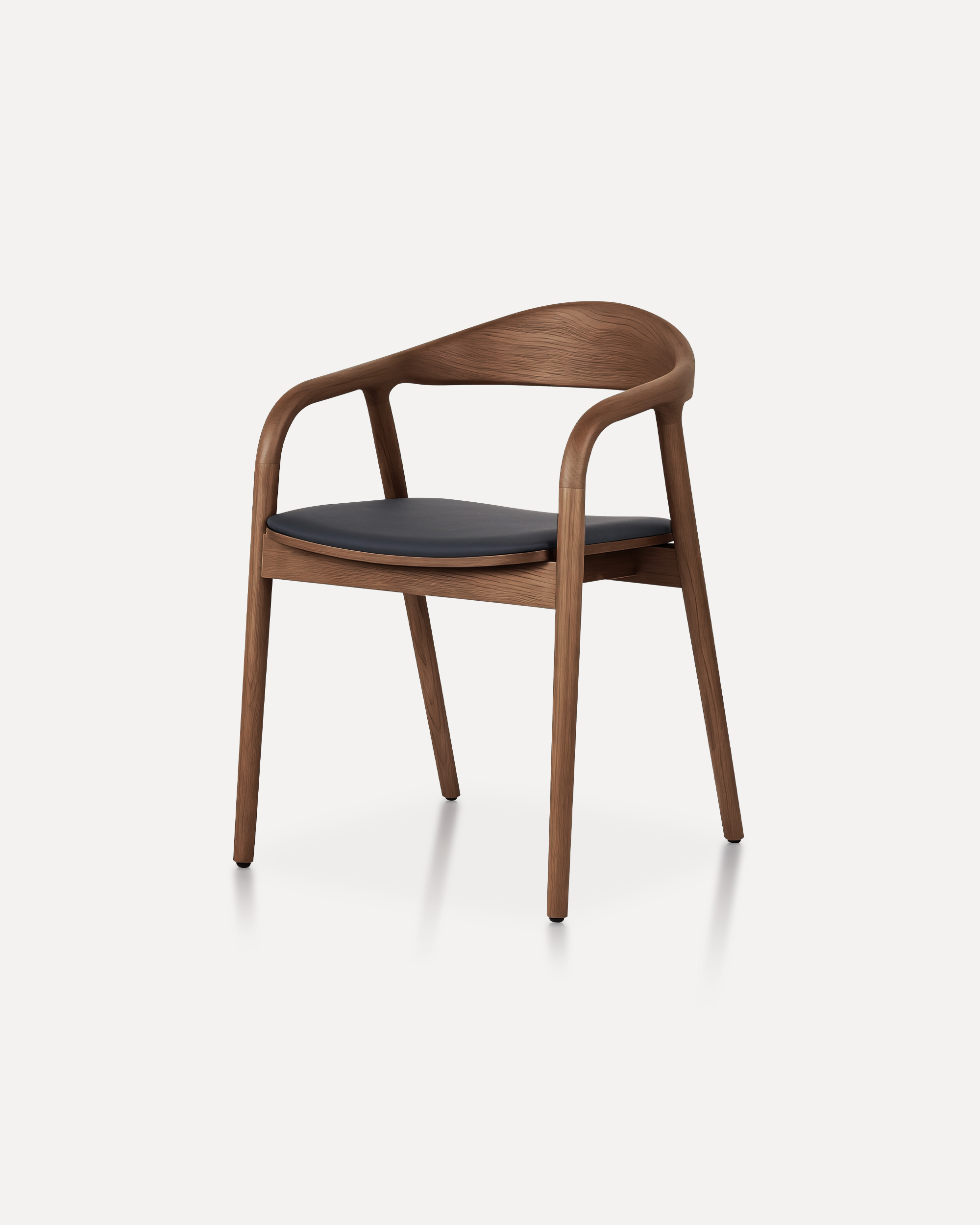
A masterclass in refined joinery and organic geometry, the Arc Chair features a...
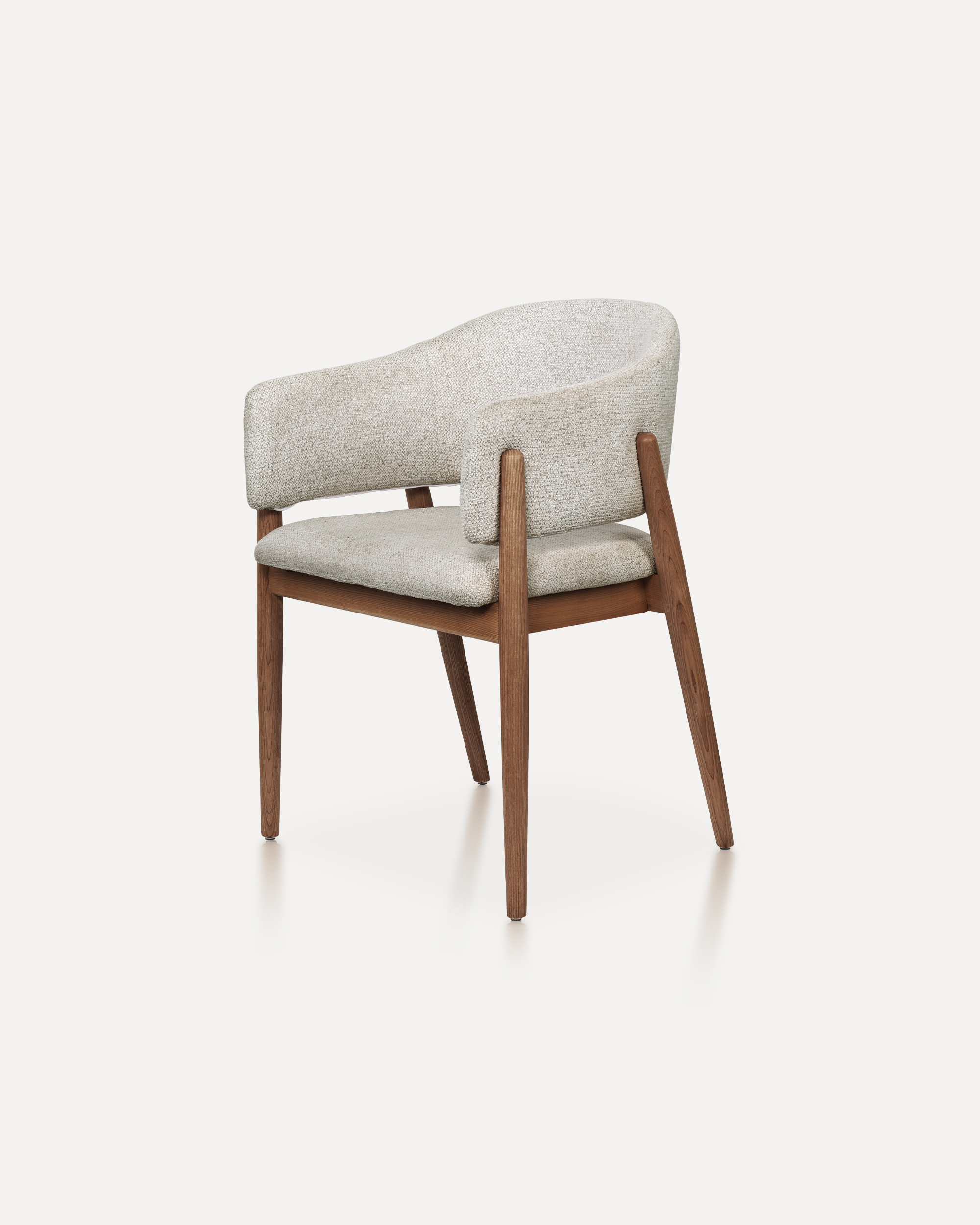
With its refined proportions and welcoming form, this chair brings quiet sophis...
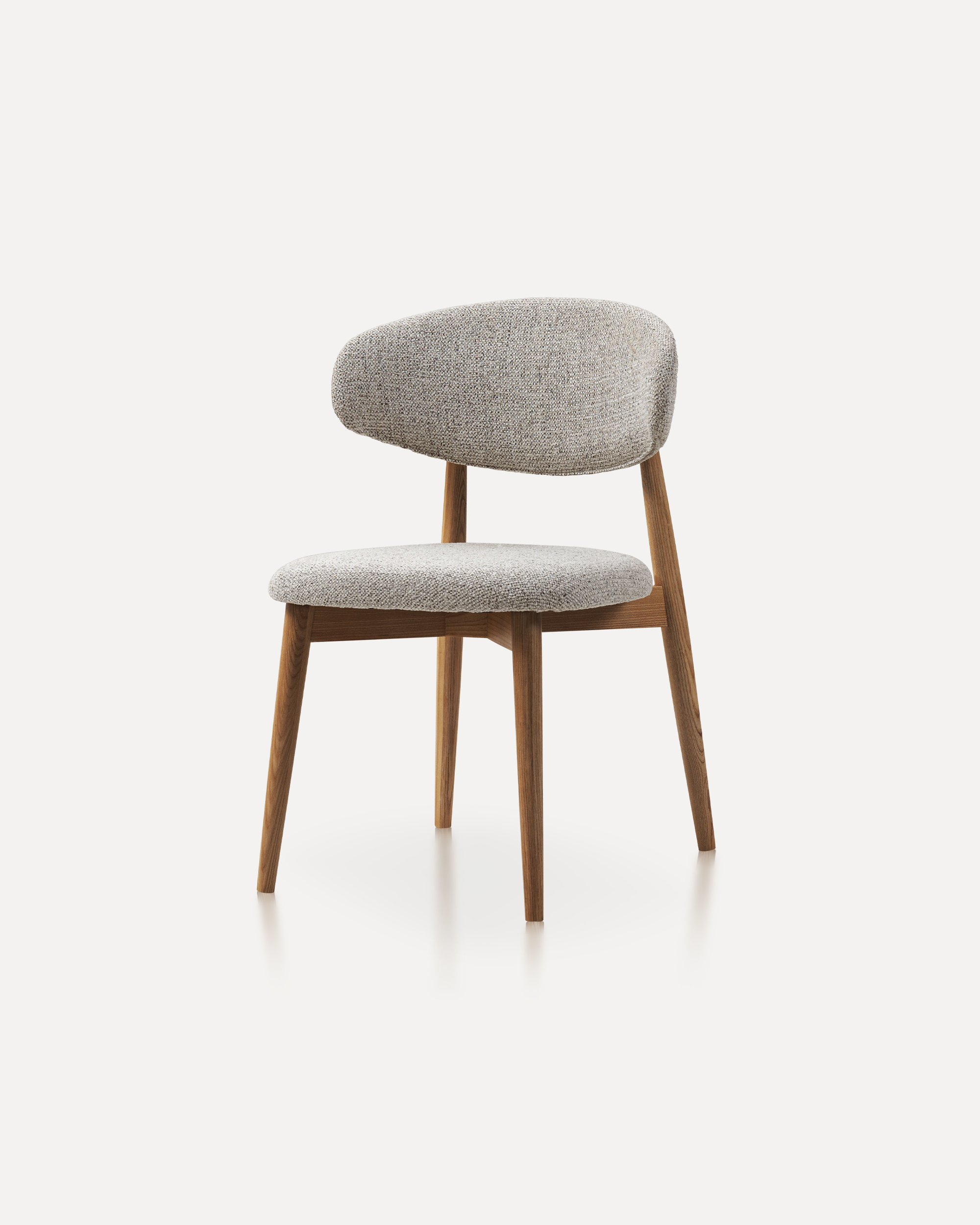
This wooden chair is a classic furniture piece that exudes warmth, durability, ...
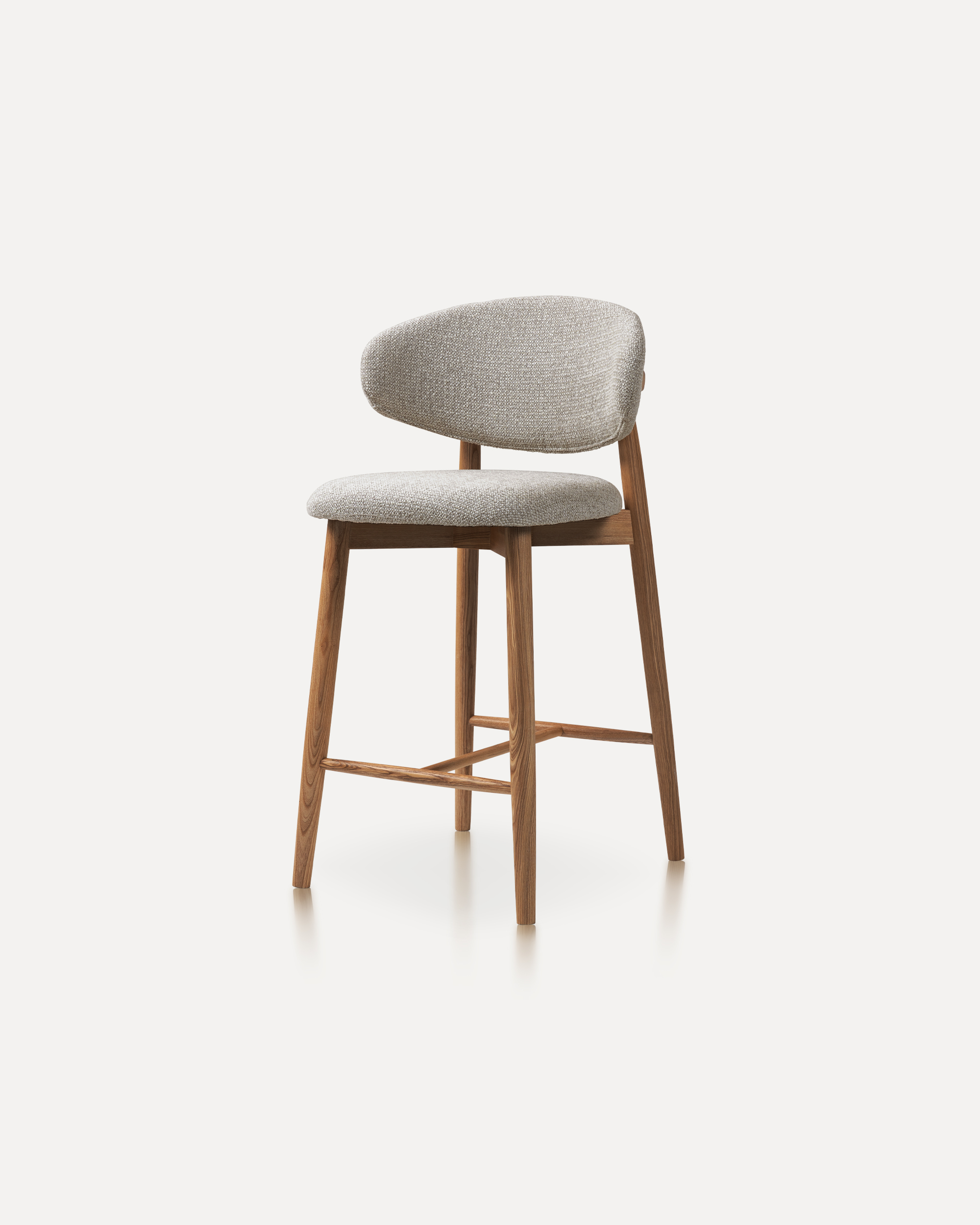
Our Wood Bar Stools are the perfect addition to any high-top table or bar setti...
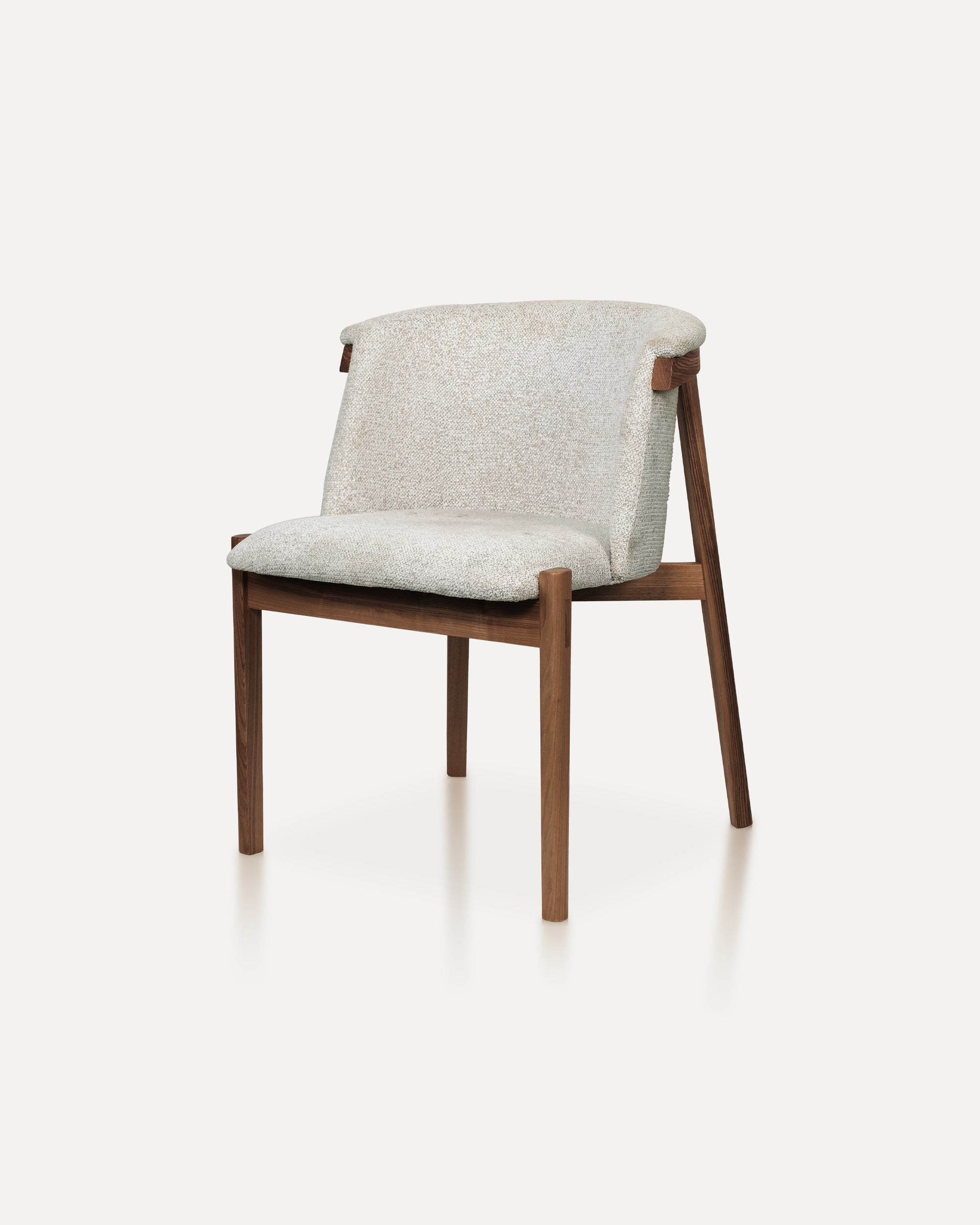
Bring natural elegance into your home with this finely crafted chair. The desig...
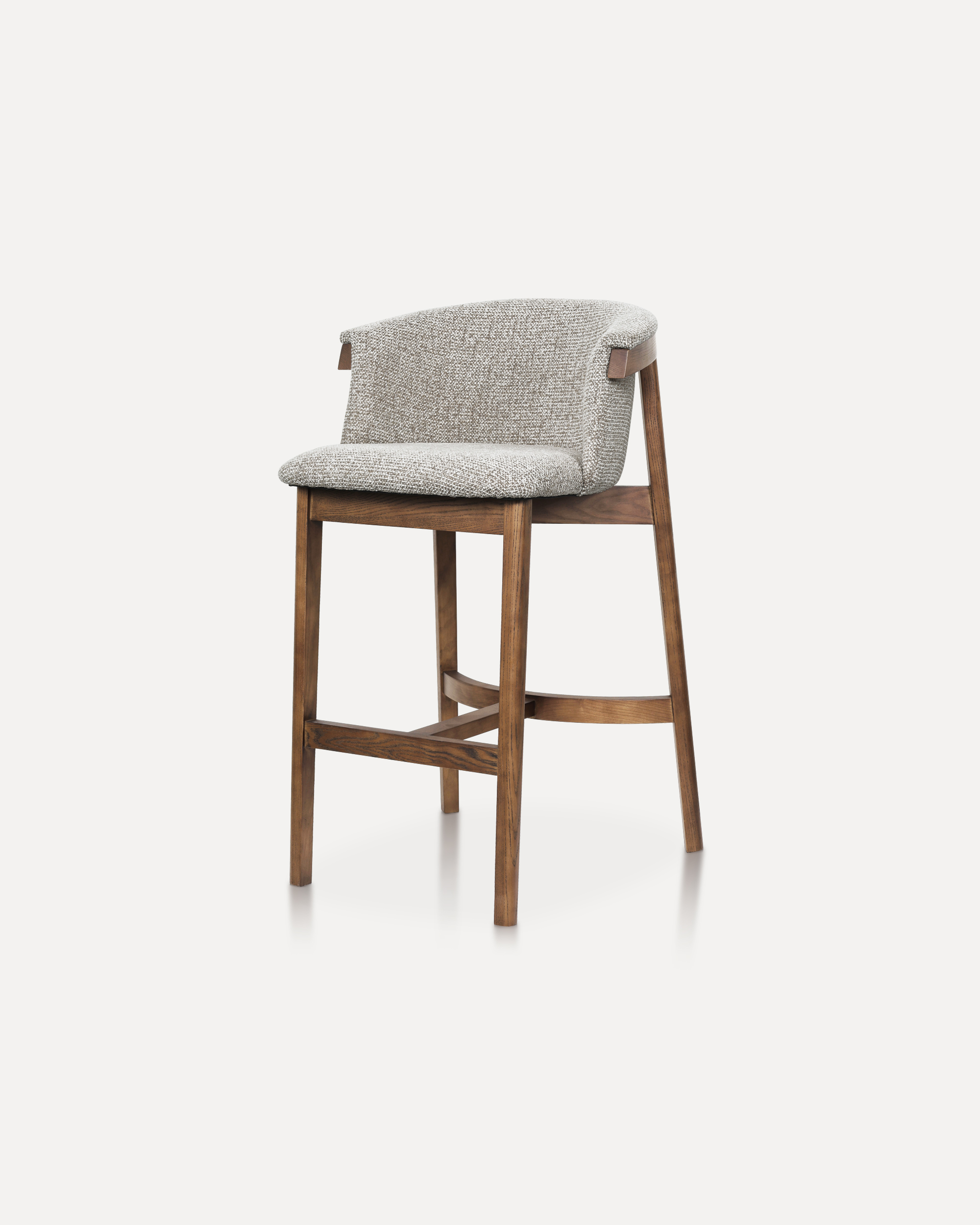
This sophisticated bar chair elevates any counter or high-top setting with its ...
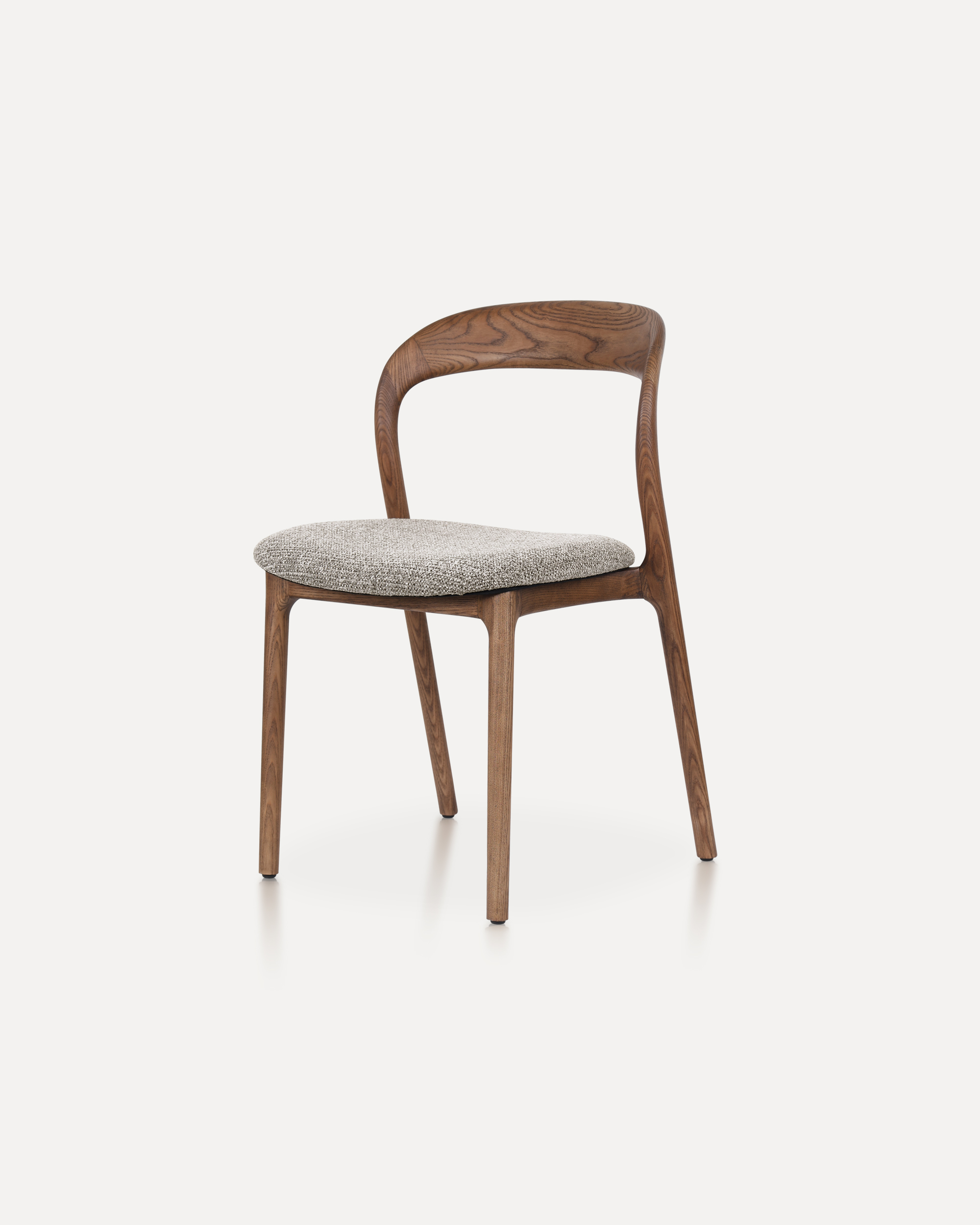
The Echo Chair is crafted from solid ashwood, featuring a unified back-and-arm ...
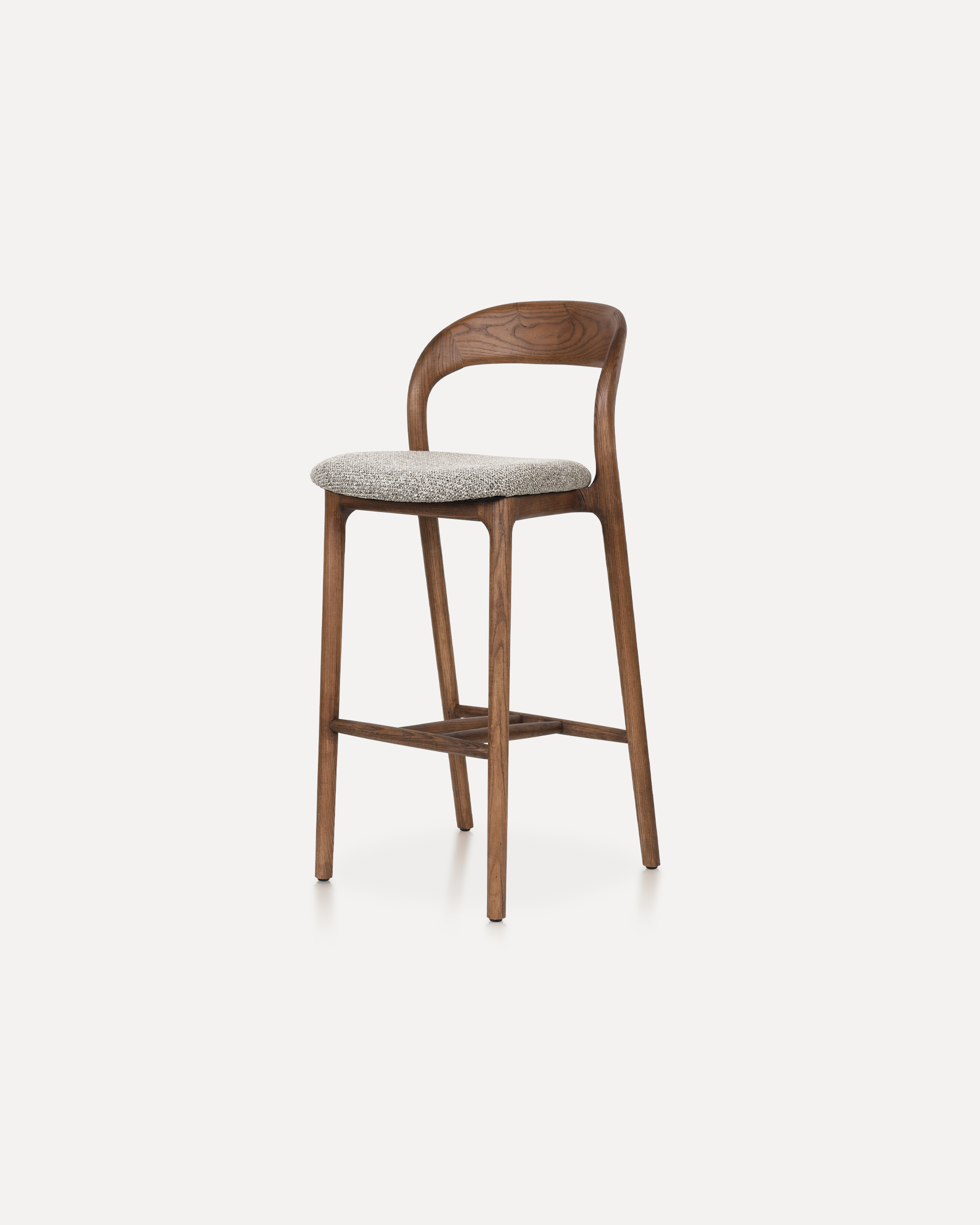
This Bar Chair is a counter-height seating solution crafted from solid ashwood ...
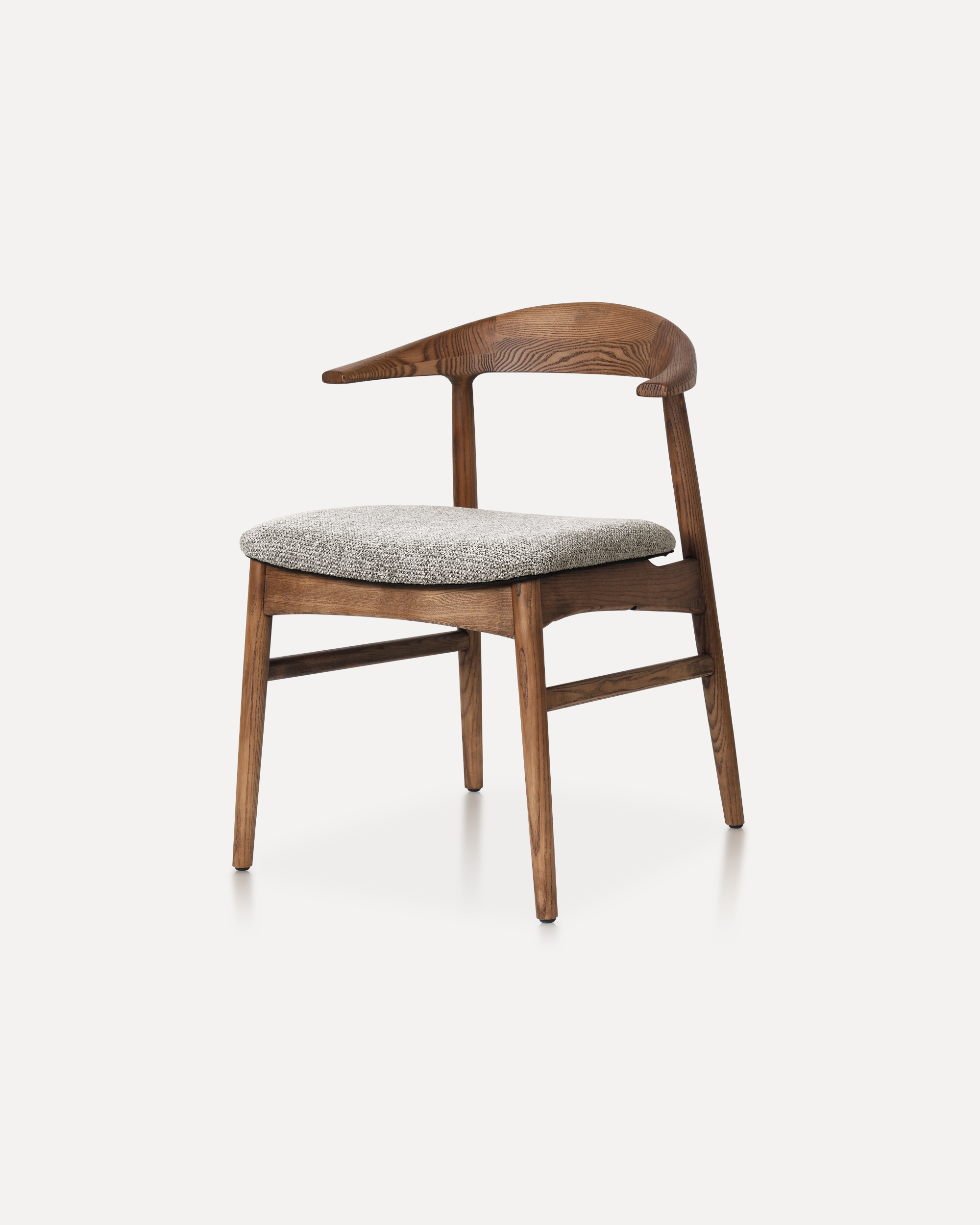
The Horizon Chair reinterprets mid-century warmth for today’s refined interiors...
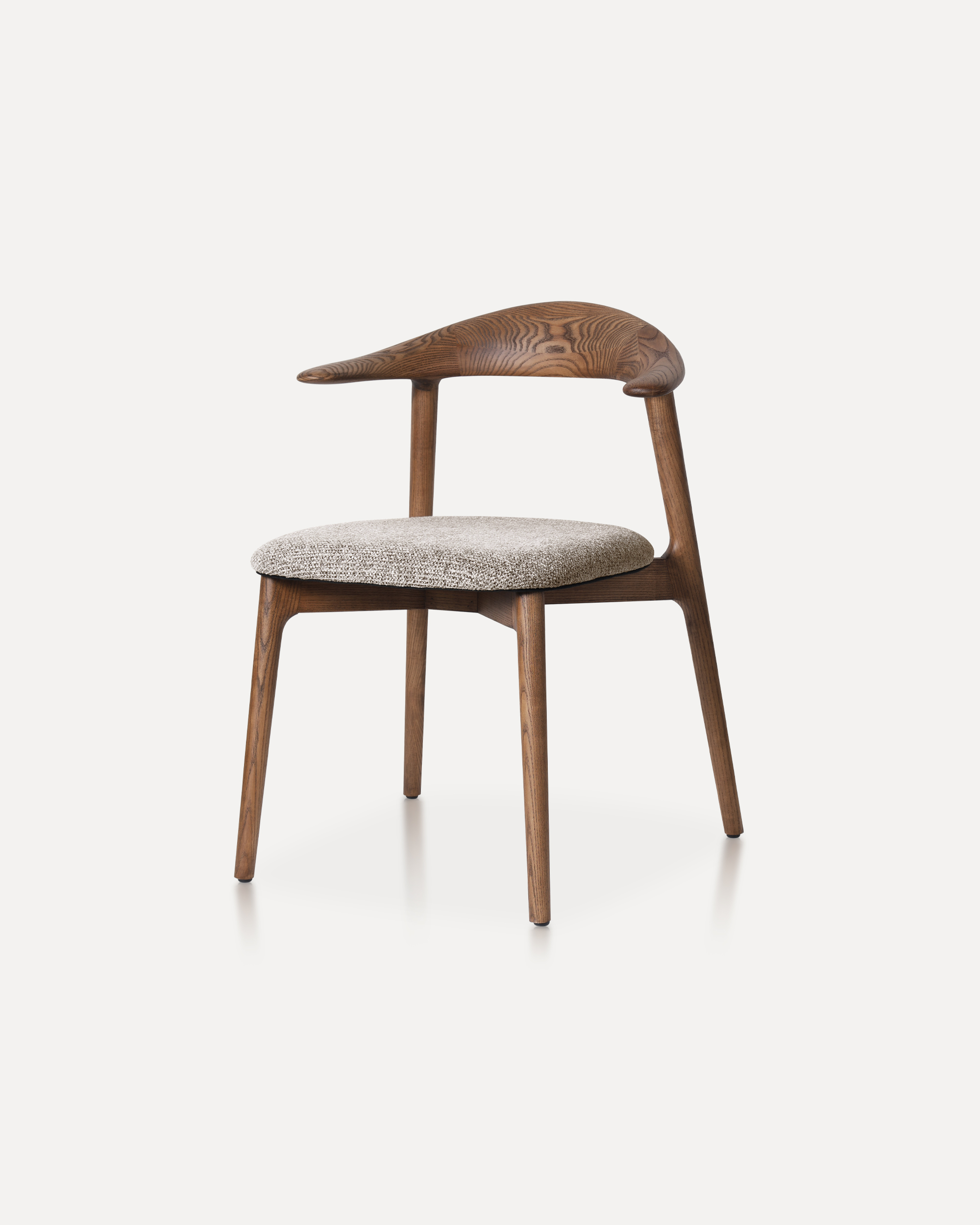
This classic features a striking, organic backrest carved from a single slab of...