
 English
  Français
 Español
Industry News
MENU

Content
A computer chair is not just something you sit on—it directly affects your posture, comfort, and long-term health. Whether you work at a desk all day, play games for hours, or switch between tasks, the right computer desk chair can reduce back pain, neck strain, and fatigue. A poorly designed chair, on the other hand, can quietly cause discomfort that builds up over time.
An ergonomic computer chair is designed to support your body in a natural sitting position. When comparing options, focus on features that adjust to you rather than forcing you to adapt to the chair.
Not all computer chairs are used the same way. Your main activity should guide your choice, as comfort needs can differ between office work, gaming, and home use.
For office tasks, a professional computer chair with strong lumbar support and breathable materials works best. Mesh backs are popular because they improve airflow and help prevent overheating during long workdays.
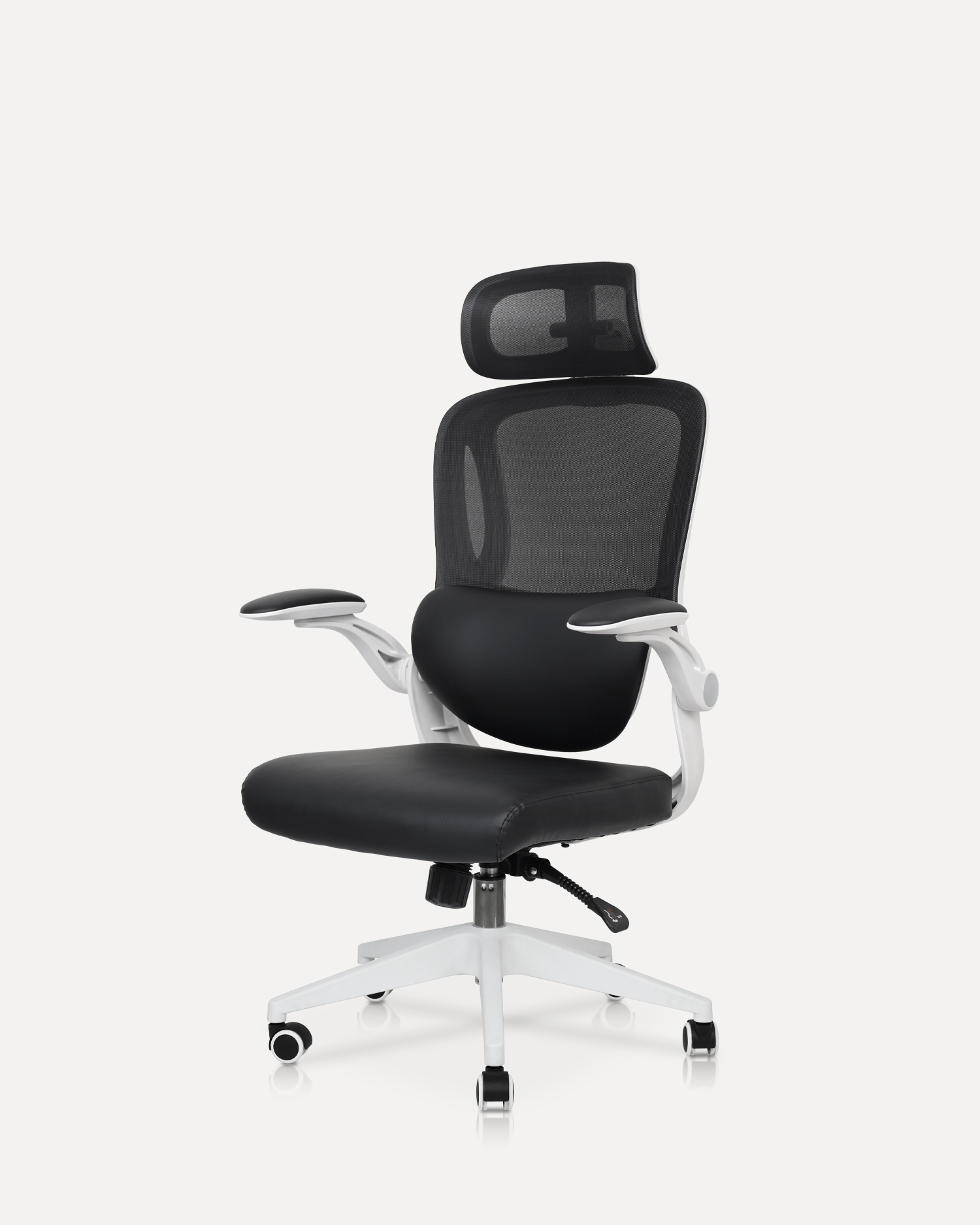
Gaming computer chairs often have high backs, headrests, and extra padding. These features help maintain comfort during long gaming sessions, especially when paired with adjustable recline and neck support.
For occasional use, a simple computer chair with basic height adjustment and cushioning may be enough. The focus here is balance—comfort without unnecessary complexity.
The materials used in a computer chair affect both comfort and durability. Understanding these differences helps you avoid chairs that wear out too quickly.
| Material | Main Advantage | Best For |
| Mesh | Breathable and cool | Long work hours |
| PU Leather | Easy to clean, stylish | Gaming or home offices |
| Fabric | Soft and comfortable | Casual use |
Even the best computer chair won’t help if it’s not adjusted properly. Start by setting the seat height, then adjust the backrest and armrests so your body feels supported without tension. Your monitor should be at eye level, and your elbows should rest naturally at desk height.
Regular maintenance keeps your computer chair comfortable and safe. Tighten screws every few months, clean the surface based on material type, and avoid exceeding the weight limit. Small habits like these can significantly extend the chair’s usable life.
A well-chosen computer chair is an investment in daily comfort and productivity. By focusing on ergonomics, materials, and proper adjustment, you can find a chair that supports your body and fits your lifestyle—whether you’re working, gaming, or just browsing at your desk.
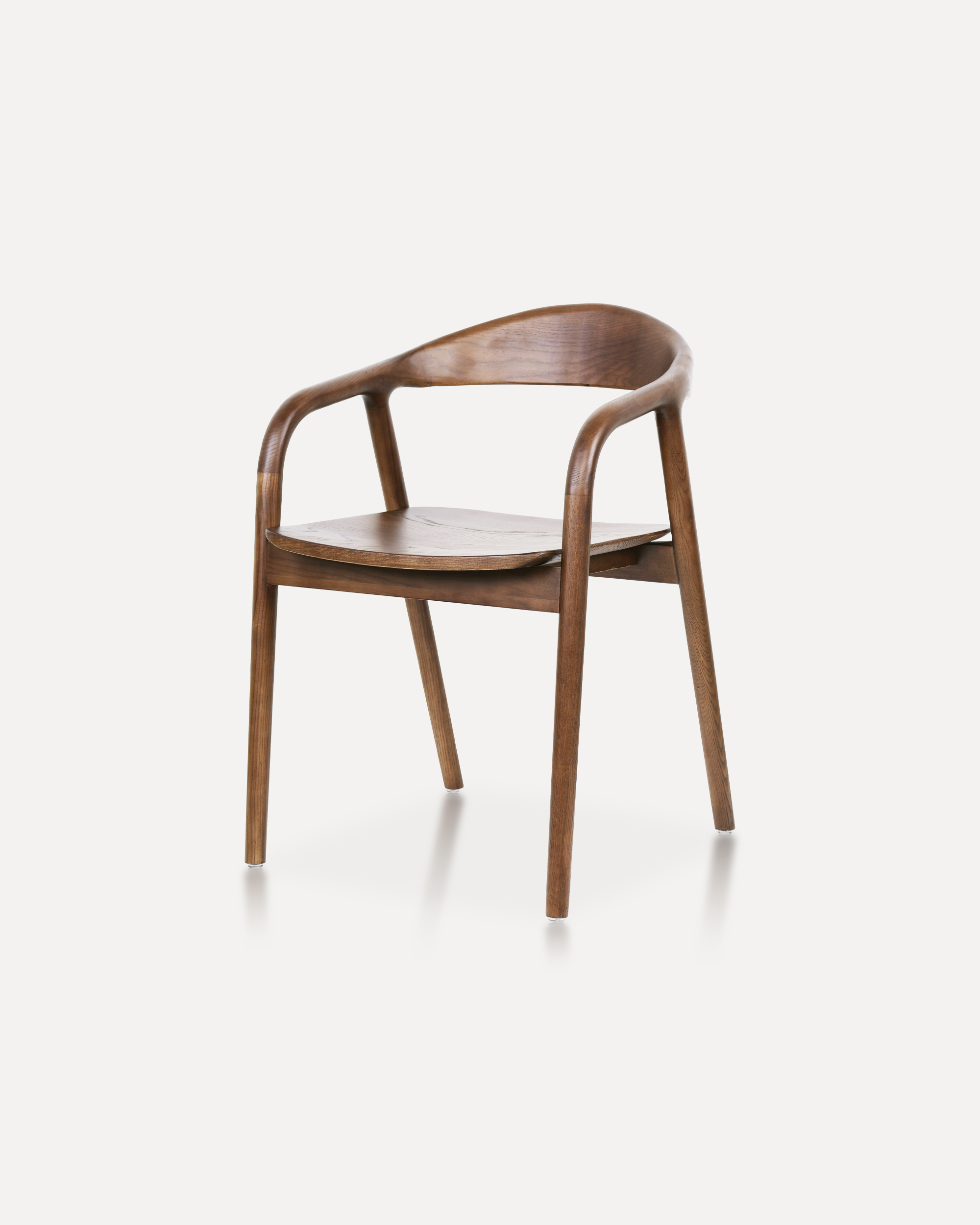
Crafted entirely from solid ash wood, this chair embodies a refined balance of ...
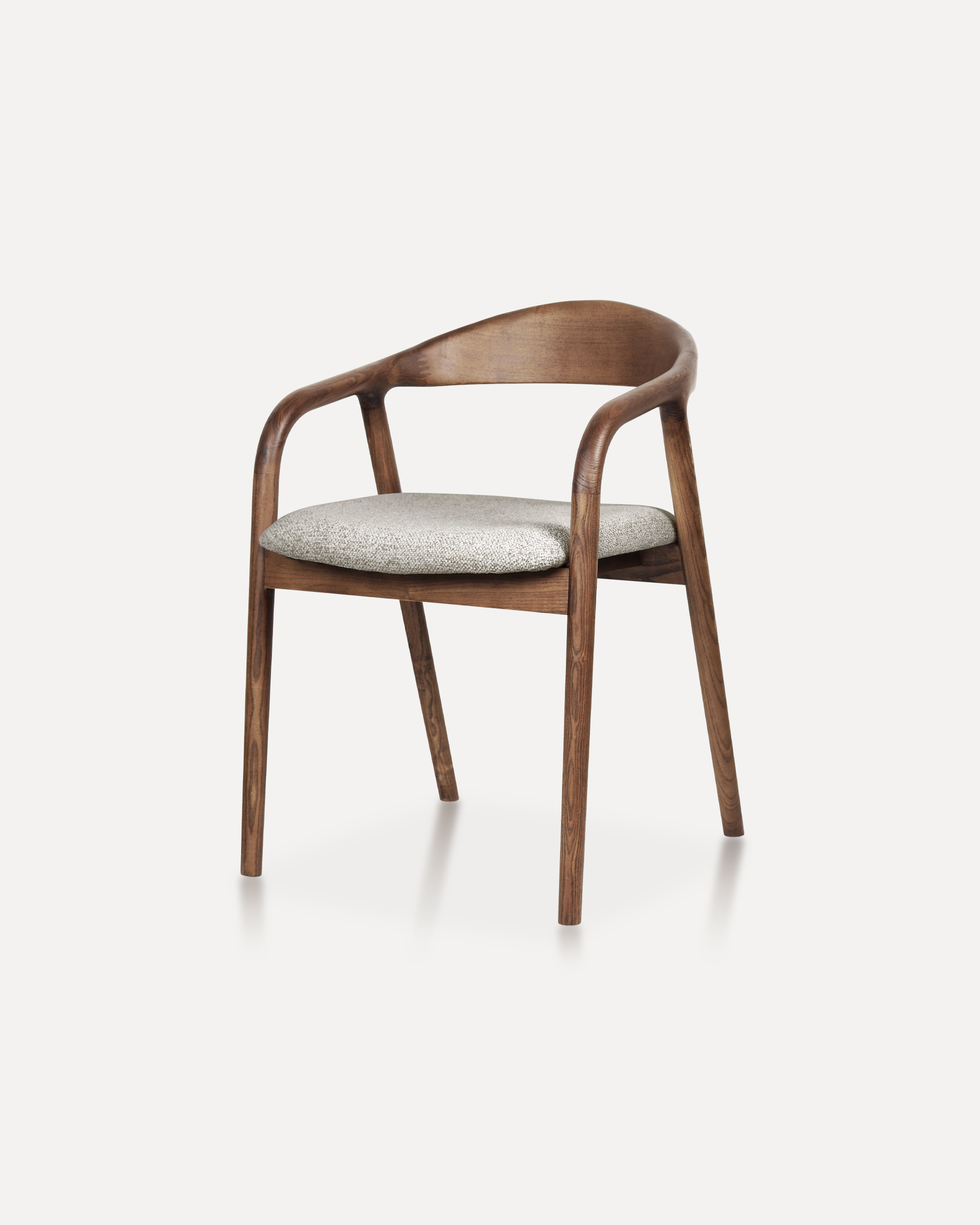
Showcases a refined silhouette with smooth, curved armrests and a gently rounde...
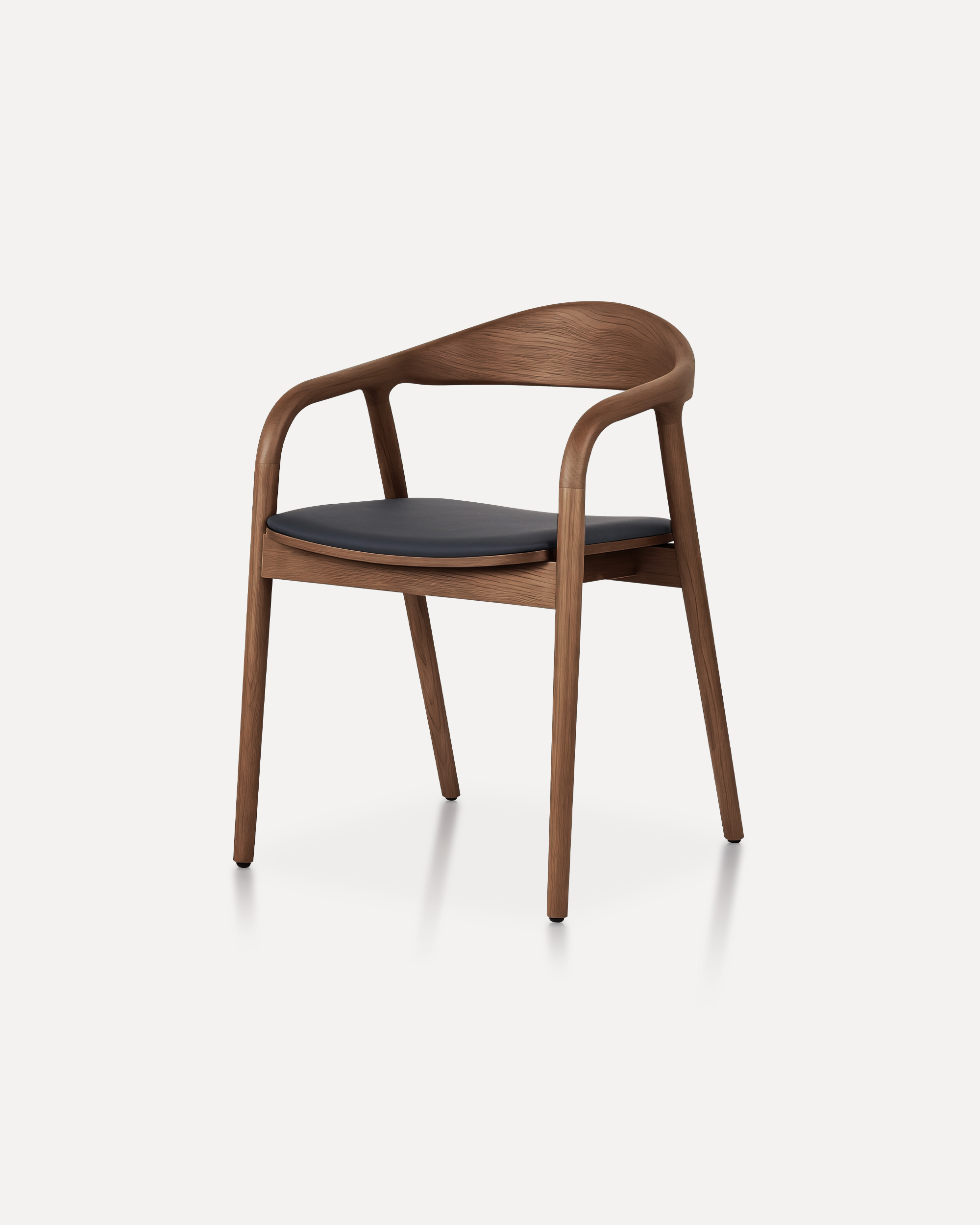
A masterclass in refined joinery and organic geometry, the Arc Chair features a...
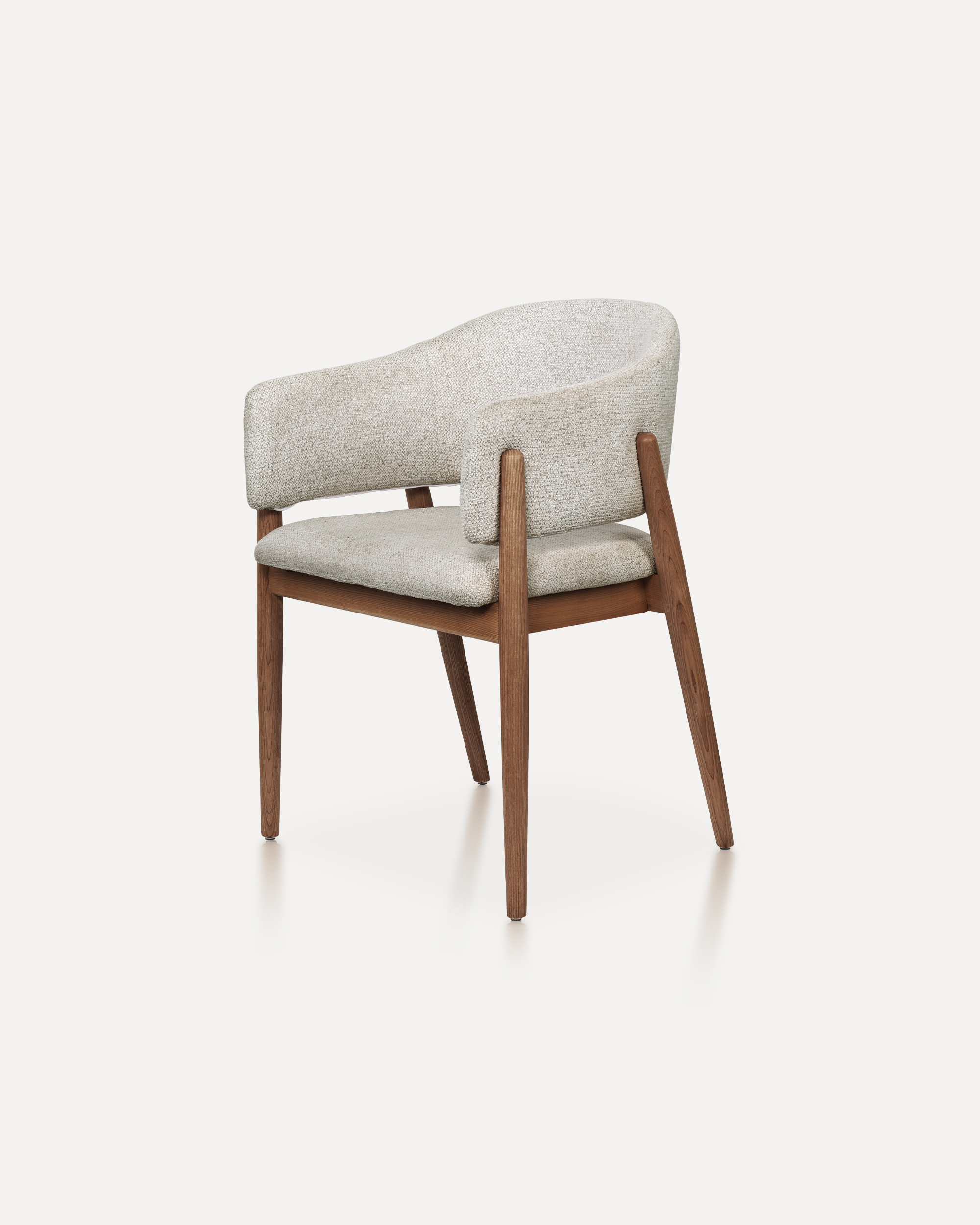
With its refined proportions and welcoming form, this chair brings quiet sophis...
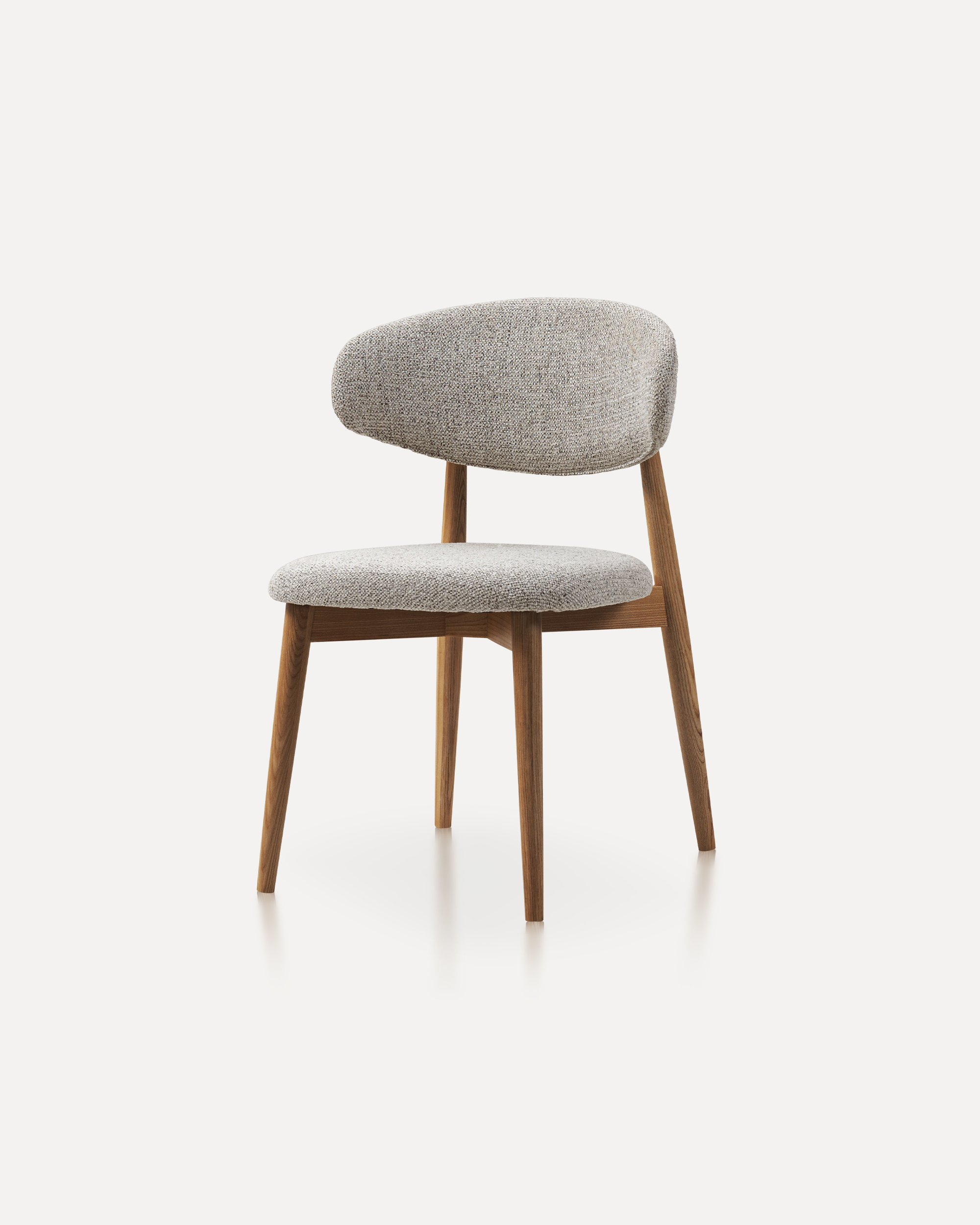
This wooden chair is a classic furniture piece that exudes warmth, durability, ...
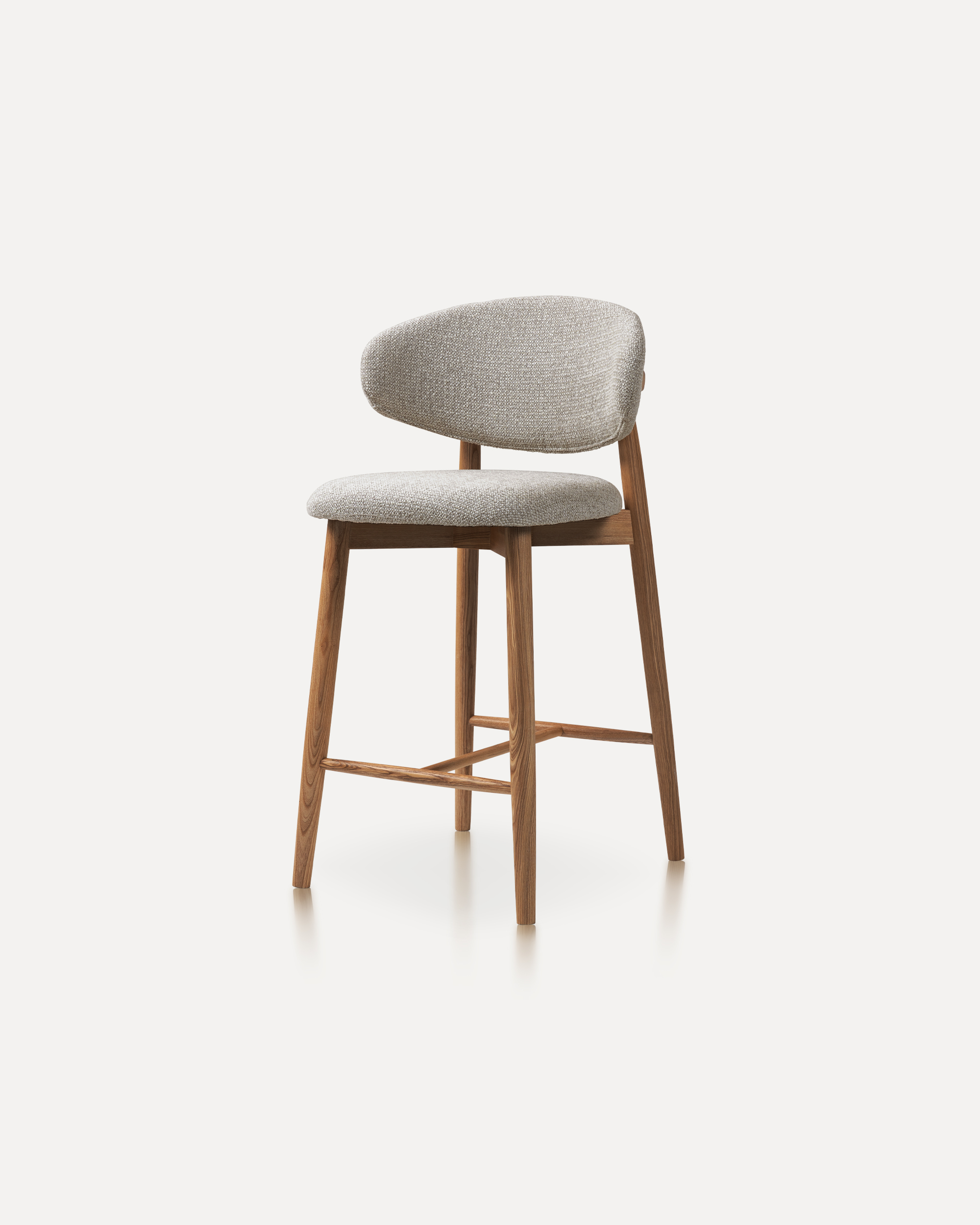
Our Wood Bar Stools are the perfect addition to any high-top table or bar setti...
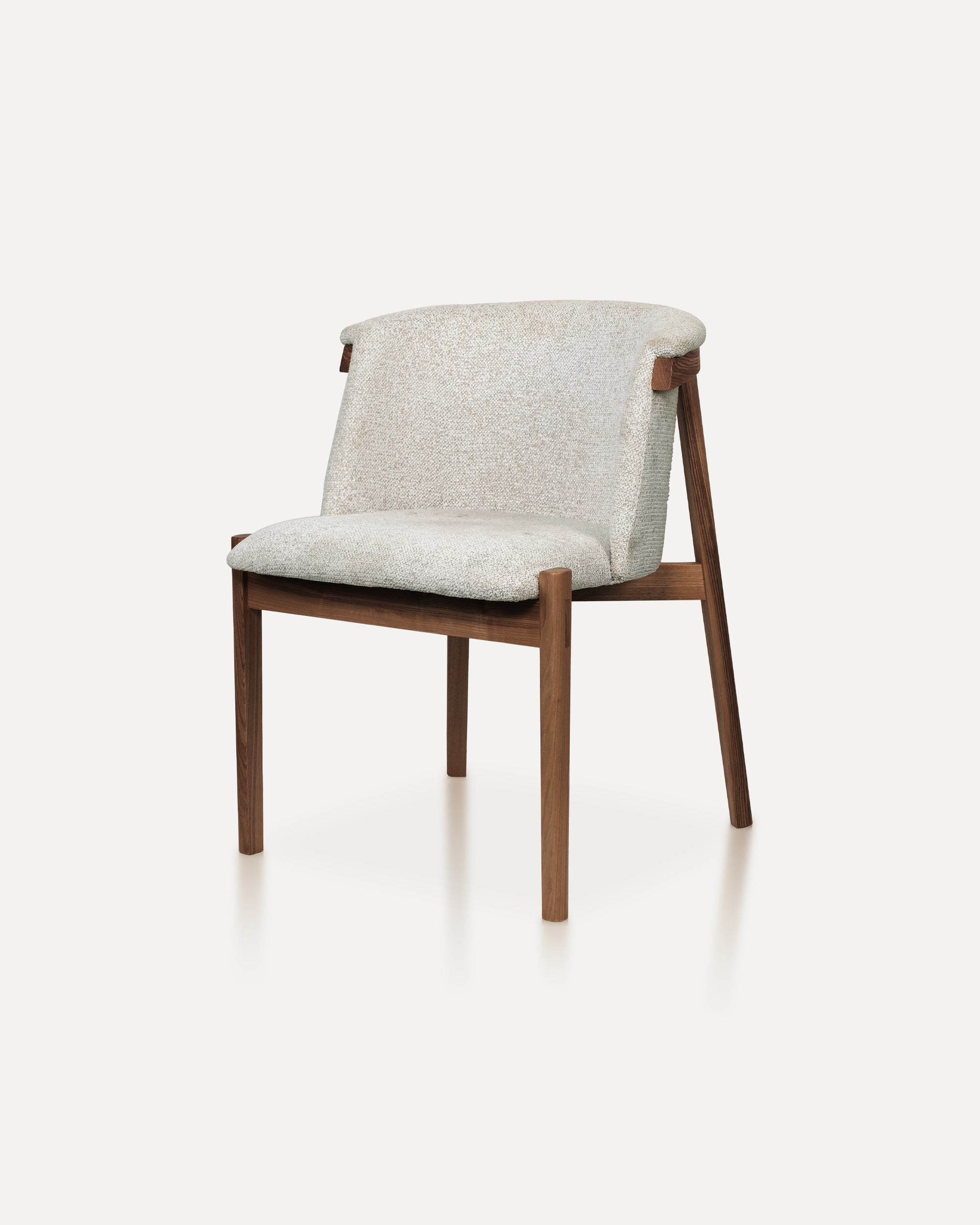
Bring natural elegance into your home with this finely crafted chair. The desig...
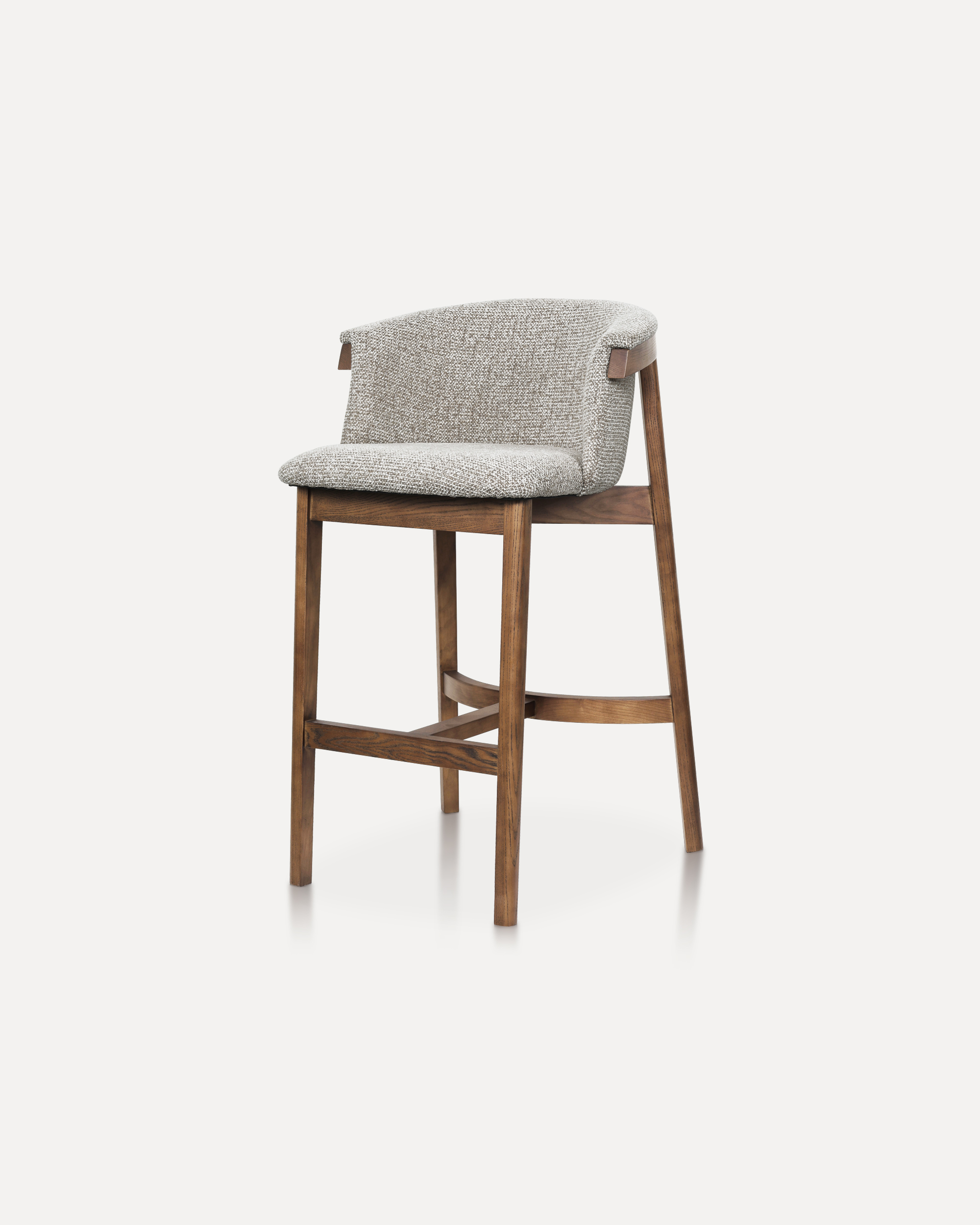
This sophisticated bar chair elevates any counter or high-top setting with its ...
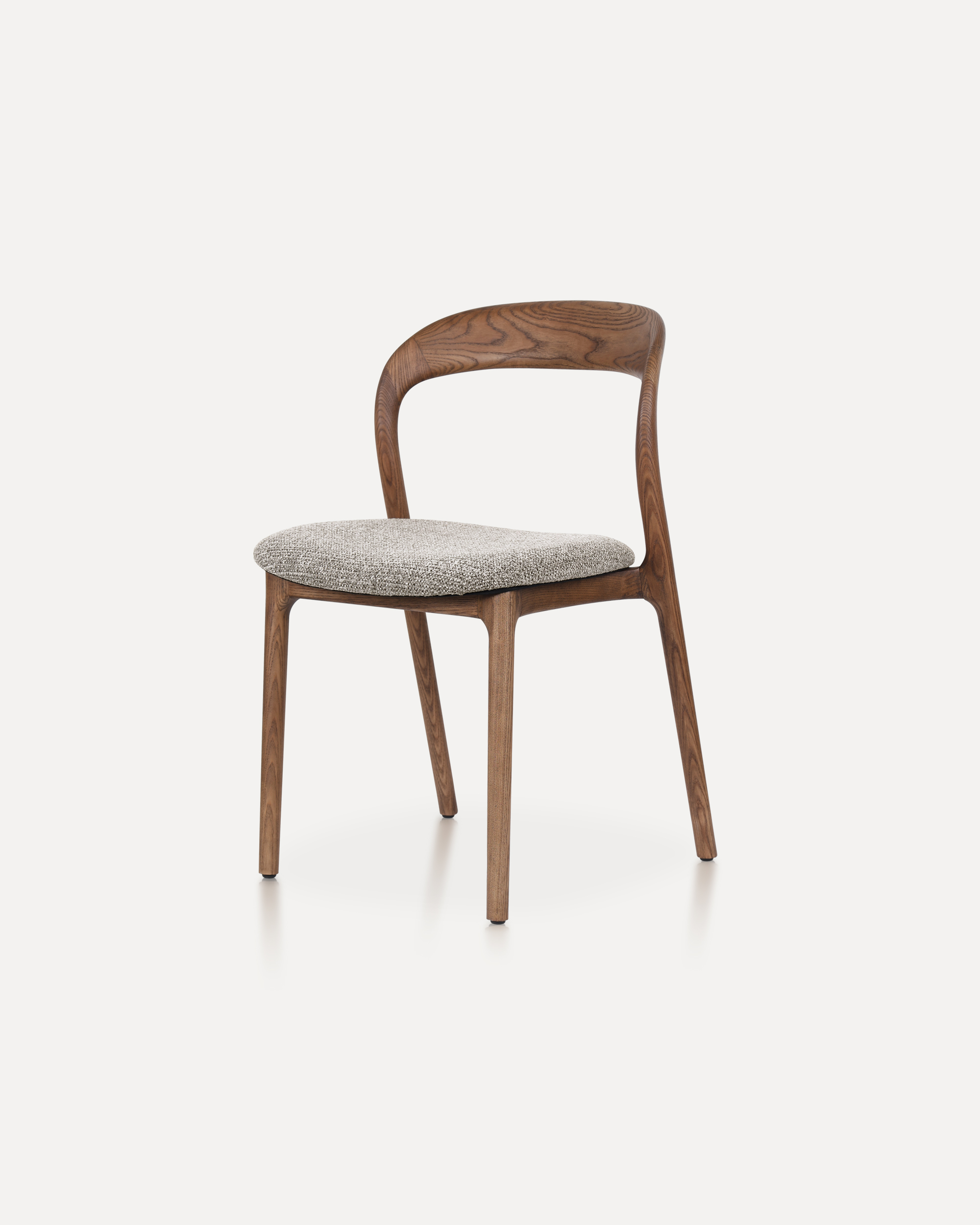
The Echo Chair is crafted from solid ashwood, featuring a unified back-and-arm ...
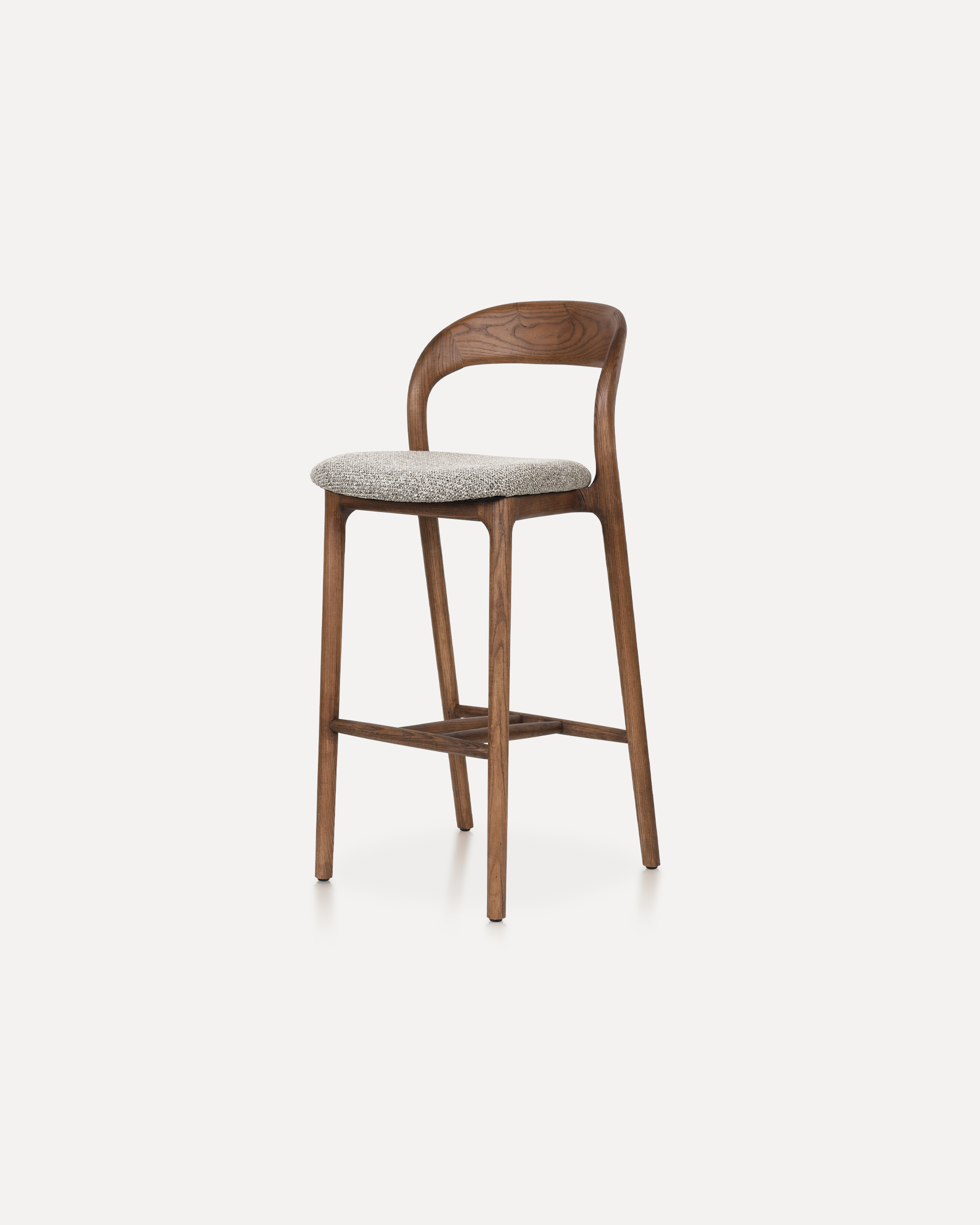
This Bar Chair is a counter-height seating solution crafted from solid ashwood ...
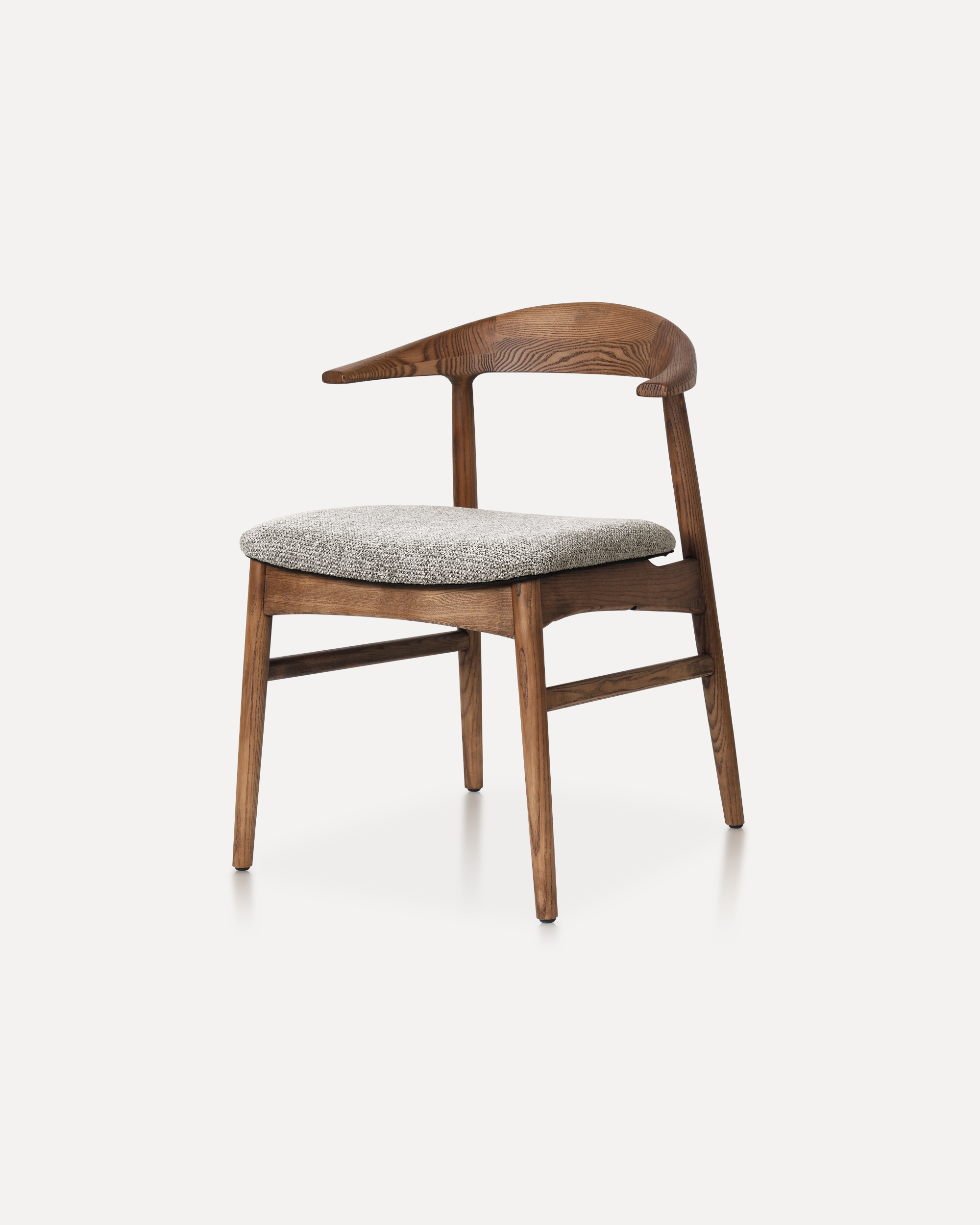
The Horizon Chair reinterprets mid-century warmth for today’s refined interiors...
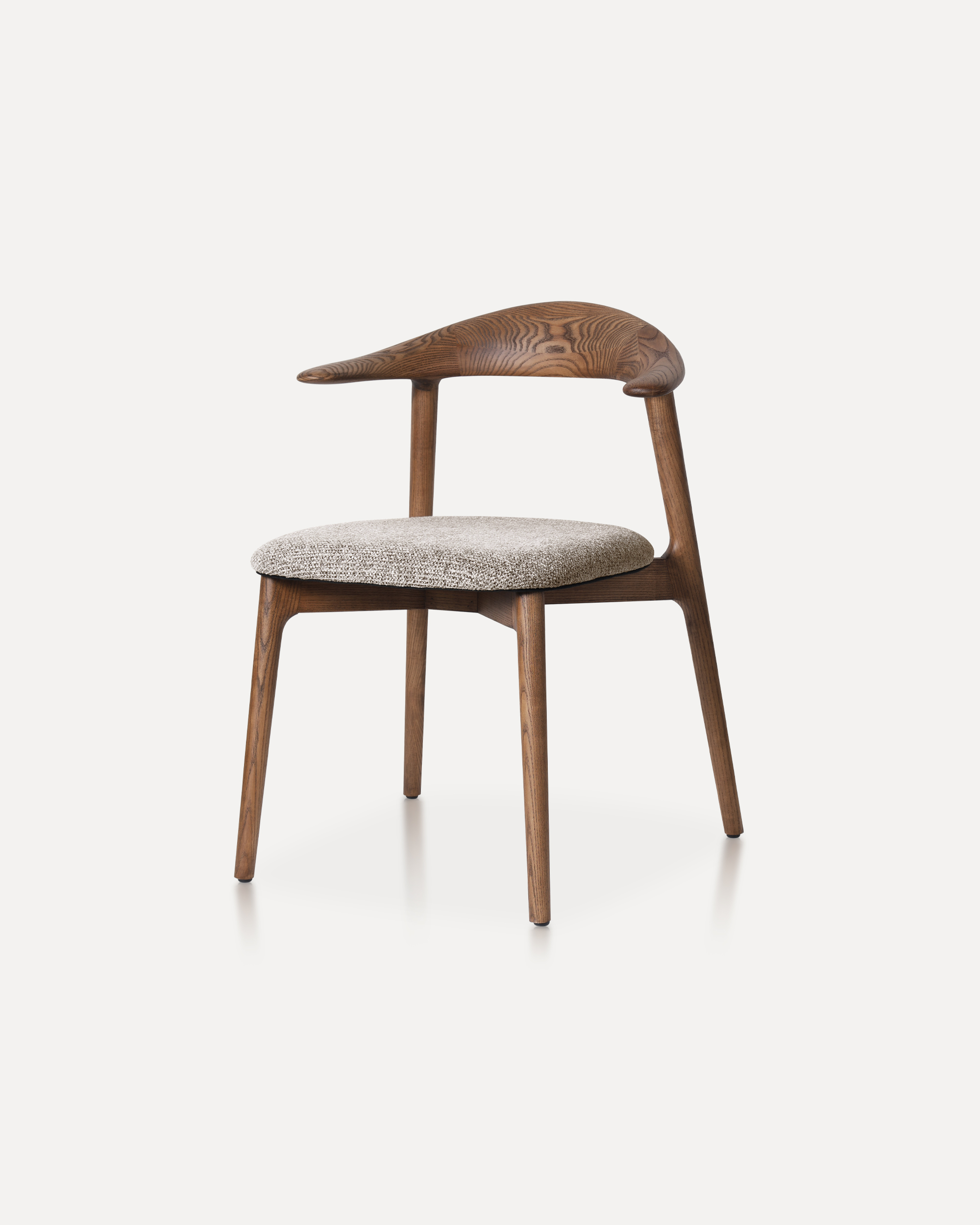
This classic features a striking, organic backrest carved from a single slab of...